

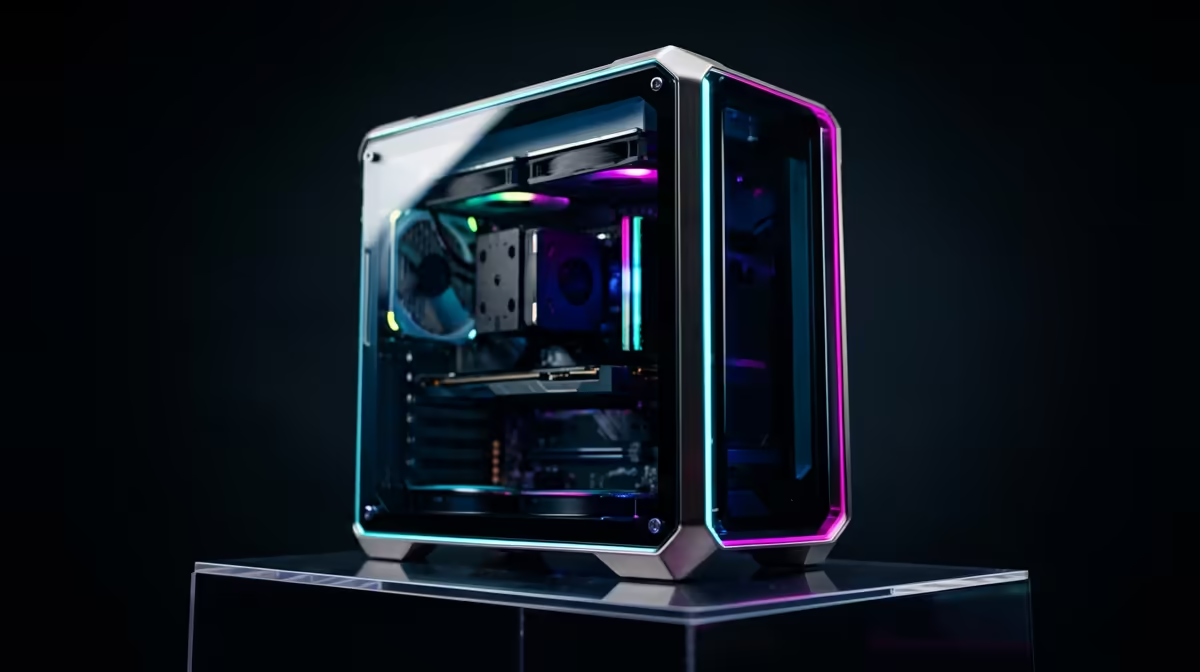
Staring at a stuttering timeline in Adobe Premiere Pro is enough to test anyone's patience. For South African creators, the dream of a smooth 4K editing workflow often feels out of reach, especially on a tight budget. But what if you could build a powerful, optimised editing PC build under R30k? It's not just possible; it's the sweet spot for incredible performance without emptying your wallet. Let's dive into how to spec the perfect machine for Adobe users.
Why Your Gaming PC Might Struggle with Adobe
You might think that a PC built for gaming would crush video editing, but that's not always the case. Gaming prioritises high frame rates, relying heavily on the graphics card (GPU). While a good GPU is important for editing, Adobe's Creative Suite often leans more on the processor (CPU) for tasks like encoding and handling complex effects.
Many budget gaming PCs are designed with CPUs that have blistering single-core speeds but fewer cores overall. For video editing and rendering, having more cores and threads can make a massive difference. It's a different kind of horsepower. While our best gaming PC deals offer incredible value for gamers, a dedicated editing rig requires a more balanced approach.
The Core Components for a Killer R30k Editing Rig 🔧
Building the ultimate editing PC build under R30k is all about smart component choices. You need to focus your budget where it matters most for Adobe's software. Forget flashy RGB lighting for a moment; let's talk raw power.
### The CPU: Your Creative Engine
The CPU is the heart of your editing machine. For Adobe Premiere Pro and Media Encoder, Intel CPUs with Quick Sync Video technology are fantastic. This dedicated hardware on the chip dramatically accelerates H.264 and H.265 video encoding and decoding, freeing up your CPU and GPU for other tasks. A modern Intel Core i5 or i7 processor is a brilliant starting point.
### RAM: The Unsung Hero of After Effects
Ever seen the dreaded "Your system has run out of application memory" message? That's usually After Effects asking for more RAM. For a smooth Adobe workflow in 2024, 32GB of RAM is the recommended minimum. It allows you to run multiple apps like After Effects, Photoshop, and Premiere Pro simultaneously without your system grinding to a halt. While some powerful PCs under R20k might start with 16GB, stepping up to 32GB is a worthy investment for any serious creator.
### Storage: Speed is Everything 🚀
Your storage setup can make or break your editing experience. A fast NVMe SSD (Solid State Drive) is non-negotiable for your operating system, software, and active project files. The difference in speed compared to an old hard drive is night and day. A great setup for an R30k build is a 1TB NVMe SSD for your main drive and a larger, more affordable SATA SSD or HDD for archiving completed projects and storing assets.
Optimise Your Adobe Cache ⚡
default, Adobe apps save their media cache files to your main C: drive. This can slow your system down over time. Go into your preferences (Edit > Preferences > Media Cache) and move your cache files to your fastest secondary SSD. This simple trick can significantly improve timeline performance and scrubbing speed!
Putting It Together: Pre-Built vs. DIY
Now that you know the key components, the question is: do you build it yourself or opt for a pre-built system? While building a PC can be rewarding, sourcing parts and ensuring compatibility can be a headache. For a budget of around R30,000, you can get a professionally assembled and tested machine that’s ready to go straight out of the box.
This approach saves you time and gives you the peace of mind of a full system warranty. You can explore a wide variety of custom PCs above R20k to see just how much performance your budget can get you. These systems are balanced specifically for demanding tasks, ensuring you get a reliable workhorse for your creative projects.
Ultimately, an editing PC build under R30k is the perfect investment for South African creators looking to level up their workflow. By focusing on a balanced component selection, you can build a machine that flies through renders and lets you focus on what truly matters… creating amazing content. Taking advantage of Evetech's pre-built PC deals is often the smartest and most efficient way to get the power you need, backed by expert support. ✨
Ready to Stop Waiting and Start Creating? A slow PC shouldn't hold back your vision. An optimised editing PC is your ticket to smoother timelines and faster renders. Use our advanced PC builder to configure the perfect machine or chat with our experts today!











