

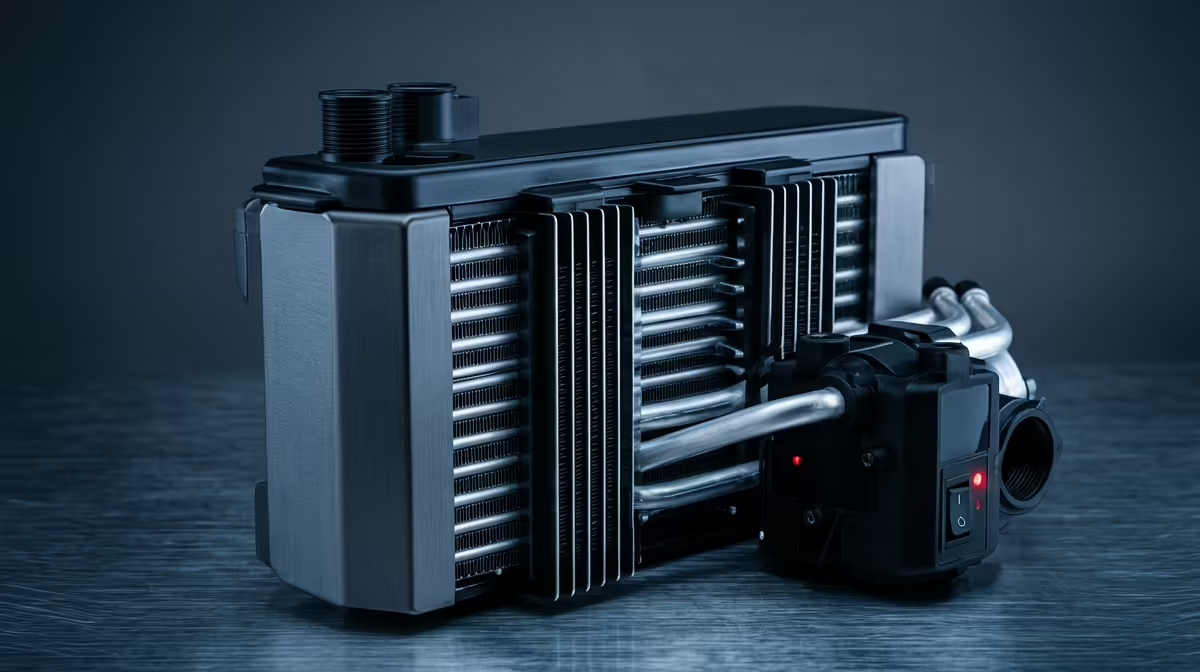
Your timeline is stuttering. The render estimate just jumped by an hour. Sound familiar? In South Africa, our powerful editing PCs often battle more than just complex 4K footage... they battle the heat. Proper PC cooling isn't a luxury for creators; it's the key to unlocking consistent performance and protecting your investment. This guide breaks down everything you need to know about editing PC cooling in South Africa, ensuring your machine stays frosty when the deadline pressure is on. ❄️
Why Cooling Your Editing PC is Non-Negotiable
When your processor (CPU) or graphics card (GPU) works hard during a video render or complex timeline playback, it generates a lot of heat. If that heat isn't removed efficiently, the component will automatically slow itself down to prevent damage. This is called "thermal throttling," and it's the number one enemy of a smooth creative workflow.
For a content creator, this means:
- Longer Render Times: A throttled CPU can add hours to an export.
- Laggy Previews: Scrubbing through 4K or 6K footage becomes a nightmare.
- System Instability: Overheating can lead to unexpected crashes, costing you precious work.
Effective editing PC cooling isn't just about bolting on a fan; it's a strategy to maintain peak performance, especially during our hot South African summers.
Air Cooling vs. Liquid Cooling for Editing Rigs
The biggest decision you'll make is choosing between traditional air cooling and an All-In-One (AIO) liquid cooler. Both have their place in a high-performance editing rig.
The Case for Air Cooling 🔧
Modern air coolers are incredibly efficient and reliable. They use a combination of heat pipes and a large heatsink with a fan to draw heat away from the CPU.
- Pros: Highly reliable (no moving parts besides the fan), cost-effective, and simple to install.
- Cons: Can be bulky, potentially interfering with tall RAM modules, and may not be sufficient for heavily overclocked, top-tier CPUs.
For many creators, a high-quality air cooler is the perfect solution, providing excellent performance without the complexity of liquid. It's a fantastic choice for building powerful editing PCs under R20,000 where every rand counts towards performance.
When to Choose Liquid Cooling (AIOs)
AIO liquid coolers use a closed loop of liquid to transfer heat from the CPU to a radiator, where it's dispersed by fans. They offer superior thermal performance, making them ideal for creators pushing their hardware to the absolute limit.
- Pros: Exceptional cooling power, often quieter under load, and a clean, professional aesthetic inside your case.
- Cons: More expensive, more complex to install, and has a (very small) potential for leaks.
If your workflow involves marathon rendering sessions on high-core-count processors, an AIO is a worthwhile investment. You'll find them in many of our pre-configured latest Intel PC deals designed for maximum sustained performance.
Key Cooling Components for Your Build
A great CPU cooler is just one part of the puzzle. A holistic approach to your PC's cooling system ensures every component runs optimally.
Case Fans & Airflow
Your PC case is not just a box; it's a wind tunnel. The goal is to create a clear path for cool air to enter, pass over your hot components, and exit. A typical setup involves intake fans at the front and exhaust fans at the rear and top. This entire system is crucial for keeping both the CPU and GPU happy, which is vital in modern AMD Ryzen-powered systems that pair powerful processors with heat-generating graphics cards.
Silent Performance Pro Tip 🤫
into your motherboard's BIOS UEFI to set custom fan curves. You can tell your fans to stay whisper-quiet during light tasks like scripting, and only ramp up during heavy renders. This gives you the best of both worlds: a silent workspace and powerful cooling when you need it most. It's a free performance and comfort upgrade!
Thermal Paste
This often-overlooked material sits between your CPU and the cooler, filling microscopic imperfections to ensure efficient heat transfer. Using a high-quality thermal paste can genuinely lower your CPU temperatures by several degrees. It's a small detail that makes a big difference in the overall effectiveness of your editing PC cooling solution.
Ready to Build a Cooler, Faster Editing PC? Don't let thermal throttling kill your creativity. The right cooling solution is the foundation of a reliable, high-performance editing rig in South Africa. Design your ultimate editing rig with our PC builder and choose the perfect components to keep your projects flowing smoothly.











