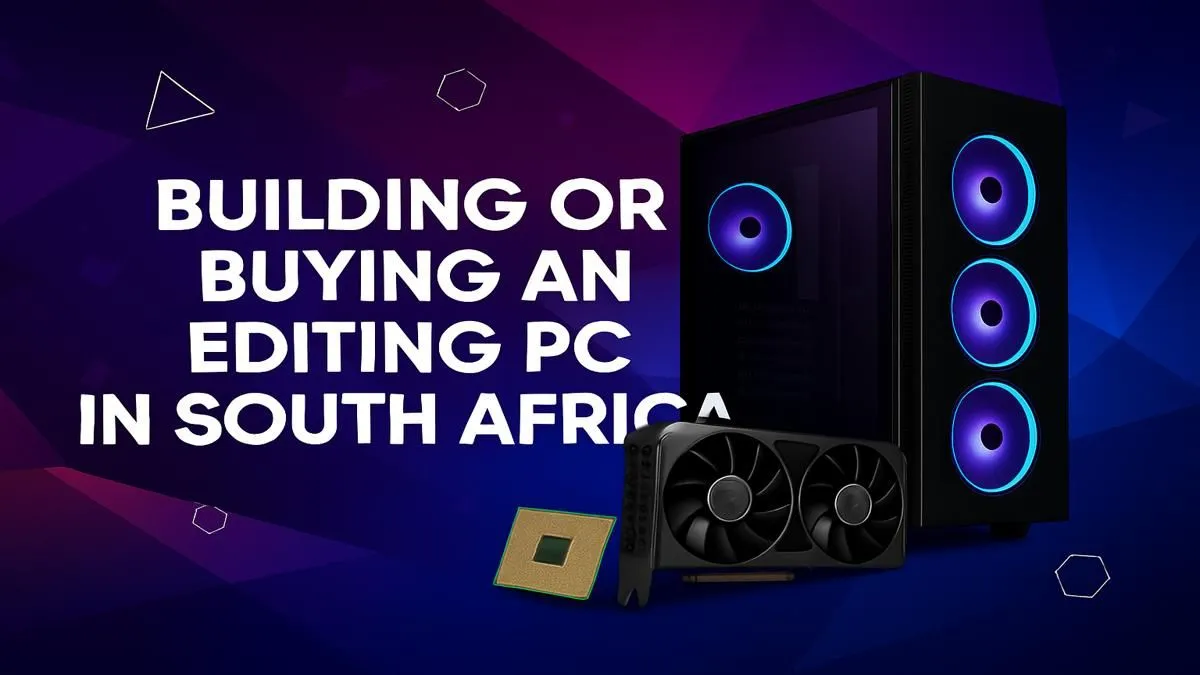
So, you’re a creator in South Africa. Your timeline is lagging, your renders are taking an eternity, and you’ve finally decided to upgrade your rig. The big question looms: do you dive into the world of components and build your dream editing PC, or do you save the headache and buy a professionally assembled machine? It’s a classic dilemma for any creative, pitting customisation against convenience. Let's break down which path is right for your next editing PC in South Africa.
The Case for Building Your Own Editing PC 🔧
Building a PC from scratch is a rite of passage for many tech enthusiasts. You get to hand-pick every single component, from the motherboard to the case fans. This granular control is the biggest drawcard.
The Upsides of a DIY Build
- Total Customisation: Need a ton of RAM for After Effects but a modest GPU? You can allocate your budget exactly where your workflow demands it. You control the aesthetic, the cooling, and every performance nuance.
- Potential Savings: If you're savvy and hunt for deals, you can sometimes build a machine for less than a comparable pre-built one. It's a great way to learn the inner workings of your most important tool.
- The Satisfaction: There's nothing quite like pressing the power button for the first time on a machine you built with your own two hands. It’s a rewarding experience.
However, the DIY route isn't for everyone. It requires research, patience, and a willingness to troubleshoot when things don't work immediately. You'll also be managing multiple warranties for individual parts instead of a single point of contact.
Why Buying a Pre-Built Editing PC Makes Sense
For many professionals and aspiring creators, time is money. Spending hours researching compatibility and building the machine is time you could be spending on paid projects. This is where buying a pre-built editing PC shines.
The Advantages of a Pre-Built Rig
- Plug & Play Convenience: It arrives at your door ready to go. Unbox it, plug it in, install your software, and get to work. The operating system is installed, and drivers are updated. Simple. ✨
- Expert Assembly & Testing: Reputable builders like Evetech stress-test components to ensure they work perfectly together. This eliminates guesswork and ensures stability under heavy loads—crucial for a reliable workstation.
- One Warranty, One Support Team: If something goes wrong, you have one number to call. No more diagnosing which component failed; you get comprehensive support for the entire system.
- Excellent Value: While DIY can be cheaper, builders often get bulk pricing on parts, passing those savings on. You can find some incredibly powerful pre-built PCs under R20,000 that offer a fantastic starting point for any editor.
Buying a pre-built system is the smart choice for creatives who value stability, support, and getting straight to work.
Storage Strategy for Editors ⚡
For a blazing-fast editing experience, use a three-tiered storage setup. 1) A primary NVMe SSD for your OS and editing software. 2) A secondary, larger NVMe or SATA SSD as a 'scratch disk' for active project files and cache. 3) A large, affordable HDD for archiving completed projects and storing raw footage. This prevents bottlenecks and keeps your timeline smooth.
Core Components for any Editing PC in South Africa
Whether you build or buy, understanding the key components is vital. Your choice of software (e.g., DaVinci Resolve, Premiere Pro, Final Cut) will influence which parts to prioritise.
### The CPU: Your Rig's Engine
The Central Processing Unit (CPU) handles tasks like encoding, decoding, and rendering. More cores and higher clock speeds generally mean faster performance.
- Intel: Often praised for strong single-core performance and features like Quick Sync Video, which can accelerate encoding in certain apps. If your workflow benefits from this, be sure to check out the latest Intel PC deals.
- AMD Ryzen: Known for offering incredible multi-core performance at competitive prices. This makes them a powerhouse for CPU-intensive tasks like 3D rendering and exporting complex timelines. You can explore our range of AMD Ryzen PCs to see the value they offer.
### The GPU: The Visual Workhorse
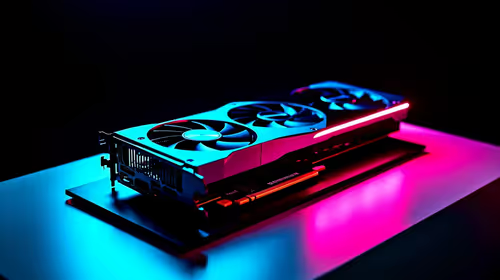
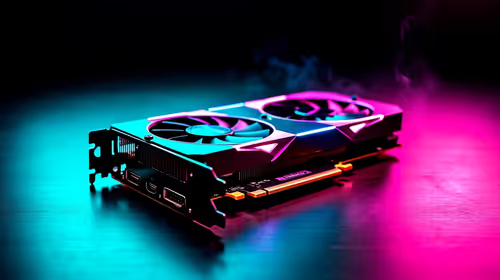
Your Graphics Processing Unit (GPU) is crucial for real-time playback of high-resolution footage, colour grading, and rendering GPU-accelerated effects. A powerful GPU with plenty of VRAM (video memory) will make your timeline buttery smooth. 🚀
### RAM and Storage: The Unsung Heroes
- RAM (Memory): This is your computer's short-term memory. For video editing, 16GB is the absolute minimum. 32GB is the sweet spot for 4K editing, and 64GB or more is recommended for complex motion graphics or 8K workflows.
- Storage (SSDs): A fast NVMe Solid State Drive (SSD) is non-negotiable for an editing PC in South Africa. It dramatically reduces loading times for your OS, applications, and footage, making the entire system feel snappy.
The Final Verdict: Build or Buy?
So, what's the right call for you?
Choose to build if you are a hobbyist who enjoys the process, you have very specific, non-standard component needs, and you're confident troubleshooting potential issues.
Choose to buy if you are a professional, a student, or a serious creator whose time is valuable. The peace of mind from a professional build, comprehensive warranty, and dedicated support allows you to focus on what truly matters: creating amazing content. For most people looking for a powerful and reliable editing PC in South Africa, a pre-built machine from a trusted source is the most efficient and effective path to a better workflow.
Ready to Power Up Your Creativity?
Stop waiting for renders and start creating. A professionally built PC is the fastest way to get a stable, powerful, and warrantied machine. Explore our range of Custom-Built PCs and configure the perfect editing rig for your needs today.