

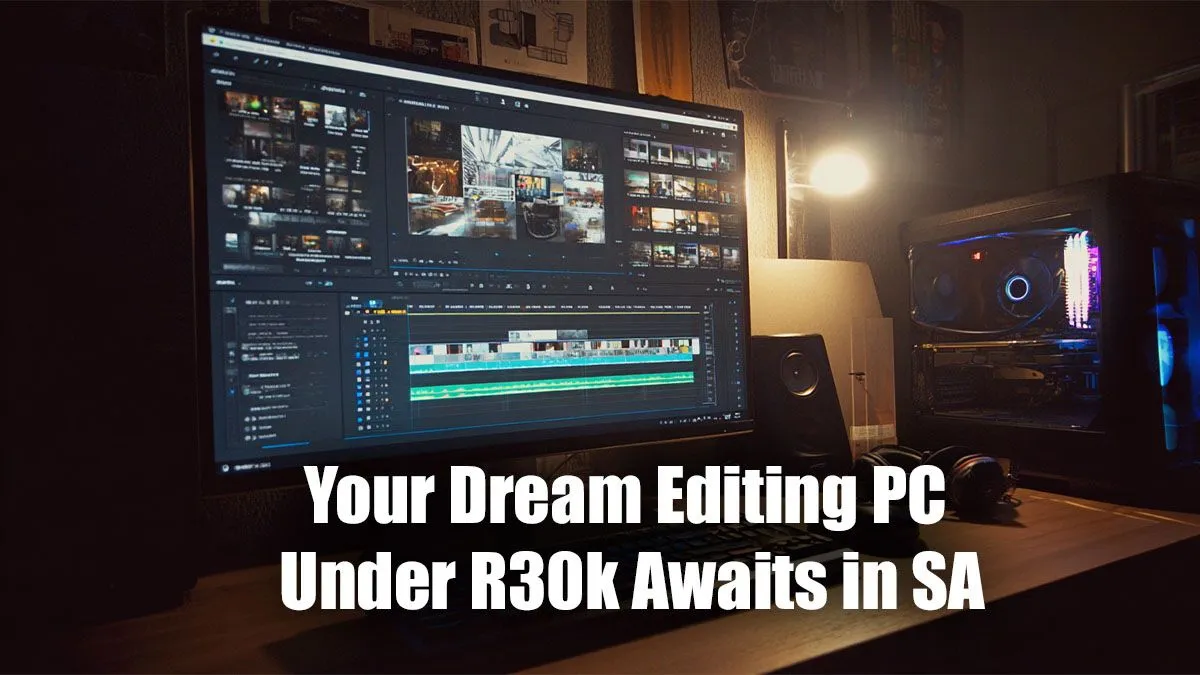
Staring at a stuttering timeline in DaVinci Resolve? That render bar moving slower than rush-hour traffic on the N1? We've all been there. The good news is you don't need to break the bank for a smooth creative workflow. A powerful editing PC under R30000 is not just a dream for South African creators; it's a completely achievable reality. Let's break down how to get you the performance you need without emptying your wallet.
Core Components for an Editing PC Under R30000
Building or buying a PC for creative work is a balancing act. Unlike a pure gaming rig, an editing machine needs a specific blend of components to handle large files, complex timelines, and demanding renders. At this price point, you're in a fantastic sweet spot for 1080p and even 1440p video editing.
Your budget allows you to look at some seriously powerful PCs above the R20k mark, where the component choices open up significantly. Here’s what to prioritise:
- Processor (CPU): This is the brain of your operation. For editing, more cores and threads mean faster rendering. Look for a modern Intel Core i5 or AMD Ryzen 5 with at least 6 cores. This ensures smooth playback and cuts down those export times dramatically.
- Graphics Card (GPU): Your GPU accelerates visual effects, colour grading, and timeline playback. NVIDIA's RTX series is a popular choice due to its CUDA cores, which are well-optimised for software like Adobe Premiere Pro. Many of our excellent gaming PC deals feature GPUs that are perfect for this dual-purpose role.
- Memory (RAM): For video editing, 16GB of RAM is the absolute minimum. However, an editing PC under R30000 can and should aim for 32GB. This allows you to run your editing software, a browser, and other apps simultaneously without your system grinding to a halt.
- Storage (SSD/HDD): Speed is everything. A fast NVMe SSD for your operating system and applications is non-negotiable. Pair it with a larger, more affordable SSD or HDD for storing your project files and raw footage. ⚡
Editing Pro Tip 💡
To dramatically improve timeline performance, use proxies! Most editing software (like Premiere Pro and DaVinci Resolve) can create low-resolution copies of your high-res footage. You edit with these smooth, lightweight files, and the software automatically swaps in the full-quality originals for the final export. It's the single best trick for editing 4K footage on a budget-friendly rig.
Pre-Built vs. Custom Build: The R30k Dilemma
So, should you build it yourself or buy a ready-made machine? There’s no single right answer, but your R30k budget gives you great options either way.
A pre-built system offers peace of mind. It arrives tested, warrantied, and ready to go straight out of the box. You don't have to worry about component compatibility, and you have a single point of contact for support. If you want to get creating immediately, exploring Evetech's pre-built PC deals is the most efficient path.
Building your own R30000 editing PC gives you ultimate control. You can hand-pick every single component, potentially splurging on the CPU and saving on the chassis or cooling. It’s a rewarding experience, but be prepared for research and assembly time.
Stretching Your Rand: Where to Save and Where to Splurge
Getting the most out of your budget is key. While it’s tempting to want the best of everything, a smart PC for editing under R30000 is about strategic allocation.
Where to Splurge:
- CPU & RAM: As mentioned, these are your primary performance drivers for editing. Don't skimp here. More cores and more memory will directly translate to a faster, smoother workflow.
Where to Save:
- Case: A fancy case with RGB lighting looks cool, but a well-ventilated, simpler chassis does the exact same job for a fraction of the price.
- Motherboard: You don't need a top-of-the-line motherboard with features you'll never use. A solid B-series board (like a B760 for Intel or B650 for AMD) offers all the connectivity and performance you need.
- Peripherals: You can always upgrade your mouse, keyboard, and monitor later. Focus the core R30k budget on the tower itself.
By being smart, you can build a machine that punches well above its weight class, easily outperforming capable machines under R20,000 and giving you a professional-grade experience. Often, the components found in our range of budget gaming PCs provide a fantastic starting point for a powerful editing rig. 🚀
Ready to Build Your Creative Powerhouse? An editing PC under R30,000 is the sweet spot for South African creators, blending serious performance with smart value. Whether you want a ready-to-go system or the parts for a custom rig, we've got you covered. Start configuring your dream PC today!











