

The Law of Diminishing Returns in PC Airflow
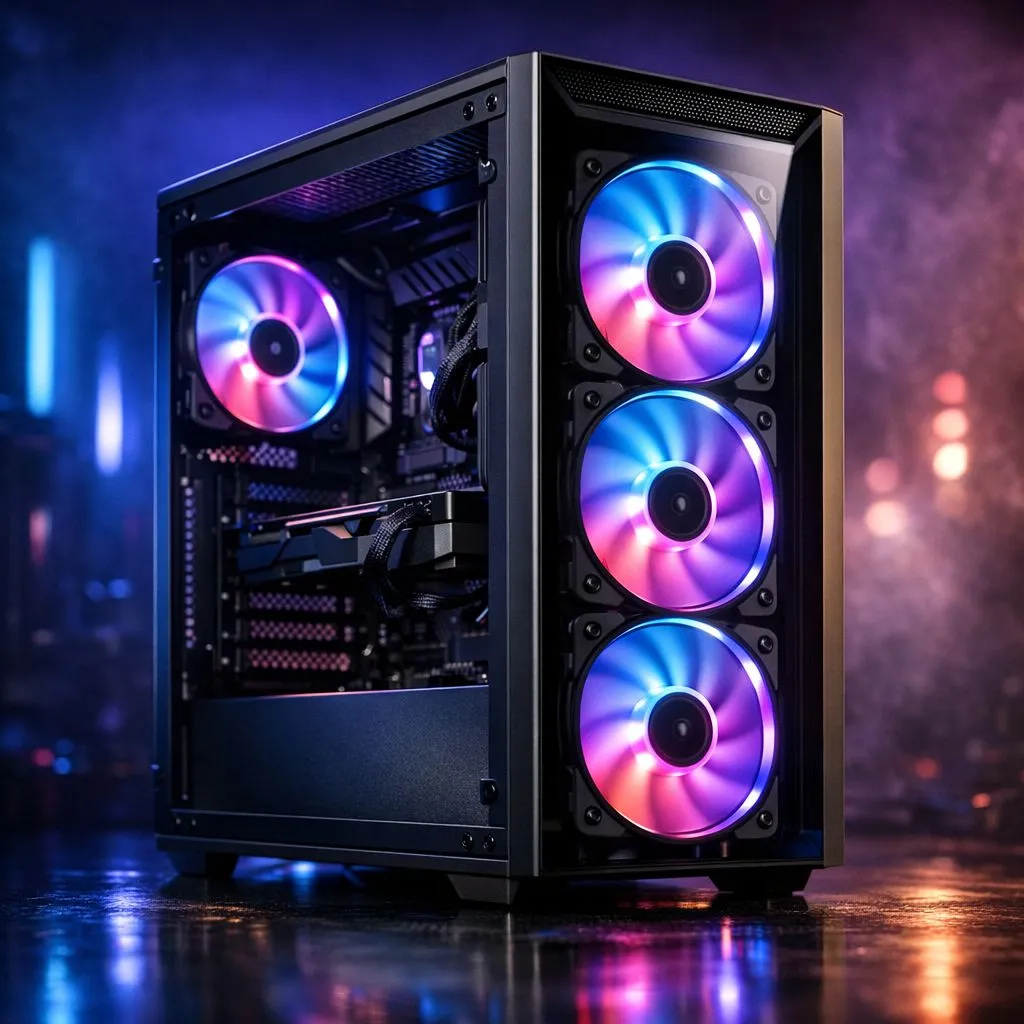
So, you’ve just unboxed a shiny new rig and noticed it already sports four pre-installed fans. In the heat of a South African summer, where ambient temperatures can turn your room into a sauna, it is tempting to fill every available bracket. But do you actually need extra case fans when your case has four? Let’s look at the science of airflow before you spend your hard-earned Rands on more spinning blades. 🔧
Most modern computer cases follow a standard configuration: three intake fans at the front and one exhaust at the rear. This setup is popular because it creates a clear path for cool air to travel over your GPU and CPU before being pushed out the back. Adding a fifth or sixth fan often results in what experts call "diminishing returns." While the first three fans significantly drop your component temperatures, adding more beyond four typically only results in a 1 or 2-degree Celsius difference... hardly worth the extra noise.
Understanding Pressure and Dust Management
When your case has four fans, you are likely running a "positive pressure" setup if three are intakes. This is ideal for South African homes because it forces air out of every small gap in the chassis, preventing dust from settling in the nooks and crannies. If you start adding extra case fans without a plan, you might accidentally create negative pressure, which turns your PC into a vacuum cleaner for Gauteng dust.
Airflow Pro Tip ⚡
Always ensure your intake fans have dust filters. If you are adding more fans to the top of your case, set them as exhaust. Heat naturally rises, so helping it exit through the roof of your chassis is the most efficient way to keep your VRMs and RAM cool during intense gaming sessions.
If you are looking for a chassis that masters this balance out of the box, Fractal Design PC cases are world-renowned for their thermal engineering. They often prove that the quality of the fan and the internal layout matter far more than the sheer quantity of fans spinning at 2000 RPM.
When Should You Actually Add More?
There are specific scenarios where four fans might not cut it. If you are running a high-end RTX 4090 or a top-tier Ryzen processor, the sheer amount of heat generated might require a bit of extra help. In these instances, adding one or two Gamdias gaming cases fans to the top of the unit can help exhaust trapped pockets of hot air.
However, for the average gamer, four fans is the "Goldilocks" zone... it is just right. You get excellent cooling performance without your PC sounding like a jet engine taking off from OR Tambo. If you are on a budget and want a chassis that includes these fans without breaking the bank, you can find great Gamdias cases under R1500 that offer incredible value for money. 🚀
Before you buy more fans, try optimising your fan curves in the BIOS first. Often, simply increasing the speed of your existing four fans during heavy loads is more effective than adding a fifth one.
Ready to Find Your Perfect Match? The debate over airflow is complex, but for maximum cooling, choice, and value in South Africa, Evetech has you covered. Explore our massive range of computer cases and find the perfect chassis to keep your components frosty.











