

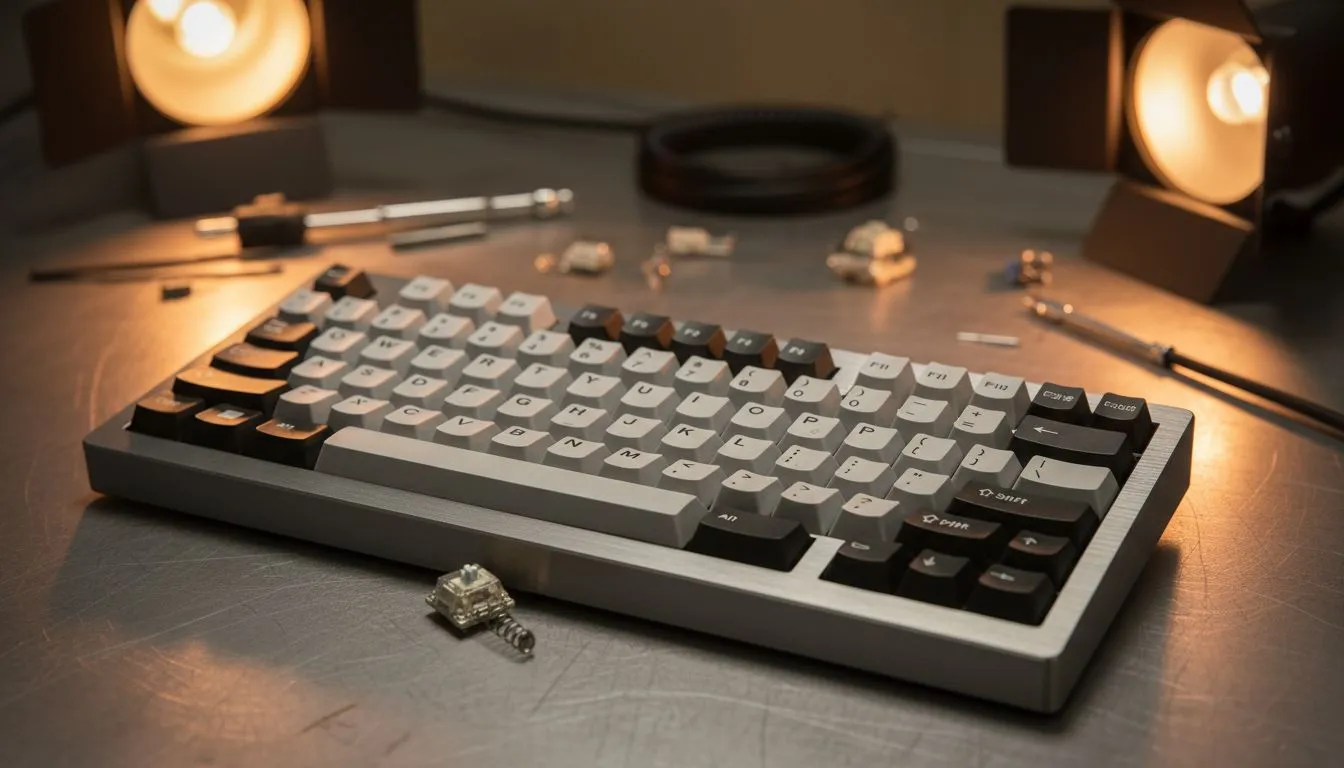
Troubleshooting Your Gear: How to Fix Mechanical Keyboard Issues at Home
There is nothing more frustrating than a "sticky" W key during a clutch moment in Apex Legends. Before you start looking for the cheapest gaming keyboard in South Africa as a replacement, why not try a bit of DIY? Many mechanical keyboard issues are simpler to fix than they seem. Let's look at how to fix mechanical keyboard switches and troubleshoot common errors right from your desk. 🔧
Deep Cleaning for Unresponsive Keys
Most keyboard failures in South Africa aren't actually hardware deaths... they are usually just a build-up of dust or the remains of a late-night snack. If a key isn't registering, the first step is a thorough clean. You should use a keycap puller to safely remove the caps without snapping the stems. Once the caps are off, use compressed air to blow out debris.
For those using a Wired Keyboard, make sure the device is unplugged before you start. If you have spilled a drink, you might need isopropyl alcohol (90% or higher) and a cotton bud to gently clean the switch housing. While you are at it, check your Mouse Accessories like cleaning kits to ensure your entire desk setup stays pristine.
Solving Connectivity and Software Glitches
Sometimes the hardware is fine, but the "brain" is confused. If your Wireless Keyboard is lagging, check for interference from other 2.4GHz devices or low battery levels. A quick firmware update via the manufacturer's software can often resolve ghosting or lighting bugs.
Maintenance Pro Tip ⚡
Always keep a small can of compressed air and a microfibre cloth in your desk drawer. A quick thirty-second blast of air once a week prevents dust from settling deep into your mechanical switches, which can save you from the headache of a full teardown later on.
If you notice your Gaming Mouse is also acting up, it might be a USB port power issue. Try plugging your peripherals into the ports directly on your motherboard rather than a cheap USB hub. 🚀
Swapping Switches and Advanced Repairs
If a key is truly dead, and you own a hot-swappable board like many Glorious Keyboards, the fix is incredibly easy. You simply pull the old switch out and pop a new one in. No soldering required.
However, if you are using a premium Razer Gaming Keyboard with optical switches, the process is slightly different as these use light sensors. Always check your warranty before opening the main casing, as you don't want to void your protection over a simple fix.
When Is It Time for an Upgrade?
Sometimes, the cost of repair parts and the time spent isn't worth it... especially if your current board is several years old. If you find yourself constantly trying to fix mechanical keyboard problems, it might be time to browse the best gaming mouse deals and keyboard bundles to refresh your station.
Whether you prefer the reliability of a Wired Mouse or the freedom of a high-performance Wireless Mouse, having gear that works perfectly is essential for competitive play. Don't let a faulty switch hold back your K/D ratio. ✨
Ready to Find Your Perfect Match? Troubleshooting can only take you so far, but for maximum performance and the latest tech in South Africa, a fresh upgrade is hard to beat. Explore our massive range of gaming keyboard specials and find the perfect deck to dominate your next match.











