

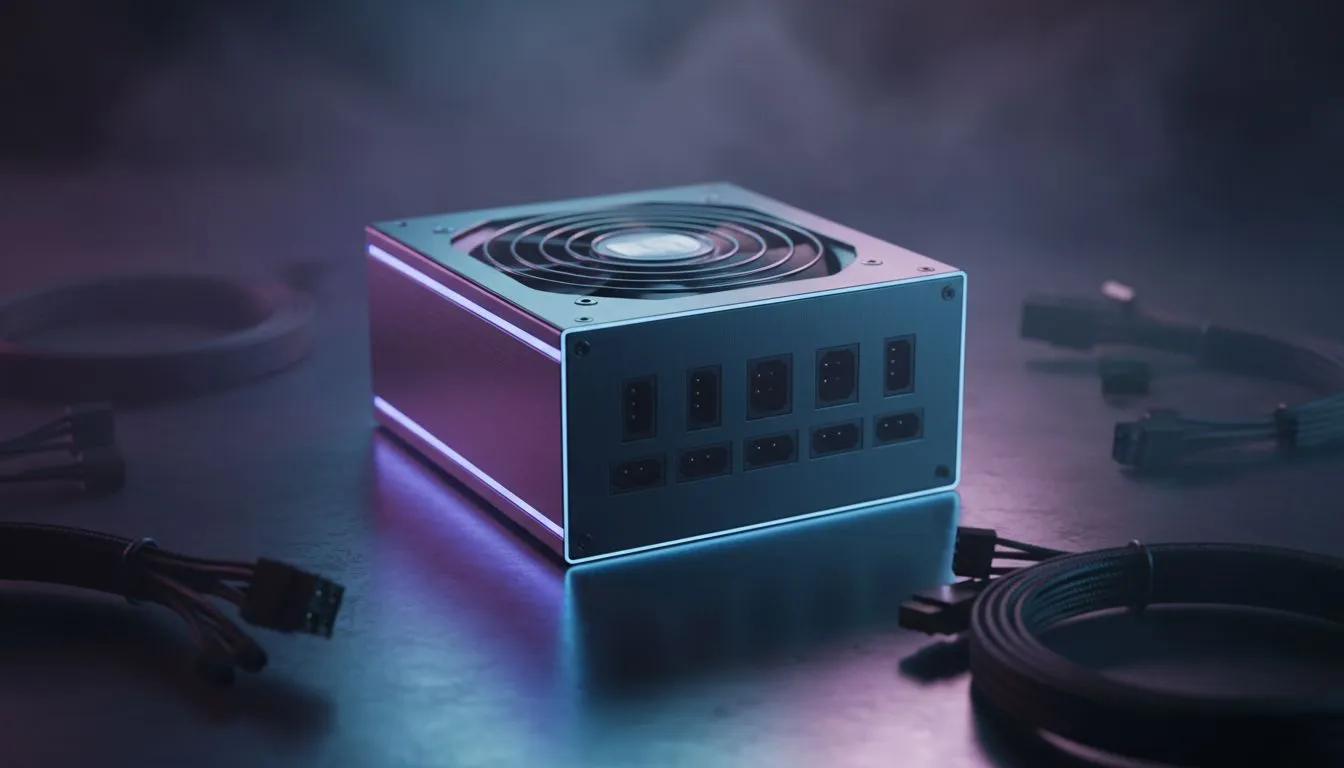
The Impact of Full Modular PSU Airflow on System Thermals
Struggling with high temps during a scorching South African summer? Your PC case might be choking... and the culprit isn't always your GPU. While we often obsess over liquid coolers, the real hero of thermal management is often hidden in the basement. Mastering full modular PSU airflow is the easiest way to improve cooling in your case without spending thousands on extra fans. 🔧
In a standard mid-tower, every stray cable acts as a literal fence, catching dust and blocking the path of cool air moving from your intake fans to your high-end components. By switching to a modular setup, you only connect the cables your build actually requires. This creates a clear, unobstructed path for air to travel, which is vital when you are pushing your rig to the limit in a 30-degree room. High-quality Corsair power supplies are a popular choice for this exact reason, offering flat, flexible cables that are easy to tuck away.
Streamlining Your Build for Better Intake
When you eliminate the "spaghetti monster" of unused Molex and SATA connectors, you allow your front intake fans to do their job properly. In many modern South African gaming setups, the PSU shroud is designed to hide the mess, but if that shroud is packed tight with unused wires, it traps heat right next to your storage drives and the bottom of your motherboard.
Choosing a modular unit allows for much tighter cable routing. For those looking for a balance between aesthetics and performance, GAMDIAS power supply options provide excellent modular entry points that help keep your internal chassis pressure balanced. Remember, the goal is "laminar flow"... air that moves smoothly without hitting turbulence caused by a tangled mess of plastic and copper. ⚡
Cable Management Pro Tip ⚡
Use small velcro ties instead of plastic zip ties for your initial routing. This allows you to adjust your cable paths as you add more components without needing to cut anything. Focus on routing the thick 24-pin motherboard cable first, as this has the biggest impact on blocking air from the front intake.
Efficiency and Heat Output in the South African Climate
It is not just about moving air; it is about generating less heat in the first place. A Power Supply Unit (PSU) generates heat as it converts AC power from your wall socket into the DC power your PC uses. Lower-quality units lose more energy during this conversion, turning that lost power into heat that stays inside your case.
To keep your system running cool, always look for high efficiency ratings. Selecting 80 PLUS certified units ensures that your PSU operates effectively, wasting less energy and keeping your internal ambient temperatures significantly lower. This is especially important for long gaming sessions where "heat soak" can eventually lead to thermal throttling on your CPU or GPU. 🚀
By optimising your full modular PSU airflow, you aren't just making your PC look "cleaner" for social media... you are actively extending the lifespan of your hardware by providing the cool environment it needs to thrive. ✨
Ready to Improve Your Cooling? A cool PC is a fast PC. If you're tired of thermal throttling and cable clutter, it's time to upgrade your power delivery. Explore our massive range of power supplies and find the perfect modular unit to keep your South African gaming rig running at peak performance.











