

Taming the Cable Chaos in Your PC Build
Nothing ruins a R40,000 gaming rig faster than a "spaghetti monster" of cables. We’ve all been there... staring through a beautiful tempered glass side panel only to see a mess of tangled wires. Mastering fully modular power supply cable management tips isn't just about making your build look clean. It's about ensuring your components stay cool during a Durban heatwave or a dry Gauteng summer.
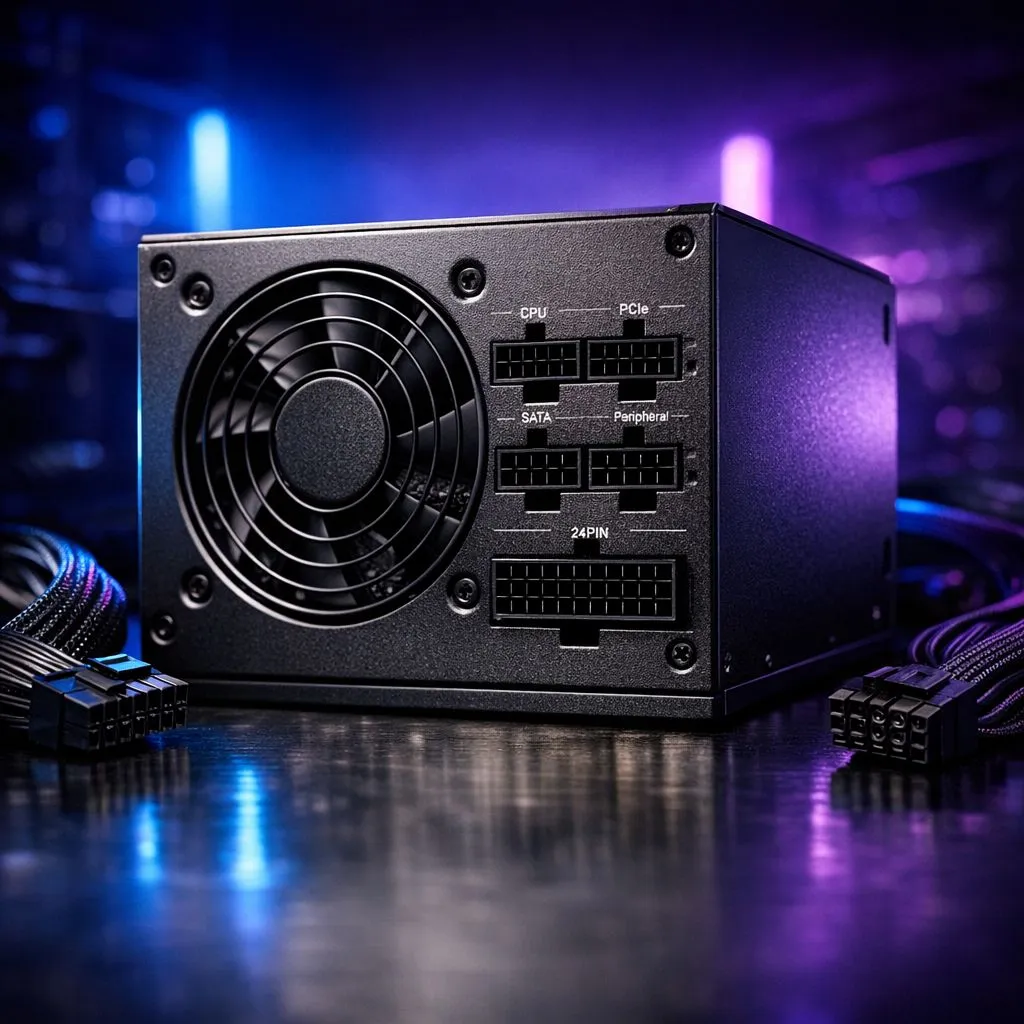
When you choose a modular unit, you gain the freedom to only plug in what you actually need. This reduces clutter and improves the overall airflow inside your chassis. If you are looking for top-tier reliability, Corsair power supplies are often the gold standard for cable flexibility and build quality.
The Benefits of Going Fully Modular
In the South African PC market, we often look for the best value for our hard-earned Rand. While non-modular units are cheaper, they force you to hide a massive bundle of unused cables. This usually results in a bulging side panel that is a nightmare to close.
By using a modular system, you can plan your build with precision. You might only need one PCIe cable for your GPU and a single SATA cable for your hub. For those on a tighter budget who still want that modular convenience, checking out GAMDIAS power units can be a smart way to keep your build tidy without overspending.
Cable Routing Pro Tip ⚡
Always route your largest cables first. Start with the 24-pin motherboard cable and the 8-pin CPU power. These are the thickest and least flexible. Once these are secured with Velcro ties, the smaller fan and RGB wires can be tucked into the gaps much more easily.
Step-by-Step Routing for Maximum Airflow
The secret to professional cable management is the "back-to-front" method. You want as little cable as possible visible in the main chamber. Pull every connector through the closest cutout to its destination.
Efficiency also plays a role in how you manage your power. Choosing 80 PLUS efficient models ensures that your PSU generates less heat. Less heat means your fans don't have to spin as fast... which keeps your system quiet during those intense late-night gaming sessions. 🔧
Managing the Hidden Mess Behind the Tray
Don't just shove everything behind the motherboard tray and hope for the best. Use the built-in tie-down points found in most modern cases. Avoid using plastic zip ties if you can... they are a pain to remove if you ever upgrade your parts. Instead, use reusable Velcro straps to bundle cables together. 🚀
Keep your data cables and power cables separate where possible to avoid any minor interference. It might take an extra thirty minutes, but the result is a PC that looks as good as it performs. ✨
Ready to Build Your Dream Rig? A clean build starts with the right components. Whether you are looking for high-efficiency power or budget-friendly reliability in South Africa, we have the stock to get you started. Explore our massive range of power supplies and find the perfect unit to power your next victory.











