

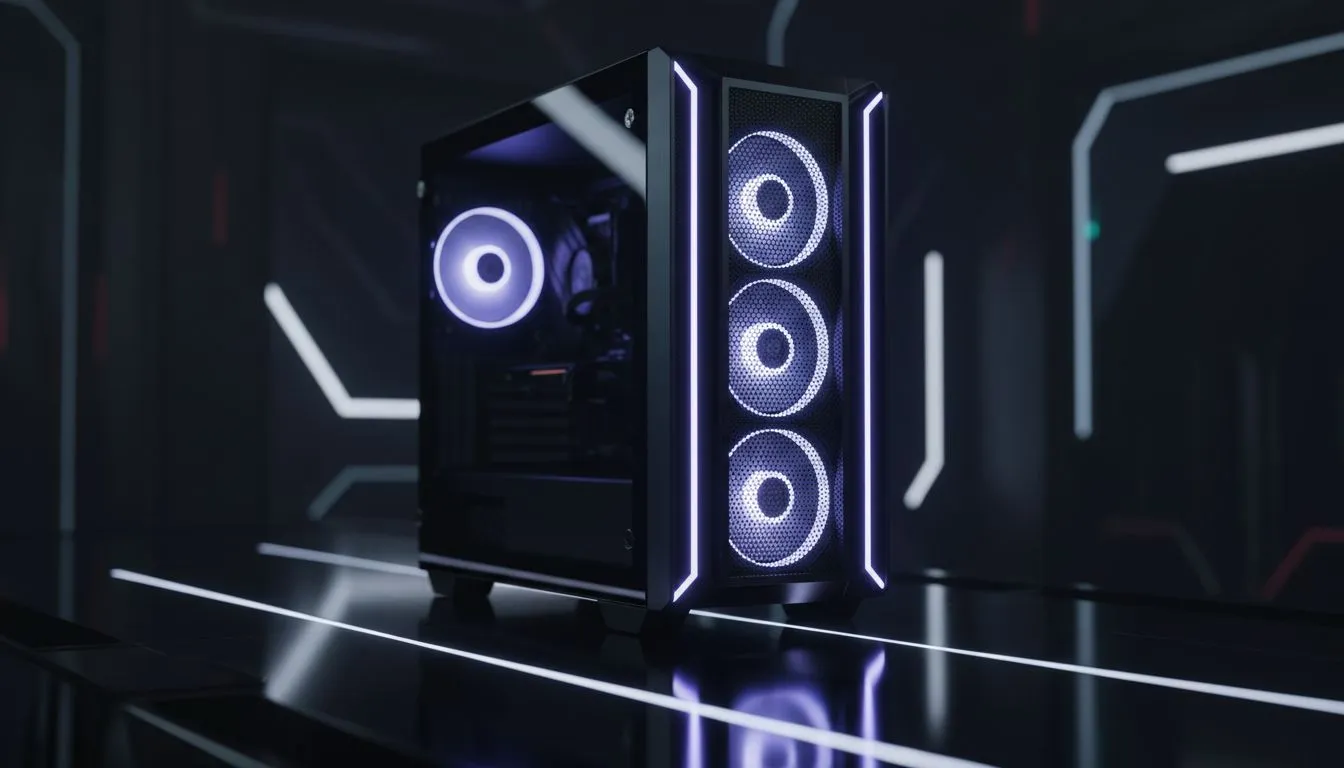
Building a PC in South Africa often means balancing performance with our unique climate. Why waste hours wrestling with fan headers and tiny screws? Choosing a gaming case with pre-installed fans is the smartest way to jumpstart your build. It saves you money and ensures your components survive those sweltering summer afternoons. Let’s explore how to pick the right one for your setup. ⚡
Prioritising Airflow and Pressure
When you browse the massive variety of computer cases available, the first thing to check is the fan configuration. A good gaming case with pre-installed fans should offer a balanced or slightly positive air pressure. This usually means having more intake fans than exhaust fans... this helps keep dust out of your precious components. Look for cases that include at least two 120mm or 140mm fans at the front to pull in cool air.
Lighting and Aesthetic Control
If you want your setup to look as good as it performs, integrated lighting is a must. Many Gamdias gaming cases come with built-in ARGB fans and dedicated controllers. This allows you to sync your lighting effects across your entire build without needing extra hubs. Check if the pre-installed fans use a standard 3-pin or 4-pin header... proprietary connectors can make future upgrades a bit of a mission. 🌈
Airflow Pro Tip 🔧
Always check if your case has mesh front panels. While solid glass looks sleek, a mesh front allows your pre-installed fans to breathe much better. This can drop your GPU temperatures by as much as 5 to 10 degrees Celsius during heavy load, which is vital for maintaining high frame rates in competitive titles.
Finding Value for Your Budget
You do not need to spend a fortune to get a cool-running system. There are excellent options for gaming cases under R1500 that include multiple fans right out of the box. Buying a case with fans included is often cheaper than buying a "bare" case and adding fans later. It simplifies your shopping list and ensures that the fans are already perfectly sized for the mounting points.
Premium Engineering and Silence
For those who want a stealthier build, premium brands offer a different approach. Many Fractal Design PC cases focus on high-quality, low-noise pre-installed fans. These fans move a lot of air without sounding like a jet engine taking off from OR Tambo. Look for features like rubber vibration dampeners on the fan mounts... these small details make a massive difference in long-term comfort. 🚀
Ready to Find Your Perfect Match? Choosing a gaming case with pre-installed fans is the best way to ensure your PC stays cool and looks incredible from day one. Explore our massive range of computer cases and find the perfect chassis to house your dream build.











