

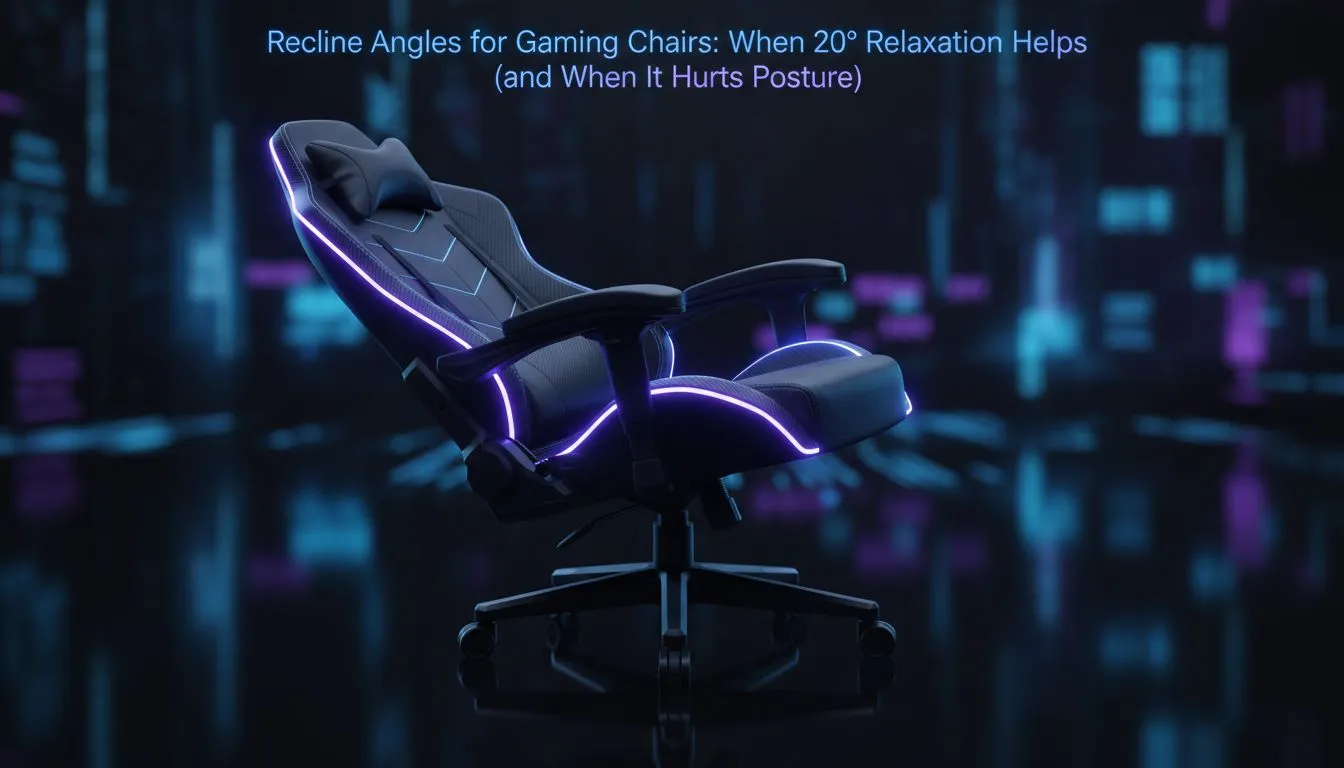
How Gaming Chair Recline Angle Impacts Your Comfort and Posture
South African gamers, ever wonder why that 20° recline angle on gaming chairs feels just right sometimes — and totally off other times? Finding the right balance in your gaming chair recline angle is key ⚡. It can make the difference between a marathon session without aches and a stiff neck the next day. Let’s dive into when a 20° recline helps your posture and when it actually hurts it.
Why 20° Recline Is a Popular Choice Among Gamers
A 20° recline angle is common because it offers a relaxed yet supportive position. It slightly leans you back, easing pressure on your lower spine while keeping your core engaged enough to maintain good posture. But here’s the catch: not all 20° reclines are designed equally. The chair’s lumbar support and cushioning quality matter just as much as the tilt itself.
South African gamers should consider chairs like those from Vertagear that expertly balance recline angles with ergonomic support.
When 20° Recline Helps Posture
If your gaming chair offers adjustable lumbar support, a 20° angle gently stretches your back without forcing it into an unnatural curve. This angle reduces strain on your lower back during long gaming or work sessions, especially if combined with frequent micro-breaks and stretching.
If you’re using a firm gaming chair such as the models in the Noblechairs collection, a slight recline combats fatigue by encouraging subtle muscle engagement. This can improve circulation and prevent that slouch that creeps in when you lean forward too much.
Pro tip for your gaming posture
Remember to adjust your chair height alongside the recline angle. Your feet should rest flat on the floor, and your knees should be at roughly 90 degrees to maintain spinal alignment.
When a 20° Recline Might Hurt Your Posture
A 20° recline can backfire if your chair lacks appropriate seat depth or headrest adjustments. Leaning too far back without proper neck support can strain your cervical spine. Plus, if your chair’s lumbar support is fixed and not aligned with your natural curve, reclining may push your lower back into an uncomfortable position.
South African gamers on a budget may hesitate to invest in premium chairs, but Evetech’s gaming chair range under ZAR5000 offers affordable, ergonomically sound options that still respect the importance of correct recline angles.
Choosing the Right Chair for Your Ideal Recline
Your gaming chair should feel like an extension of your body. Chairs from brands like Enova incorporate multi-angle recline and adjustable features tailored to suit different body types and gaming setups. Testing various chairs can unveil which recline settings keep your energy up and your posture spot-on.
If you often switch between work and gaming, consider a chair that reclines up to and beyond 20°, providing you with flexibility depending on the task at hand.
Ergonomic Setup Beyond Recline Angle
Recline is one piece of a bigger puzzle. Pair your gaming chair with a desk and monitor setup that promotes a neutral head position, an ergonomic keyboard height, and good lighting. This holistic approach keeps fatigue at bay and enhances your gaming performance.
Explore the full array of high-quality gaming chairs available at Evetech’s gaming chairs selection to find the one that fits your style and support needs.
Find Your Perfect Recline and Support Today Comfort and posture start with the right gear. Shop now at Evetech and elevate your gaming experience with chairs built for performance and long hours.











