

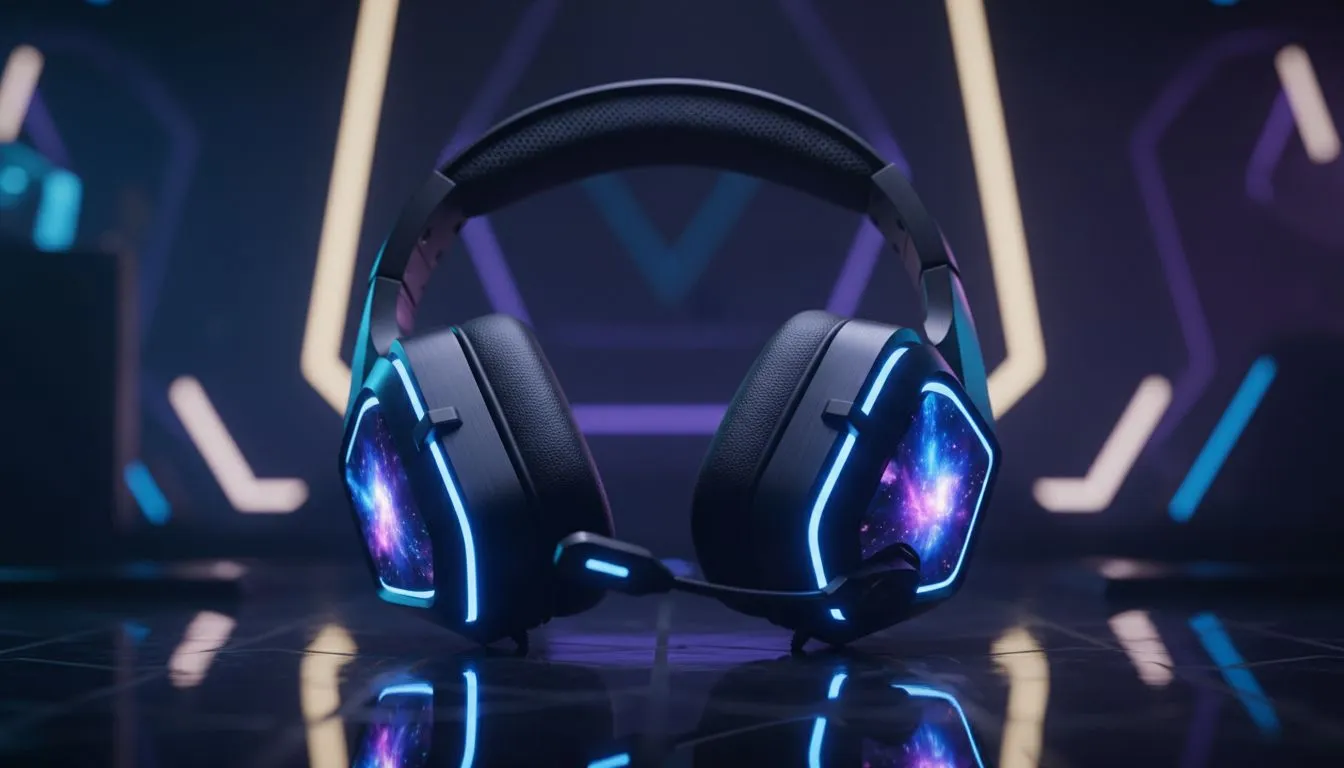
Gaming Headset Colour Matching: Match Headset to Your Setup — Quick Hook 🔧✨
Looking for the perfect headset to complete your desk vibe? Gaming Headset Colour Matching: Match Headset to Your Setup is more than a trend. It helps your whole battlestation feel intentional and sharp. Whether you stream, chill, or climb ranks, the right colour and finish pulls your setup together and even changes how viewers perceive your space.
Gaming Headset Colour Matching: Practical Tips for South African Setups 🚀
Start by picking a palette. Limit to two accent colours and one neutral. That keeps your rig cohesive without looking overdone. Match metals to peripherals; matte aluminium pairs well with black and deep grey. If you want RGB, balance it with a single contiguous light strip or a headset with subtle Chroma. For a sleek white build, a glossy or phantom-white headset creates a premium contrast.
If you’re interested in a compact wireless option with lighting that pairs well with white or mixed palettes, check the Razer Barracuda X Chroma listing on Evetech for model details and current availability: Razer Barracuda X Chroma wireless headset (Phantom White). That product page lists official specs and shows the fit in a white-themed build.
Style Tip ✨
For a balanced stream background, use warm lighting behind your monitor and cool headset accents. This creates depth on camera and keeps the headset from washing out.
Match materials, not just colour. Leatherette cups read as premium under studio lights, while mesh looks sporty. Consider lighting placement. Overhead RGB on a monitor can clash with headset lighting. Keep headset LEDs minimal if your room has strong ambient lights.
Headset Colour Matching: Buying, Matching, and Practical Setup Advice
Budget matters. You don’t need to spend a fortune to achieve visual harmony. Browse a range of Razer headphones and headsets to compare finishes and features when choosing colour and functionality: Razer headphones and headsets collection on Evetech. If you already own several peripherals, use the headphone and headset category to filter by colour and style to see what matches best: Evetech headphone and headset category.
When testing at home, snap photos under your streaming lighting. Small differences in shade show up on camera. Think of colour matching as part of system design. A matched headset makes your build feel finished, and that matters to stream viewers and personal satisfaction alike.
Ready to Find Your Perfect Match? The Mac vs Windows debate is complex, but for maximum power, choice, and value in South Africa, Windows is hard to beat. Explore our massive range of laptop specials and find the perfect machine to conquer your world.











