

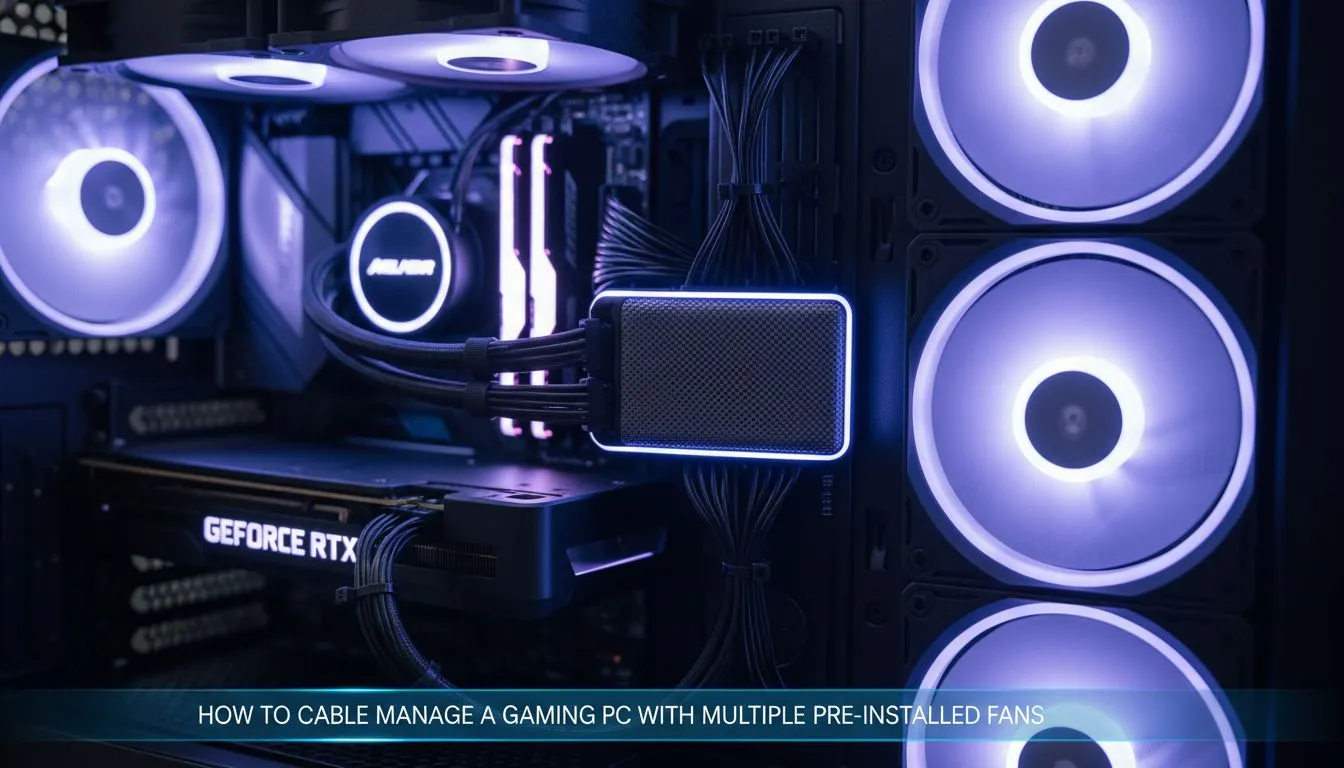
Why Modern Cases Need Better Routing
You’ve just unboxed that shiny new chassis... but then you see it. A chaotic web of cables dangling from the front panel. Mastering Gaming PC Cable Management: Tame Multiple Pre-Installed Fans is the difference between a pro build and a mess. In South Africa... where dust and heat are constant battles... clean airflow is essential for your hardware's lifespan. 🔧
Most computer cases now feature at least three intake fans. While this provides excellent cooling out of the box... it also means triple the wires to hide. If you don't plan your route early... you might find your side panel won't even close. Start by identifying which fans are PWM and which are standard DC connectors.
Using Hubs for Better Fan Control
The easiest way to handle four or more fans is a dedicated controller. Many Gamdias gaming cases include a built-in hub behind the motherboard tray. This allows you to connect all your fans to a single power source. It keeps the front of your motherboard looking clean and professional. ⚡
The Hidden Routing Path ⚡
Look for the small cutouts at the very top of your motherboard tray. These are perfect for the rear exhaust fan cable. Tucking the wire through here keeps it away from your CPU cooler... making it almost invisible to the eye.
If your case doesn't have a hub... you can use splitter cables. Just be careful not to overload a single motherboard header. Most headers support about 1 Amp of power. Usually... three standard fans are the safe limit for one header.
Budget-Friendly Clean Builds
You don't need to spend a fortune to get a tidy interior. There are several gaming cases under R1500 that offer excellent cable management channels. Look for cases with deep recesses behind the motherboard tray. This extra space allows you to bundle thicker cables without bulging the side panel. 🚀
Choosing Cases with Built-in Management
If you want the ultimate experience... premium brands are the way to go. Certain Fractal Design PC cases come with pre-installed hook-and-loop straps. These straps make it incredibly easy to secure your fan wires along the main spine of the chassis. ✨
Remember to use cable ties... but don't pull them too tight. You want the cables secure but not pinched. A well-managed PC doesn't just look better... it runs cooler and stays quieter over time.
Ready to Build Your Dream Rig? Taming your cables is easier when you start with the right hardware. From budget-friendly airflow kings to premium silent chassis... we have the stock to get you started. Browse our latest computer case deals and upgrade your setup today.











