

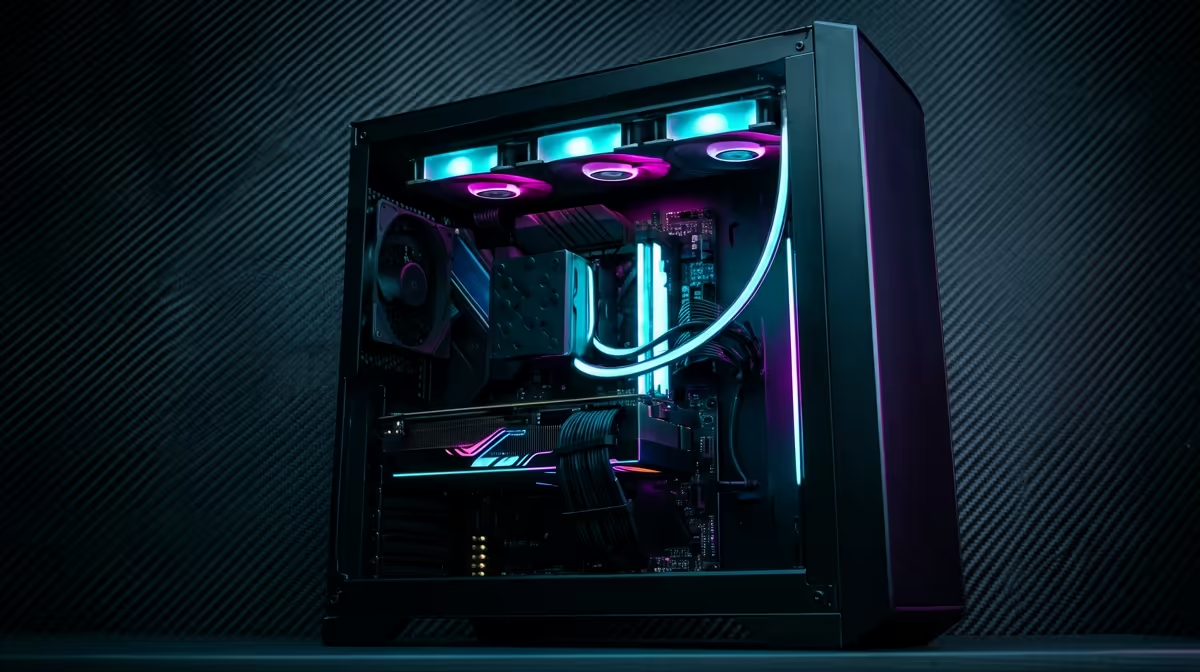
Is the back of your PC a tangled mess that would make a Hadeda nervous? You’re not alone. For many South African gamers, that beautiful rig is hiding a secret spaghetti monster. But proper gaming PC cable management is more than just aesthetics; it's the key to unlocking better airflow, cooler temps, and easier upgrades. Ready to transform your setup from chaotic to clean? Let's get it sorted. 🔧
More Than Just Looks: The Real Benefits
A clean PC build isn't just for showing off on Reddit... though it definitely helps. Excellent gaming PC cable management has tangible performance benefits that every gamer should care about.
First up is airflow. A chaotic nest of cables inside your case obstructs the path air needs to travel to cool your components. By tidying them up, you create clear channels for your fans to push cold air over your CPU and GPU and exhaust hot air efficiently. Better airflow means lower temperatures, which can prevent thermal throttling and squeeze out extra performance during those intense sessions.
Then there's the sheer convenience. Need to swap out a graphics card or add more storage? Good luck finding the right connector in a tangled mess. A well-managed system makes upgrades, cleaning, and troubleshooting infinitely easier. A tidy setup also traps less dust, keeping your machine running cooler and quieter for longer. ✨
Your Cable Management Toolkit
You don't need a professional workshop to achieve a clean look. A few basic tools will make all the difference:
- Velcro Straps: Reusable and forgiving. Perfect for bundling cables together without damaging them.
- Zip Ties: The classic choice for a permanent, super-tight fit. Get a pack of various sizes.
- Side Cutters: For snipping the ends of zip ties cleanly. Don't use your teeth!
- Cable Sleeves: For grouping multiple cables (like your front panel connectors) into one neat-looking tube.
Having a PC case with good built-in cable management features—like rubber grommets, channels, and plenty of tie-down points behind the motherboard tray—is a massive head start.
Taming the Beast: A Practical Guide
Ready to get hands-on? Follow these steps for a pro-level result. The key is patience and planning.
Step 1: Plan Your Route
Before you plug a single thing in, visualise the path each cable will take. Look at your case's layout. Where are the cutouts? Where are the tie-down points? Planning this first saves you from having to unplug everything later. Whether you're building with an Intel or an AMD processor, the core principles of routing power from the PSU to the motherboard remain the same. The goal is to hide as much of the cable length as possible behind the motherboard tray. Many high-end AMD Ryzen PC deals showcase just how clean a well-planned layout can be.
Step 2: Route the Main Power Cables
Start with the thickest, least flexible cables: the 24-pin motherboard power and the 8-pin CPU power. Route them through the back of the case and bring them out through the cutouts closest to their respective sockets on the motherboard. Getting these two foundational cables right, especially on the latest Intel PC deals, sets the stage for a clean build.
The Back Panel is Your Best Friend ⚡
Don't be afraid to make the area behind your motherboard tray a little busy. This space is designed to hide cable excess. Use the built-in loops and tie-down points to secure cables flat against the panel. This ensures you can still slide the side panel back on without a bulge!
Step 3: Connect Your GPU and Drives
Next, run the PCIe power cables to your graphics card. Modern GPUs can require multiple connectors, so route them neatly together. A powerful graphics card is the heart of any gaming rig, and ensuring it has clean power and airflow is critical. Many of our pre-built NVIDIA GeForce gaming PCs demonstrate how to manage these bulky cables effectively. After the GPU, connect your SATA power and data cables for your SSDs or hard drives.
Step 4: The Final Tidy-Up
Now, connect the smaller, fiddlier cables: case fans, front panel USB, and audio. Group them where possible and route them cleanly. This is where you can use velcro straps to bundle parallel runs together. Whether you're Team Green or Team Red, the goal is the same—a build that performs as good as it looks. The clean aesthetics you see on top-tier AMD Radeon gaming PCs are achieved through this same meticulous process. Once you're happy with the layout, go back and replace temporary velcro ties with permanent zip ties for the cleanest finish.
Beyond the PC Case
Don't stop inside the box! Applying cable management principles to your desk will complete the transformation. Use cable raceways that stick to the underside of your desk to hide power strips and adapters. A simple cable sleeve can bundle your monitor, keyboard, and mouse cables into one tidy package. For setups that demand ultimate organisation and cleanliness, take a look at how professional workstation PCs are often arranged—it's an art form. 🚀
Ready for a Flawlessly Built PC? Mastering cable management is rewarding, but sometimes you just want a pro-level build right out of the box. For a rig that's as clean on the inside as it is powerful, explore our massive range of custom-built gaming PCs and find the perfect machine to conquer your world.











