

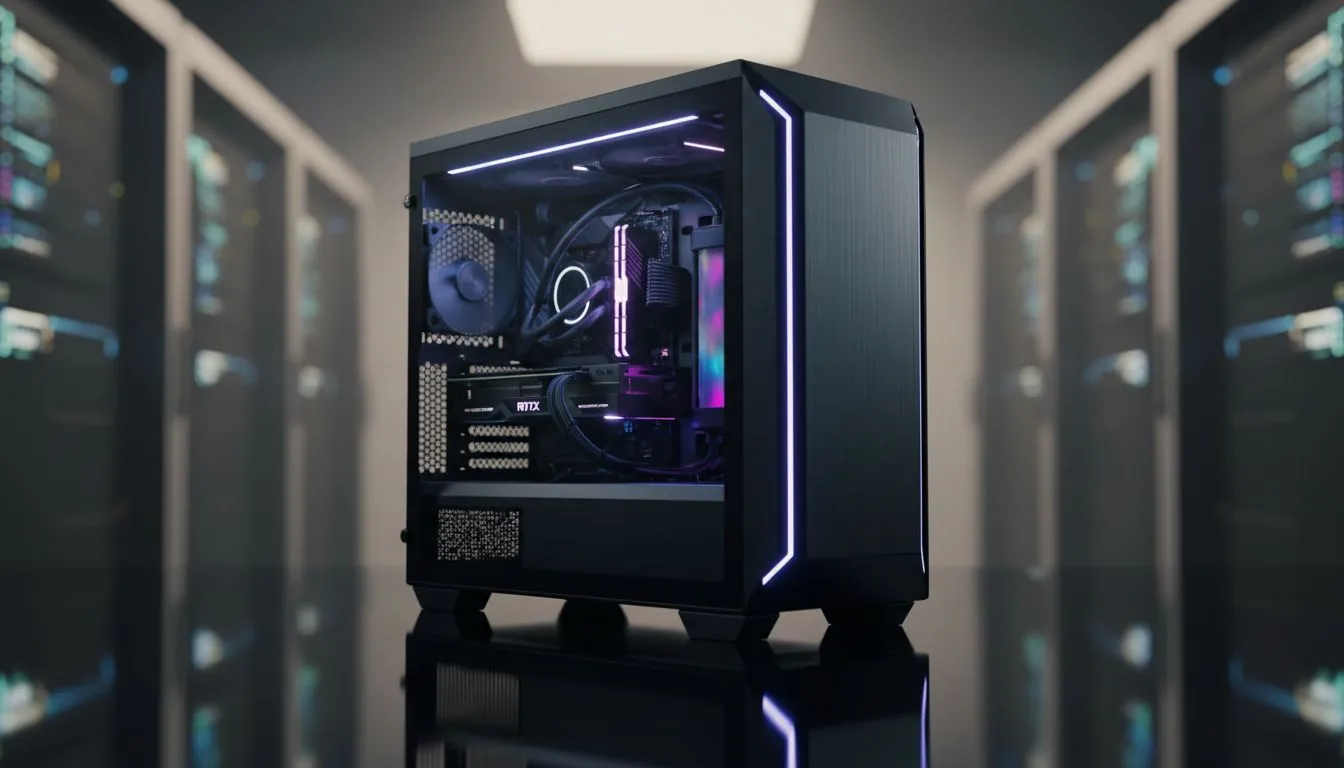
Gaming PC Case Features That Make Your Build Future-Proof
South African builders: want a case that survives upgrades and unpredictable hardware cycles? Start with the right features and you’ll avoid cramped GPUs, noisy thermals, and pointless rebuilds. In this short guide I’ll point to the practical features that keep your rig upgradeable, where to look for them locally, and quick tips to save R and time. 🔧✨
Future-proof features every gaming PC case should have
Pick a case that thinks ahead: generous GPU clearance, modular drive cages, removable dust filters, and flexible fan/radiator mounts. These elements let you swap a bigger graphics card or add liquid cooling without ripping out panels or drives. For a quick browse of these options across price points, check our full case selection (Evetech) — it’s a good place to compare real listings and specs. https://www.evetech.co.za/components/computer-cases-70
Build quality and airflow that scales with upgrades
A sturdy chassis and smart airflow layout are non-negotiable. Look for cases with front intake space and multiple fan mounts so you can scale from air cooling to a full liquid loop later. Brands like Fractal Design focus on that balance between silence and ventilation — worth checking if you want a quieter but upgradable case. https://www.evetech.co.za/PC-Components/fractal-design-pc-cases-346 🚀
How expansion options save you money long term
Buying a roomy case now means fewer replacements later. Modular drive cages let you remove spare 3.5-inch bays for extra GPU length. Removable I/O brackets and tool-less mounting speed future swaps. If style matters, Gamdias offers bold aesthetics and accessible upgrade paths for many builds — handy if you want looks and function. https://www.evetech.co.za/PC-Components/gamdias-gaming-cases-293
Build Lab Tip ⚡
twice: before buying a case, measure your current or planned GPU length, CPU cooler height and PSU depth. Keep 20–30 mm clearance for cable management and airflow. If you might add a 360mm radiator later, choose a case with dedicated top front radiator mounts so the loop fits without modifications.
Budget choices that still future-proof (yes, possible)
You don’t need to spend a fortune to get upgrade headroom. Filtered options under R1,500 show many Gamdias cases that prioritise modular bays and fan mounts while keeping costs down — great for staged upgrades where you buy case first and upgrade components over time. Compare local prices and stock to lock in a good deal in ZAR. https://www.evetech.co.za/PC-Components/gamdias-gaming-cases-293?max-price=1500 ✨
Practical checklist before you buy
- Confirm GPU clearance and radiator compatibility with your intended cooler.
- Look for dedicated cable channels and a PSU shroud for cleaner airflow.
- Check front-panel I/O: USB-C is increasingly handy for peripherals.
- Search for removable dust filters — vital for SA’s dust and load shedding cycles.
Choosing the right case is the easiest way to future-proof upgrades. A sensible case decision today saves you a full rebuild tomorrow. Want hands-on help picking a case for your next GPU or watercooling loop? Read listings, compare specs, and start with a case that gives you the space to grow.
Ready to Find Your Perfect Match? The Mac vs Windows debate is complex, but for maximum power, choice, and value in South Africa, Windows is hard to beat. Explore our massive range of laptop specials and find the perfect machine to conquer your world.











