

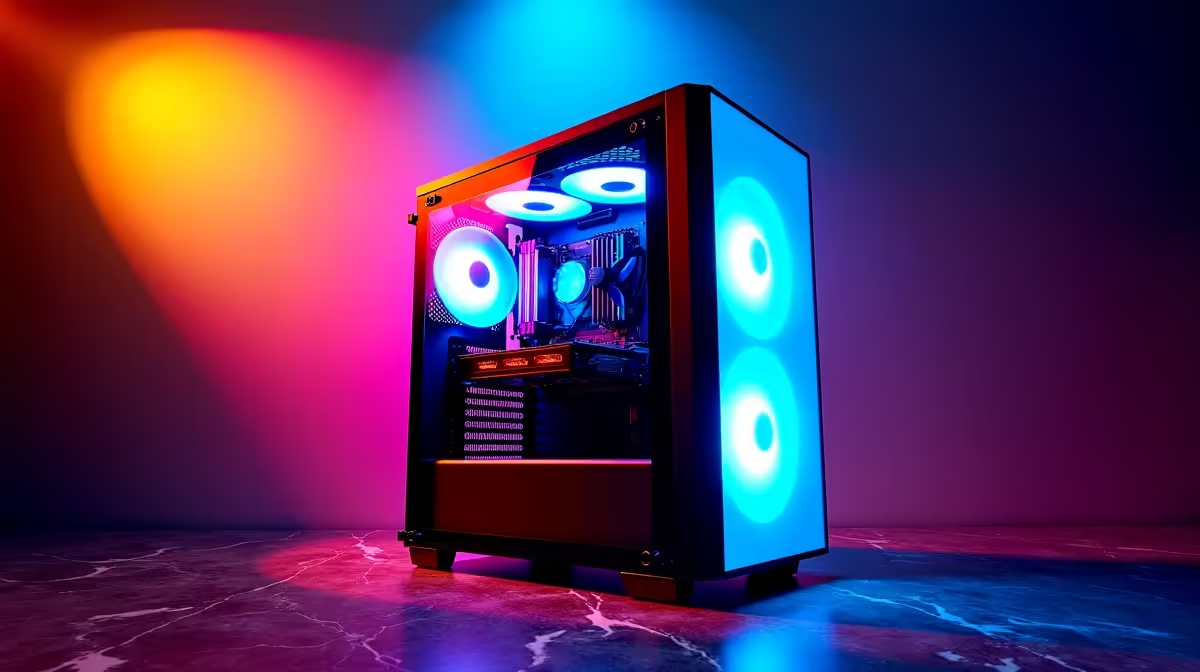
Building a new rig? The sheer number of gaming PC components in South Africa can feel like diving into the deep end. From CPUs to PSUs, every choice matters. But don’t stress... this is the exciting part! Crafting your own machine is one of the most rewarding experiences a gamer can have. This A-Z guide will demystify the essential parts, helping you choose the right hardware to dominate your favourite games, right here in Mzansi. 🚀
The Core Trio: CPU, GPU & Motherboard
Think of these three as your PC's heart, muscle, and skeleton. Getting this combination right is the most critical step in your build. Understanding the key gaming PC components starts here.
CPU (Central Processing Unit): The Brains
The CPU is the brain of your operation. It handles all the instructions and calculations that make your games and applications run. For gaming, clock speed and core count are key. In South Africa, the main battle is between Intel's Core series and AMD's Ryzen series. Higher-end CPUs are essential for streaming or running complex simulations, forming the foundation of many high-performance gaming PCs that push the limits of performance.
GPU (Graphics Processing Unit): The Brawn
This is the component that gets gamers excited! The GPU, or graphics card, is responsible for rendering the beautiful visuals you see on screen. It's the single most important part for achieving high frame rates and glorious detail. Whether you're Team NVIDIA (GeForce) or Team AMD (Radeon), your choice here will define your gaming experience. A powerful GPU is a must for any serious rig.
Motherboard: The Backbone
The motherboard is the central hub that connects all your gaming PC components. It doesn't boost your frame rate directly, but a poor choice can bottleneck your entire system. Key things to check are the CPU socket (to ensure it matches your processor) and the chipset, which determines features like RAM speed and connectivity options.
Speed & Space: RAM & Storage Explained
Once your core is sorted, you need to give it the memory and storage to work effectively. These components have seen massive speed increases recently, making them a crucial part of any modern build.
RAM (Random Access Memory)
RAM is your PC's short-term memory. It holds the data your computer is actively using, allowing for quick access. For gaming in 2024, 16GB is the sweet spot, but 32GB is becoming the new standard for future-proofing. It's possible to build fantastic rigs without breaking the bank by making smart choices here, leading to many well-balanced PCs under R20,000 that offer incredible value.
Storage (SSD & HDD)
Your games, operating system, and files live on your storage drives. A speedy NVMe Solid State Drive (SSD) is non-negotiable for your main drive. It slashes loading times to mere seconds. You can supplement it with a larger, more traditional Hard Disk Drive (HDD) for mass storage, but your OS and favourite games belong on an SSD. Trust us. ✨
Quick Tip: Don't Skimp on the PSU! ⚡
"Your GPU and CPU have recommended power supply wattages for a reason. Always choose a Power Supply Unit (PSU) from a reputable brand that provides more than enough power for your components. An underpowered or low-quality PSU is the fastest way to system instability and potential hardware damage. Check the GPU manufacturer's website for their official recommendation."
Power & Cooling: The Unsung Heroes
A powerful machine generates a lot of heat and needs stable, clean power. Overlooking these PC components is a rookie mistake.
PSU (Power Supply Unit)
The PSU takes power from your wall and converts it into usable energy for your components. Look for an "80 Plus" efficiency rating (Bronze is a good starting point) and ensure its wattage is sufficient for your build, with a little headroom for future upgrades. A reliable PSU is a cornerstone of any stable system, which is why we prioritise them even in our range of budget gaming PCs.
Cooling Solutions
Your CPU and GPU will get hot under load. Proper cooling is essential to prevent thermal throttling, where performance drops to avoid overheating. This can be achieved with a good air cooler or an All-In-One (AIO) liquid cooler for the CPU, and a case with excellent airflow.
The Final Pieces: Case & Assembly 🔧
Finally, you need a home for all your shiny new hardware.
The PC case (or chassis) is more than just a box; it affects cooling, noise levels, and how easy your PC is to build and upgrade. Ensure it's big enough for your GPU and has good cable management options for a clean, airflow-friendly setup. The aesthetics are important too, as it’s the part of your rig you'll see every day. For those who prefer a perfect build without the hassle, our expertly assembled pre-built PC deals offer professional cable management and optimised airflow right out of the box.
Navigating the world of gaming PC components in South Africa can be a journey, but it's one worth taking. Whether you build it yourself piece by piece or opt for a professionally built machine, the end result is a personalised portal to incredible new worlds. If you're looking for a shortcut to greatness, why not explore the best gaming PC deals in South Africa and get straight to the action?
Ready to Build Your Masterpiece? The world of PC components is vast, but the perfect build for you is within reach. Whether you're starting from scratch or looking for individual parts, Evetech has you covered. Explore our massive range of PC components and find the hardware to conquer your world.











