

That familiar South African summer heat is rolling in. You can feel it in the air... and so can your gaming PC. Before your frame rates start dropping faster than the ice in your drink, let's talk about a critical, often overlooked, part of your setup: gaming PC cooling in South Africa. Getting this right isn't just about performance; it's about protecting your investment from the unforgiving Highveld heat or coastal humidity. ☀️
Why Your PC Hates the Heat
Ever been in a nail-biting final circle in Apex Legends, only for your game to start stuttering? That's likely thermal throttling. When your CPU or GPU gets too hot, it automatically slows down to prevent damage. In a country where ambient temperatures can easily top 30°C, effective PC cooling isn't a luxury... it's essential for consistent performance.
Modern components are incredibly powerful, but they generate a serious amount of heat. A rig running a top-tier processor and one of our high-performance NVIDIA GeForce gaming PCs needs a robust cooling solution to keep it from turning into a very expensive room heater. The same goes for the incredible performance found in powerful AMD Radeon gaming rigs; without proper cooling, you're leaving precious frames on the table.
The Core Choice: Air vs. Liquid Cooling
When it comes to gaming PC cooling in South Africa, you generally have two main choices: traditional air coolers or All-In-One (AIO) liquid coolers. There's no single "best" answer... it depends on your budget, case, and performance goals.
Air Coolers: The Reliable Workhorse
An air cooler uses a heatsink (a block of metal fins) and fans to draw heat away from your CPU.
- Pros: Highly reliable with fewer points of failure, often more affordable, and easier to install.
- Cons: Can be bulky, potentially interfering with tall RAM modules. High-end models can be just as expensive as AIOs.
They are a fantastic, no-fuss solution for a wide variety of builds, from budget rigs to many of the builds featured in our latest Intel PC deals.
AIO Liquid Coolers: Peak Performance & Style ✨
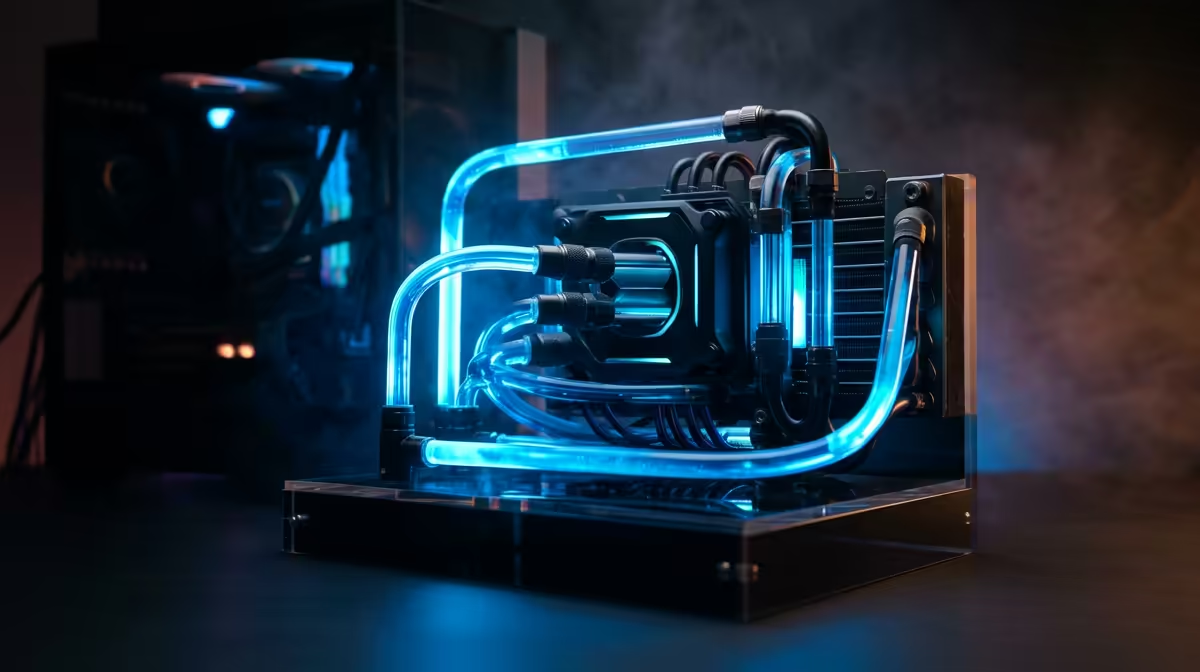
An AIO uses a closed loop of liquid to transfer heat from your CPU to a radiator, where it's exhausted by fans.
- Pros: Generally offer superior cooling performance, especially for overclocking. They look clean and provide better clearance around the CPU socket.
- Cons: More expensive, more complex (with pumps and liquid), and have a theoretical risk of leaks (though modern AIOs are extremely reliable).
For those pushing their hardware to the absolute limit, like in our lineup of AMD Ryzen PCs configured for maximum performance, an AIO is often the top choice.
Master Your Fan Curves 🔧
modern motherboards let you set custom fan curves in the BIOS. Instead of letting your fans blast at 100% speed the moment your CPU hits 60°C, you can create a gradual slope. This keeps your PC quieter during light tasks like browsing, while still ramping up aggressively when you launch a demanding game. It’s the best of both worlds: quiet operation and powerful cooling when you need it.
Quick Fixes for a Cooler Gaming PC
Before you rush out to buy a new cooler, a few simple tweaks can make a surprising difference. Optimising your current setup is a key part of any good PC cooling South Africa strategy.
- Dust is the Enemy: Your PC case is basically a vacuum cleaner. Pop open the side panel and gently clean the dust filters, fan blades, and heatsink fins with compressed air. You'll be amazed at the difference.
- Optimise Your Airflow: Are your fans working together? A typical setup has intake fans at the front pulling cool air in, and exhaust fans at the back and top pushing hot air out. Ensure they aren't fighting each other.
- Cable Management: A "rat's nest" of cables can block airflow. Tucking and tying them away from the main airflow path allows your fans to work more efficiently.
Is It Time for a Cooling Upgrade?
If you've cleaned your PC and your temperatures are still climbing, it might be time for a better solution. Look for these signs:
- High Idle Temps: Is your CPU sitting above 45-50°C while just on the desktop? That's a red flag.
- Constant Fan Noise: If your fans sound like a jet engine during normal use, your cooler is struggling to keep up.
- Performance Dips: Noticeable stuttering or frame drops after gaming for 20-30 minutes is a classic sign of thermal throttling.
For demanding tasks that run for hours, like video rendering or complex simulations, thermal stability is paramount. That's why many professionals opt for expertly built workstation PCs, which are designed from the ground up for sustained performance and superior heat management.
Ultimately, a cool PC is a happy, high-performing PC. Taking control of your gaming PC cooling ensures you get every bit of performance you paid for, especially during a scorching South African summer. 🚀
Ready to Beat the Heat for Good? A hot PC is a slow PC. Instead of battling thermal throttling, get a rig designed for optimal airflow from the start. Our professionally built systems ensure every component stays cool under pressure, giving you the performance you deserve. Explore our range of expertly cooled Gaming PCs and find the perfect machine to conquer the heat.











