

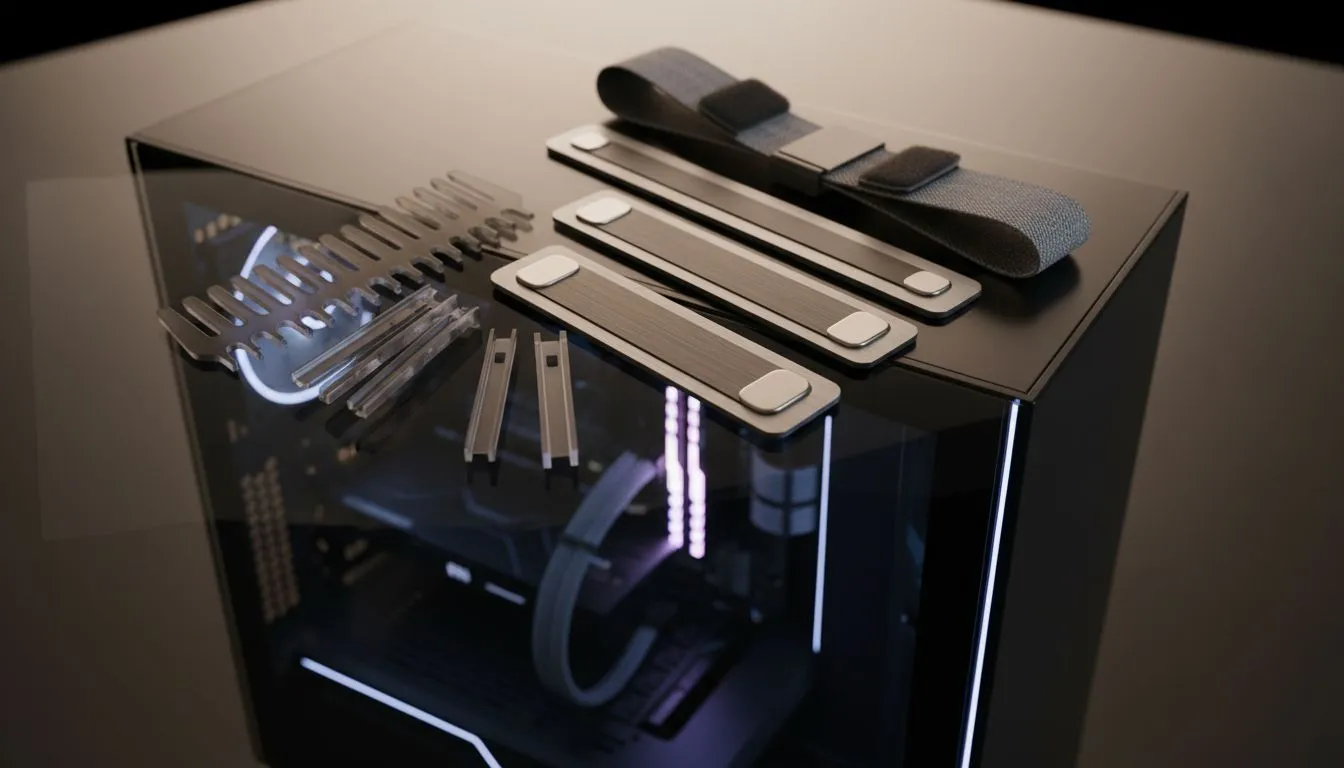
There is nothing quite like the feeling of peeling the plastic off a fresh tempered glass side panel. You have spent hours picking the perfect components... but then you see it. A chaotic web of wires ruins the view. Achieving professional glass case cable management is the difference between a desk masterpiece and a cluttered mess. Let’s clean up your South African battle station properly. 🔧
Mastering Glass Case Cable Management for Modern Builds
The visual appeal of a clear side panel relies entirely on what is happening behind the scenes. If your interior looks like a bowl of dark spaghetti, the RGB lighting will only highlight the clutter. Effective glass case cable management starts before you even plug in the power supply. It requires a strategy for routing every lead through the closest possible cutout.
Modern computer cases are designed with this specific challenge in mind. They feature dedicated basements to hide the power supply and extra lengths of cable. When you are building, always route your thickest cables first... usually the 24-pin motherboard connector. This allows you to lay smaller fan and front-panel wires on top for a flatter profile.
Choosing the Right Chassis for Hidden Wiring
The physical layout of your enclosure dictates how easy your life will be. Some brands prioritise aesthetics more than others. For example, Fractal Design PC cases are highly regarded in the Build Lab for their integrated cable channels and pre-installed velcro straps. These small additions save you from using dozens of plastic ties that are difficult to remove later. ⚡
The Velcro Advantage ⚡
Use reusable velcro ties instead of plastic zip ties. They allow you to add or remove cables later without risking a snip to your expensive PSU wires... and they look much cleaner when viewed through the rear of a dual-glass chassis.
Practical Tips for a Clean Interior Layout
Always use the "pull through" method. Pull the cable through the grommet until it is taut, then pull back just a few millimetres to reduce tension on the ports. This creates those clean, 90-degree bends that look so professional in high-end builds. If your power supply is non-modular, hide the unused cables in the hard drive cage area or the PSU shroud.
For South African gamers looking for style on a budget, Gamdias gaming cases offer fantastic value. You do not need to spend a fortune to get a clear view of your hardware. In fact, you can find several Gamdias cases under R1500 that still include tempered glass and decent routing options. 🚀
Final Touches for Your Clear Panel Build
Once the main cables are tucked away, focus on the small wires. Fan cables and RGB headers are often the messiest. Try to daisy-chain them where possible or use a dedicated hub behind the motherboard tray. A tidy build does more than look good... it also improves airflow and keeps your components running cooler during those hot South African summers. ✨
Ready to Showcase Your Build? A clean build starts with the right foundation. Whether you want a premium silent chassis or a high-airflow RGB beast, we have the stock to make your vision a reality. Explore our massive range of computer cases and start your next tidy project today.











