

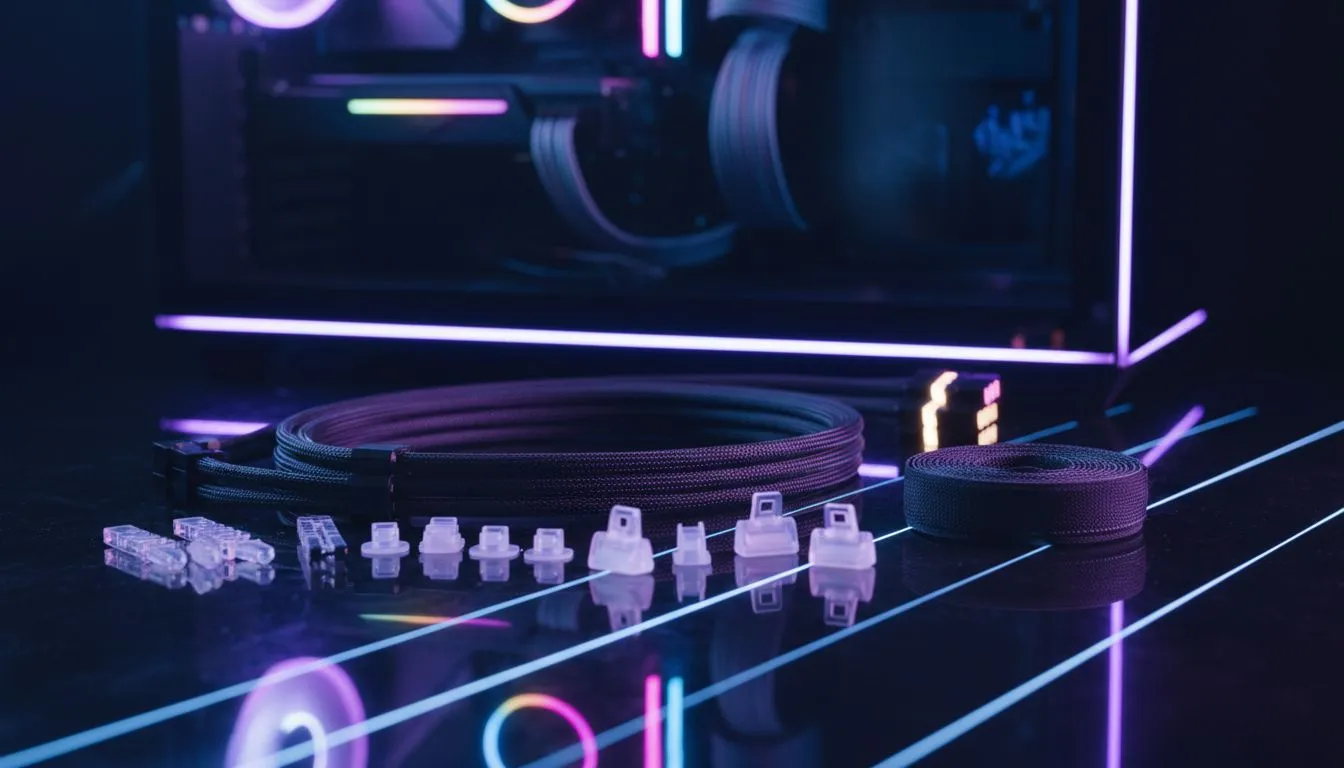
Glass Panel PC Cable Management: Quick wins for SA builders
South African gamers love a clean rig — it looks slick behind a glass panel and keeps temps down. This guide gives practical, shop‑ready steps to tidy cables fast, protect airflow and show off your RGB without a spaghetti nightmare. Read the 12 easy tips and you’ll save time, avoid common mistakes and get a case that actually looks built, not patched. 🔧✨
Glass panel cable management: planning before you build
Start with a plan. Lay out components on your desk and map cable lengths. Measure PSU leads and extension needs so you don’t buy extra where you don’t need it. If you need a case with sensible routing channels, browse our computer cases collection for models with built‑in grommets and tie points: https://www.evetech.co.za/components/computer-cases-70. Planning reduces re‑routing and keeps temps lower.
Glass Panel PC Cable Management: routing & airflow basics
Route heavy cables like 24‑pin and GPU power behind the motherboard tray, not over airflow paths. Use the case’s cable tie points; if there aren’t enough, add adhesive mounts or Velcro straps. For cases with generous space behind the tray, you’ll have cleaner front‑glass presentation and better intake airflow.
Productivity Pro Tip ⚡
On Windows, use the PowerToys FancyZones utility to create custom snap layouts for your windows. It's a lifesaver for managing multiple apps on an ultrawide monitor, letting you organise your timeline, preview window, and asset folders perfectly for video editing.
Glass panel cable management: small fixes that look pro
Hide front‑panel USB and audio headers under the PSU shroud if possible. Route fan hubs and ARGB controllers behind the tray, then run only short, neat extensions to the GPU and CPU area. Use black cable combs or coloured sleeves if you want uniform lines and a deliberate colour theme. For hardware that makes cable work easier, check Fractal Design cases known for tidy routing: https://www.evetech.co.za/PC-Components/fractal-design-pc-cases-346. 🚀
Glass panel PC cable management: tools and parts to keep handy
Keep a spool of 2.5mm and 3mm zip ties, some 3M adhesive mounts, a few Velcro strips and a basic wire cutter. If your PSU cables are short, high‑quality extensions can clean the look without hiding performance. If you’re shopping for a gaming case with aggressive styling, see our Gamdias gaming cases for bold options: https://www.evetech.co.za/PC-Components/gamdias-gaming-cases-293.
Glass panel cable management: budget tips & buys under R1500
You don’t need to break the bank to get tidy routing. Some Gamdias models offer good routing at accessible prices — find options under R1500 to suit tighter builds: https://www.evetech.co.za/PC-Components/gamdias-gaming-cases-293?max-price=1500. Spend on a few quality straps and one good extension rather than dozens of cheap zip ties.
Glass panel cable management: finishing touches and maintenance
Once routed, run a 24‑hour burn test to watch for cable shift and check temps. Tidy any cables that sag; replace temporary ties with permanent Velcro strips. A neat build is easier to service and shows better in photos and at LANs.
Ready to Find Your Perfect Match? The Mac vs Windows debate is complex, but for maximum power, choice, and value in South Africa, Windows is hard to beat. Explore our massive range of laptop specials and find the perfect machine to conquer your world.











