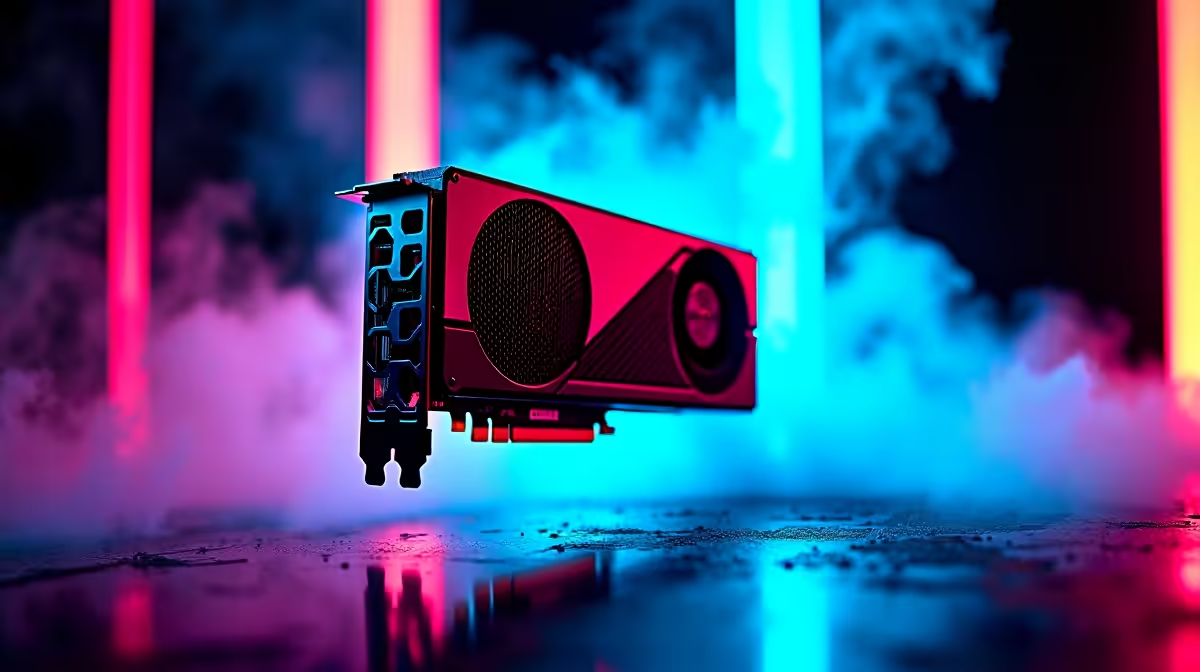
You’ve just unboxed your beastly new graphics card. The sheer size of it is awesome. You slot it into your rig, fire it up, and bask in the glorious high-frame-rate glow. But a few weeks later, you notice something… unsettling. Is that brand new, multi-thousand-Rand GPU… bending? That, my friend, is GPU sag, and it’s a bigger problem than you might think. Let's talk about why you absolutely need to prevent it.
What Is GPU Sag, Anyway?
At its core, GPU sag is a simple case of physics winning a battle against your PC components. Modern graphics cards, especially high-end models, are becoming incredibly powerful, but also incredibly heavy and long. They are packed with massive heatsinks and multiple fans. When this hefty card is only supported by the tiny PCIe slot on your motherboard and two small screws at the backplate, gravity inevitably starts to pull the unsupported end downwards. This slow, relentless droop is what we call graphics card sag, a common issue with today's powerhouse cards.
The Hidden Dangers of a Drooping Graphics Card
"It's just a little bend, what's the big deal?" you might ask. Unfortunately, the consequences of long-term GPU sag can lead to some seriously expensive problems down the line. 🛡️
- PCIe Slot Damage: The most critical risk is damage to the Peripheral Component Interconnect Express (PCIe) slot on your motherboard. The constant, leveraged pressure from a sagging GPU can stress, crack, or even completely break the slot's solder points. A motherboard replacement is a far bigger headache than a simple bracket.
- GPU Damage: The sag can also put immense strain on the graphics card's own printed circuit board (PCB). This can lead to micro-fractures and damaged connections over time, potentially causing artifacting, crashes, or total failure.
- Cooling and Connection Issues: A drooping card might not make full, proper contact in the PCIe slot, leading to intermittent connection problems. The sag can also slightly warp the card's cooler, reducing its effectiveness and causing higher temperatures. A stable card is part of a stable system, just as important as having efficient CPU coolers to manage your processor's heat.
Quick Sag Check 🔧
Worried you might have GPU sag? Place a small spirit level on top of your GPU's backplate (when the PC is off and cool, of course). If that bubble isn't perfectly centred, you've got sag. As a temporary fix while you wait for a proper bracket, you can prop it up with something non-conductive like a stack of LEGO bricks or a custom-cut piece of plastic.
Your Simple, Affordable Solution: The GPU Support Bracket
Thankfully, the fix for GPU sag is both simple and affordable: a GPU support bracket. This is a dedicated brace designed to eliminate GPU sag by holding up the far end of your graphics card, counteracting gravity and keeping it perfectly level. They come in various forms, from simple adjustable stands that sit on your PSU shroud to more elegant arms that screw into the expansion slots below the GPU.
Choosing the right computer case is also a key part of the solution. Many modern chassis are now built with this issue in mind. For instance, you'll find that some Gamdias gaming cases and popular Corsair cases come with an integrated support bracket. Even many of our own Evetech gaming cases and various DeepCool cases offer clever mounting options or enough internal space to easily fit an aftermarket solution. A small investment here saves a potential fortune later.
Beyond the Bracket: A Holistic View of Your Build's Health
Thinking about preventing GPU sag encourages a healthier approach to PC building in general. It's about understanding that every component's weight and size impacts the whole system. A massive graphics card can affect airflow, and the same principle of physical stress applies elsewhere.
Consider the weight of large traditional air coolers, which also hang off the motherboard. While they have robust mounting systems, it highlights the importance of a sturdy motherboard and proper installation. It's also why many builders with heavy-duty components opt for all-in-one liquid coolers (AIO), which move the bulk of the cooling weight (the radiator) directly onto the case frame. When planning your build, you need to ensure your case can accommodate everything, whether it's a long GPU or a beefy 360mm radiator for maximum cooling. ✨
Ultimately, addressing GPU sag isn't just about aesthetics; it's about respecting the engineering of your R20,000+ investment and ensuring it performs optimally for years to come. Don't let gravity get the best of your rig.
Don't Let Gravity Win. Protect Your Build.
GPU sag is more than just an eyesore; it's a risk to your entire rig. Secure your investment with the right support. Explore our range of PC components and accessories to build a PC that's powerful, stable, and built to last.