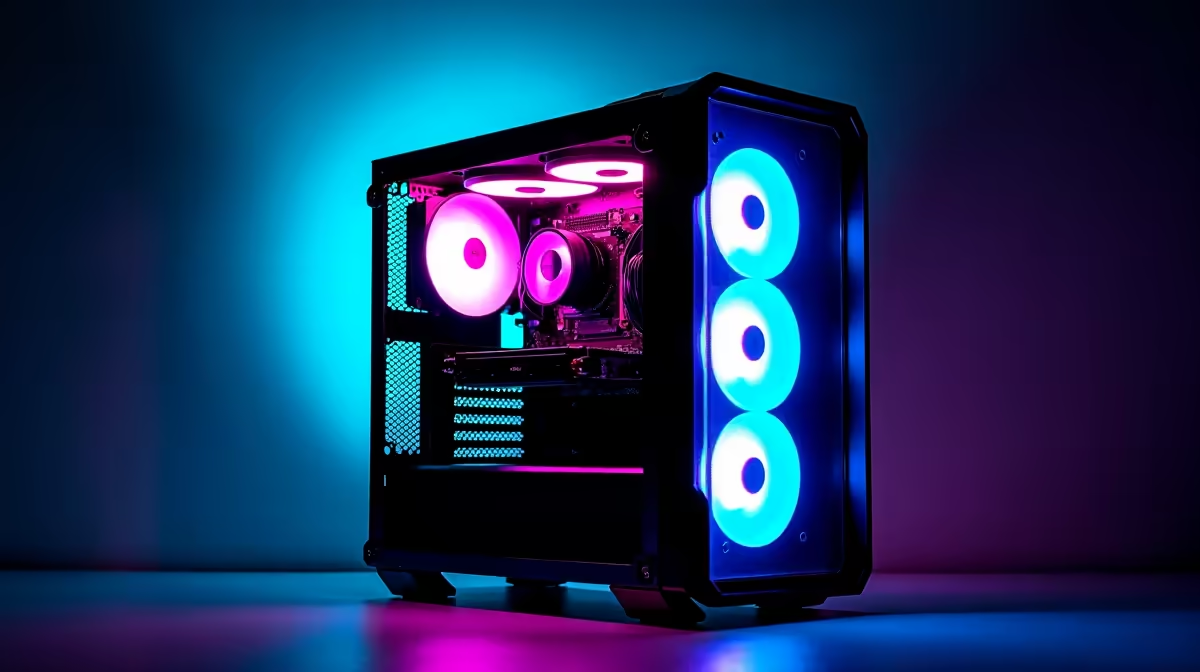
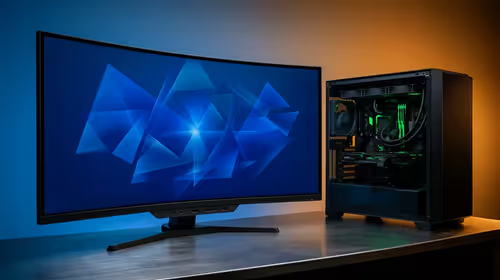
Staring at your screen, dreaming of a rig that can render complex AI art in minutes and still smash out 144 FPS in the latest AAA title? You're not alone. The line between a creative workstation and an elite gaming PC is blurring. Building a dual-purpose powerhouse is no longer a futuristic dream… it's the smartest move for any South African tech enthusiast in 2024. This guide will show you how to spec the perfect AI gaming PC build.
The Synergy Between AI and Gaming Hardware
It might seem like gaming and artificial intelligence are worlds apart, but under the hood, they crave the same thing: raw graphical processing power. The very same architecture that paints breathtaking landscapes in Cyberpunk 2077 is what accelerates deep learning models and AI image generation. It's all about parallel processing, and modern GPUs are the undisputed champions.
This is why an AI gaming PC build is such an efficient investment. Technologies like NVIDIA's Tensor Cores, originally designed for AI, now power features like DLSS (Deep Learning Super Sampling), giving you higher frame rates. This beautiful crossover means your gaming hardware is already primed for creative and professional AI tasks. For many South Africans, this means one powerful machine can handle your side hustle, your studies, and your after-hours gaming sessions. You can explore a wide variety of powerful NVIDIA GeForce gaming PCs that excel at exactly this kind of dual-purpose workload.
Choosing Your Core Components: The Brains of the Operation 🔧
Building the ultimate rig is about making smart choices. While every component matters, three areas are absolutely critical for a machine that needs to handle both AI and gaming without breaking a sweat.
The GPU: The Heart of Your AI and Gaming Machine
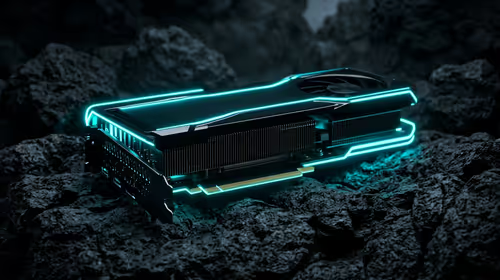
Your Graphics Processing Unit (GPU) is the single most important part of your build. For gaming, it determines your resolution and frame rates. For AI, its VRAM (video memory) and core architecture dictate how large of a model you can run and how quickly you can process data.
- NVIDIA: Generally considered the top dog for AI due to its mature CUDA software platform, which is the industry standard for machine learning.
- AMD: Offers incredible gaming performance for your ZAR. While its AI software ecosystem is still growing, you can find amazing value in their lineup of AMD Radeon gaming PCs in South Africa.
- Intel: A newer player in the dedicated GPU space, their Arc GPUs are making waves, especially for video encoding and certain AI tasks. It's worth keeping an eye on the latest Intel Arc gaming PCs as their drivers mature.
For a serious AI gaming PC, prioritise a GPU with at least 12GB of VRAM. More is always better for handling larger datasets and higher-resolution textures.
The CPU: Juggling Gaming Frames and AI Threads
While the GPU does the heavy lifting for AI, the Central Processing Unit (CPU) is the master conductor. It manages your operating system, prepares data for the GPU, and is crucial for gaming performance, especially at higher frame rates.
The choice between Intel and AMD often comes down to your specific needs and budget. Intel's hybrid architecture with P-cores (Performance) and E-cores (Efficient) is brilliant for multitasking. You can browse the latest Intel PC deals to see how they stack up. On the other hand, AMD often packs more high-performance cores into their chips at competitive prices, which can be a huge advantage for tasks that can use them all. Check out the current range of AMD Ryzen PC deals to find a processor that fits your build.
RAM Speed Pro Tip ⚡
When choosing RAM for your AI gaming PC, don't just look at the capacity (32GB is a great start). Check the speed (e.g., 6000MHz for DDR5) and latency (CL). For AMD Ryzen 7000 series CPUs, RAM with AMD EXPO profiles can offer a simple one-click performance boost in your BIOS.
RAM and Storage: Speed and Space are Crucial
Don't skimp here. For a dual-purpose machine, 16GB of RAM is the absolute minimum, but 32GB of fast DDR5 RAM is the recommended sweet spot. It gives you enough headroom for demanding games, browser tabs, and running AI models simultaneously.
For storage, a fast NVMe SSD is non-negotiable. It will drastically reduce game load times and the time it takes to load large AI datasets from your drive into VRAM. A 1TB drive is a good starting point, but with game sizes ballooning, a 2TB drive offers much better peace of mind.
Your AI Gaming PC Build: From Budget-Friendly to Beast Mode 🚀
So, what does this look like in practice? An effective AI gaming PC doesn't have to cost a fortune.
For a smart starting point, you can look at builds that pair a modern 6 or 8-core CPU with a GPU like the RTX 4060. This setup will deliver an excellent 1080p/1440p gaming experience and is more than capable of running popular AI tools like Stable Diffusion. Many of our budget gaming PCs offer a fantastic foundation that you can upgrade over time.
If you're a professional creative or a serious AI enthusiast, you'll want to aim higher. Think top-tier CPUs and a GPU with 16GB of VRAM or more, like an RTX 4080 SUPER or 4090. Paired with 64GB of RAM, this kind of rig is less of a PC and more of a supercomputer for your desk. These often fall into the category of high-end workstation PCs, built for maximum performance and reliability.
Ultimately, the goal is to find a balanced system that meets both your creative ambitions and your gaming needs. By carefully selecting components, you can find some of the best gaming PC deals that also double as incredible AI machines.
Ready to Build Your AI Powerhouse?
Whether you're training models or dominating leaderboards, the right hardware makes all the difference. An AI gaming PC build doesn't have to be complicated. Explore our pre-built PC deals and find the perfect ready-to-go or customisable machine to power your passion.