

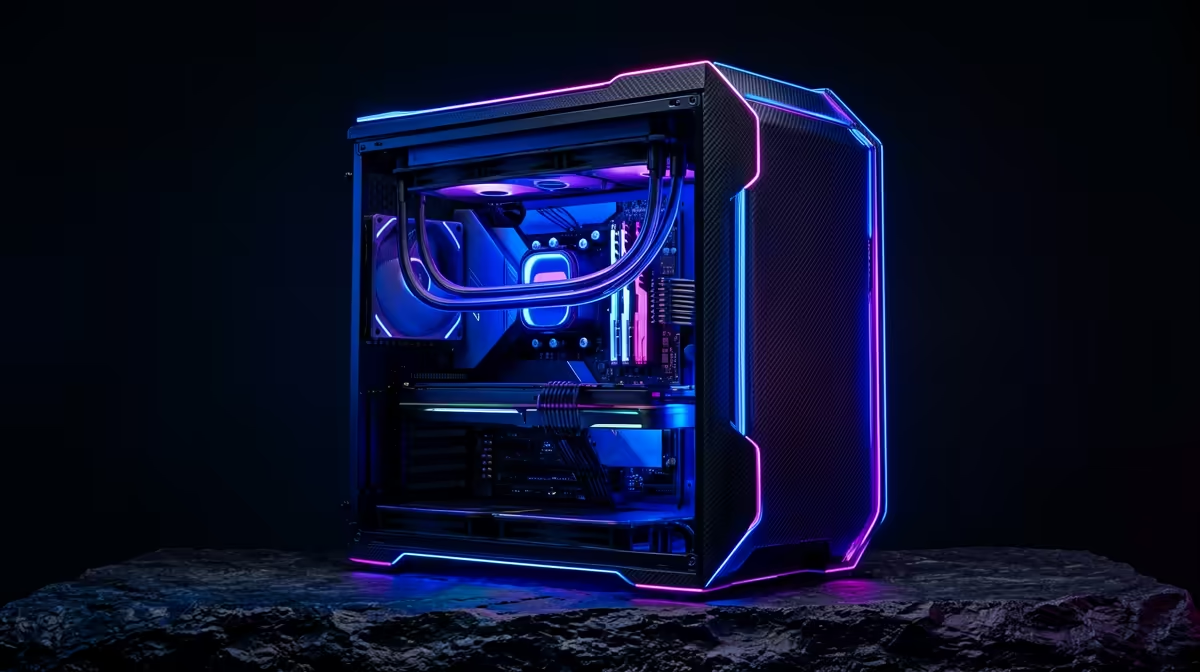
Howzit, gamers! Is the sweltering South African heat turning your rig into a jet engine just to run Warzone? You’re not alone. When ambient temps soar, PC components throttle, and your FPS plummets. This high-temperature gaming PC build guide is your blueprint for a machine that stays frosty and fast, even when load shedding and a heatwave team up. Let’s build a rig that beats the heat and keeps you in the game.
Why a Standard PC Build Struggles in South African Heat
Let's be real... heat is the arch-nemesis of performance. Your CPU and GPU are designed to protect themselves from overheating through a process called thermal throttling. When they get too hot, they automatically reduce their speed to cool down. The result? Stuttering, lag, and a seriously frustrating gaming experience.
An effective high-temperature gaming PC build isn't just about luxury; it's about consistency. Sustained high temperatures don't just kill your framerate; they can also shorten the lifespan of your precious components. Investing in proper cooling is investing in the long-term health and performance of your entire setup. For those pushing pixels on demanding titles, a thermally-optimised machine, like those found in our powerful rigs over R20k, is non-negotiable.
Core Components for a High-Temperature Gaming PC Build 🔧
Building a PC to withstand our climate means making smarter choices from the get-go. It’s less about raw power and more about efficient, well-cooled power.
CPU Coolers: Air vs. Liquid
The debate is endless, but for a hot environment, both have their merits. A high-end air cooler (like a Noctua or be quiet!) with a large heatsink offers fantastic, reliable performance. A good All-In-One (AIO) liquid cooler, on the other hand, excels at moving heat directly out of the case via its radiator. For most builds, a 240mm or 280mm AIO is the sweet spot for performance and value.
The Case for Airflow
That slick, all-glass case might look amazing, but it can be an oven. For a PC build for hot weather, prioritise a case with a mesh front panel. This allows for maximum air intake, feeding your components a constant stream of cool air. Pair it with a smart fan setup to create positive air pressure (more intake fans than exhaust), which helps keep components cool and dust out. ✨
Thermal Paste Pro-Tip
Don't cheap out on thermal paste! A high-quality thermal compound can lower your CPU temperatures by several degrees compared to the stock paste. It’s one of the most cost-effective cooling upgrades you can make to your gaming PC build.
Smart GPU & CPU Choices
Not all silicon is created equal. Some processors and graphics cards simply run cooler and use less power (measured in TDP, or Thermal Design Power) while delivering similar performance. When planning your build, compare the TDP of your shortlisted components. A more efficient part generates less heat, placing less strain on your cooling system. This is especially crucial for balanced builds under R20k, where every component choice matters.
DIY vs. Expertly Cooled Pre-Builts
Building your own PC is a rewarding journey, giving you total control over every part. It allows you to create a truly specialised high-temperature gaming PC build tailored to your exact needs.
However, if you'd rather spend your time gaming than managing cables for optimal airflow, a professionally assembled PC is a fantastic option. Our technicians live and breathe this stuff, ensuring every fan is pointing the right way and every component is perfectly cooled from the moment you plug it in. Many of our pre-built PC deals are designed with thermal performance as a top priority. And for gamers on a tight budget, our range of budget gaming PCs offers an accessible entry point without compromising on smart, cool-running configurations. 🚀
Ready to Chill and Conquer? Don't let heat be the final boss. Explore our expertly crafted rigs designed for peak performance, no matter the weather. Check out the best gaming PC deals at Evetech for a system that stays cool under pressure.











