

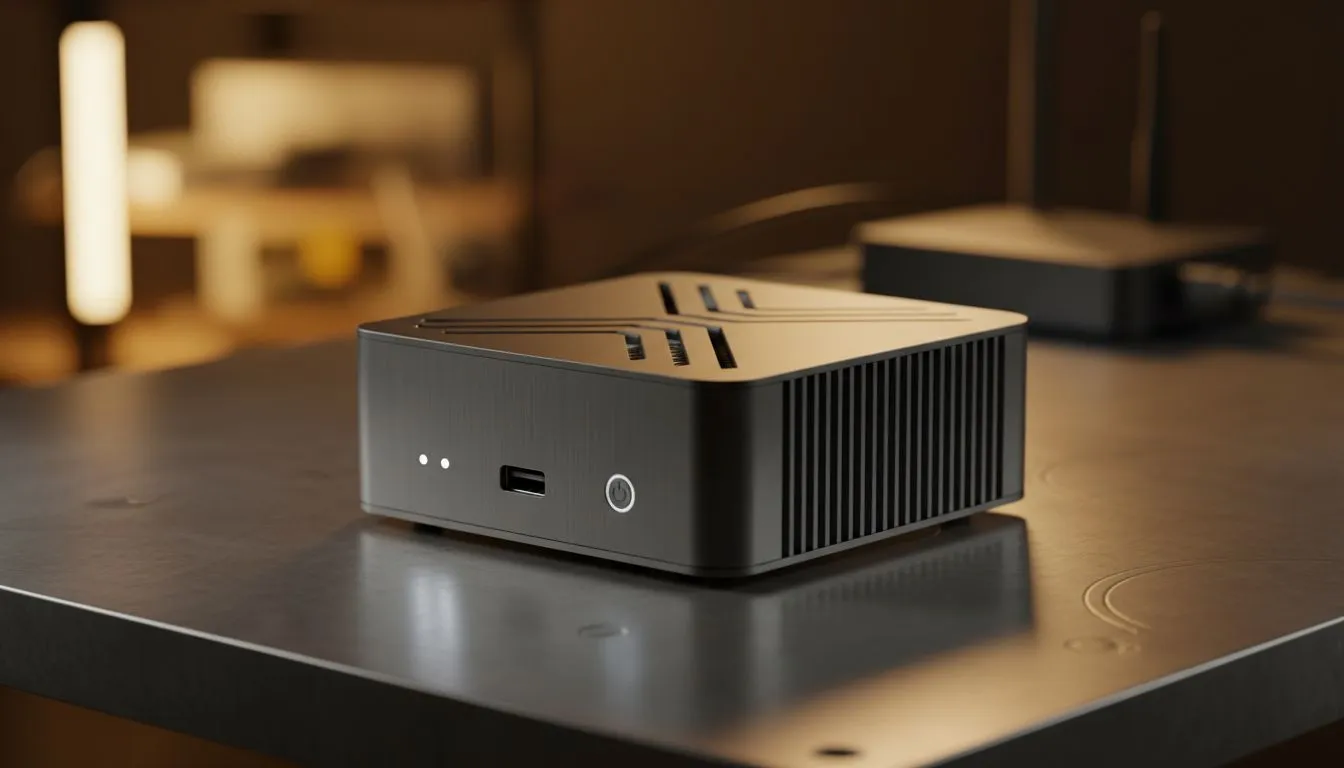
Why Every South African Home Needs a Private Cloud
Tired of streaming services hiking prices or removing your favourite shows? Building a Home Media Server: Beginners Guide to Private Clouds is the ultimate way to take back control. Whether you are archiving 4K movies or securing family photos, a local server keeps your data accessible even when the international cables act up. Let us look at how you can build your digital vault right here in SA. 🚀
The Benefits of Local Storage in South Africa
Streaming is convenient until the internet goes down or your favourite platform loses licensing rights. A private cloud ensures your media is always available on your local network. This setup is particularly useful during load shedding if you have a basic UPS... your server and router can keep the movies rolling while the lights are out.
Beyond entertainment, a home server acts as a central hub for all your devices. You can automatically back up photos from your phone or share large work files between PCs. It is about privacy and speed. Accessing a file over your home Wi-Fi is significantly faster than downloading it from a data centre in Europe or America.
Choosing the Right Hardware for Your Server
The heart of your private cloud is the hardware. You do not need a massive rack-mounted beast to get started. Many South Africans begin with a diskless NAS storage unit because it offers the most flexibility. You simply buy the enclosure and add your own hard drives as your budget allows.
If you are looking for a reliable entry point, Orico NAS solutions are excellent for basic file sharing and media streaming. They are easy to set up and do not require a degree in computer science to operate.
For those who want more "oomph" for tasks like 4K transcoding... where the server changes the video format on the fly for your phone or tablet... you might need more CPU power. In this case, Minis Forum storage servers provide a compact yet powerful alternative to traditional bulky towers. ✨
Software to Power Your Media Experience
Once your hardware is ready, you need the right software to organise your library. Plex and Jellyfin are the two most popular choices. They scan your folders, download movie posters, and provide a Netflix-like interface for your own content.
Most modern NAS devices come with their own operating systems that make installing these apps as simple as clicking a button. You can then download the corresponding app on your Smart TV or smartphone to start watching.
Storage Pro Tip ⚡
When setting up your drives, always consider a RAID configuration. RAID 1 mirrors your data across two drives. If one drive fails, your data stays safe on the other. It is a small price to pay for peace of mind... especially when high-capacity drives in SA can cost upwards of R3,000 each.
Setting Up Your Network for Success
To get the best out of your Home Media Server: Beginners Guide to Private Clouds, ensure your server is connected via an Ethernet cable. While Wi-Fi is great for tablets, a physical cable to your router prevents buffering when watching high-bitrate 4K content. 🔧
If you plan on accessing your files while away from home... perhaps at a coffee shop or on holiday in Durban... look into setting up a VPN or a secure remote access portal. This keeps your data private while giving you the freedom to stream your library from anywhere in the world. 🌍
Ready to Build Your Private Cloud? Taking control of your data and media has never been easier or more affordable. From entry-level enclosures to high-performance servers, we have the gear to get you started. Explore our range of NAS storage solutions and start building your ultimate home media hub today.











