

Tired of your ping spiking right when the final circle closes in Apex Legends? A mediocre setup is the silent killer of South African gaming sessions. Whether you are streaming 4K content in Sandton or climbing the ranks in Cape Town, a solid Home Network Installation: The Ultimate Professional Guide is your blueprint for a lag-free life. Let's get your signal sorted once and for all. ⚡
Start with a Strong Foundation
Every pro setup begins with the brain of the operation. If you are still using the basic router your ISP gave you three years ago... you are leaving performance on the table. Modern South African homes often have thick brick walls that eat Wi-Fi signals for breakfast. Upgrading to one of the latest high-performance wireless routers is the first step toward a stable connection. Look for Wi-Fi 6 support to handle multiple devices without a sweat.
Eliminating Dead Zones and Signal Dropouts
We have all been there. The signal is perfect in the lounge... but it disappears the moment you walk into the bedroom. For larger South African homes, a single point of access usually isn't enough. You can easily bridge these gaps by strategically placing wireless range extenders throughout your hallways. This ensures that your mobile devices stay connected as you move around, preventing that annoying "reconnecting" spinner during a WhatsApp call. 🔧
Router Placement Pro Tip ⚡
"Position your router in a central, elevated location rather than inside a cupboard. Wi-Fi signals travel downwards and outwards. Placing it on a high shelf in the middle of your home can improve coverage by up to 30% without spending a single Cent."
Optimising Your Gaming Rig
Even the best Wi-Fi can struggle with interference from microwaves or neighbouring networks. If running a long Ethernet cable across the floor isn't an option, you need a dedicated solution for your PC. High-gain reliable wireless adapters provide a much more stable link than the tiny antennas built into most motherboards. This is especially vital for competitive titles where every millisecond counts towards your K/D ratio.
Professional Cable Management and Hardware
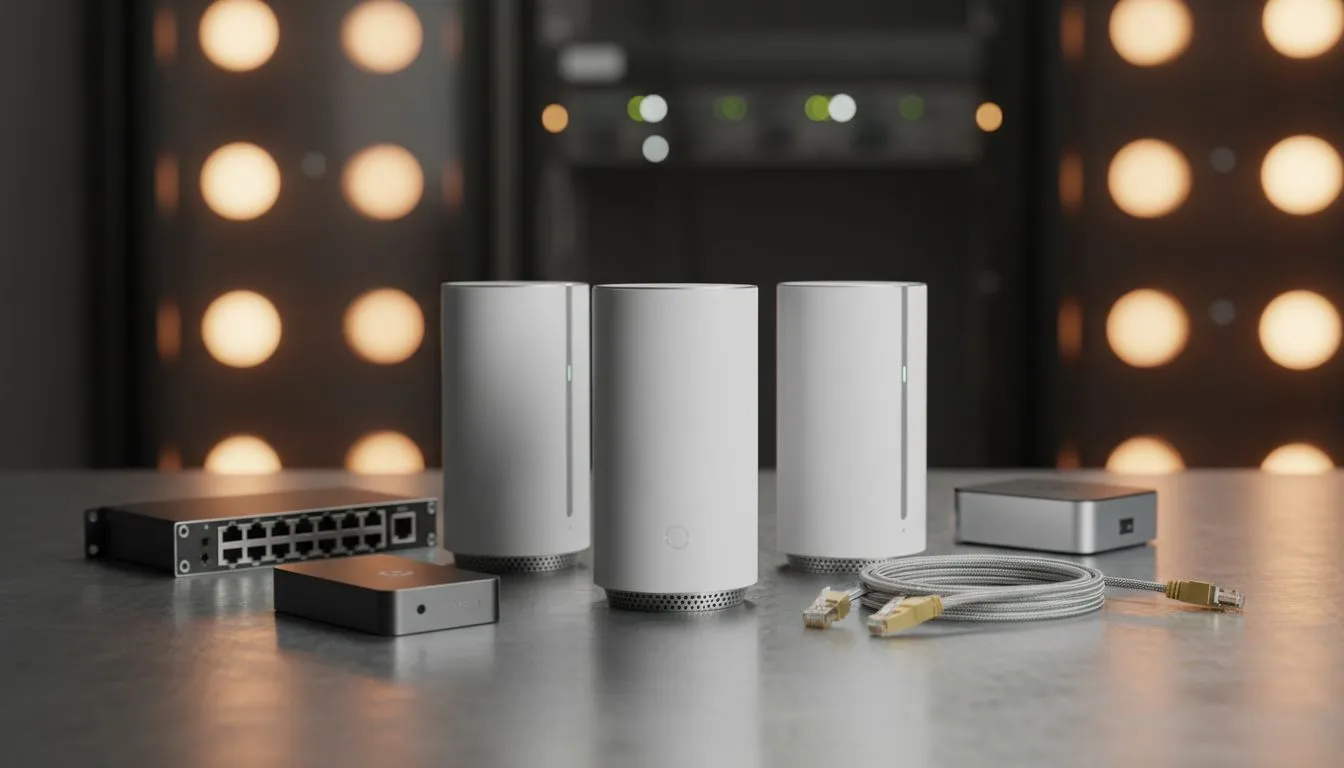
A truly professional Home Network Installation: The Ultimate Professional Guide wouldn't be complete without mentioning the "hidden" hardware. From high-quality CAT6 cables to network switches that expand your wired capacity... the small details matter. Investing in quality wireless networking gear ensures your internal speeds don't bottleneck your expensive fibre line. It is about creating a seamless ecosystem where your PC, console, and smart home devices play nice together. 🚀
Ready to Kill the Lag? Don't let a weak signal hold back your performance. Whether you need a beastly new router or a simple range booster, we have the gear to get you connected. Explore our massive range of networking specials and take control of your home connection today.











