

Let's be honest... running a high-end studio in South Africa is stressful. You do not need hardware freezing while you are miles away. If you rely on heavy rendering or massive datasets, every minute of downtime costs serious ZAR. That is exactly how onboard BMC and remote management help in a professional workstation environment. They give you absolute control over your hardware... even when the operating system completely crashes.
The Magic of Baseboard Management Controllers 🔧
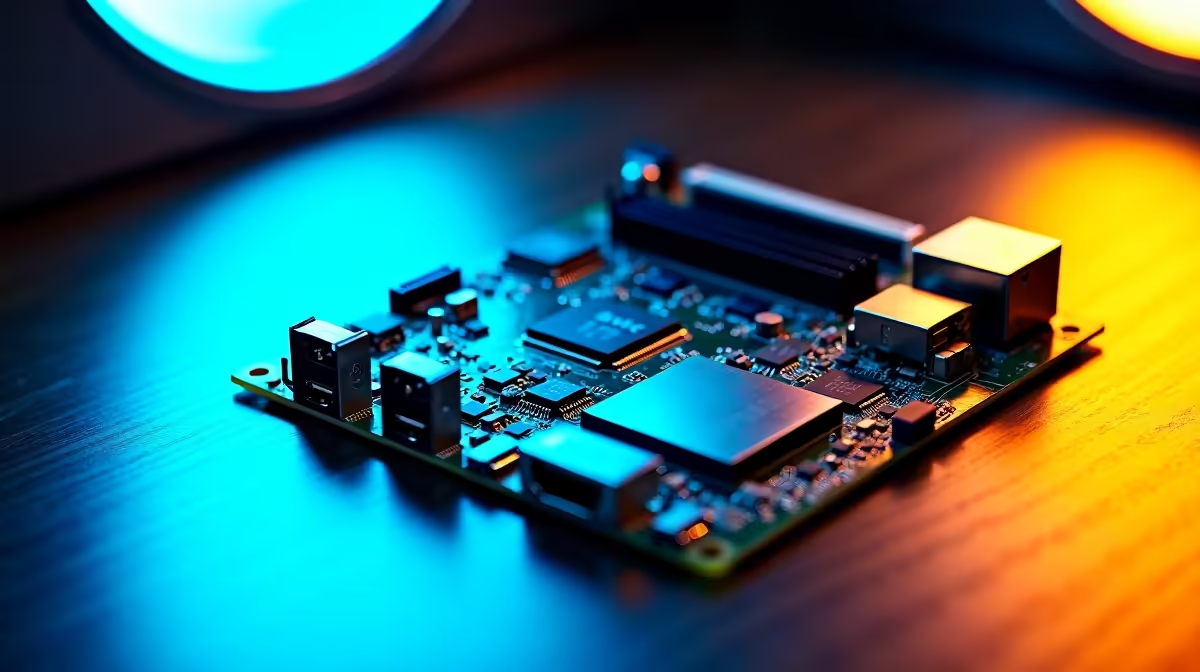
A Baseboard Management Controller (BMC) is a tiny, dedicated processor built directly into your motherboard. It operates entirely independently of your main CPU, memory, and operating system. As long as your workstation has power and an active network connection, the BMC remains fully awake.
Your IT administrator can log in remotely to monitor temperatures, adjust fan speeds, or force a hard reboot. It is literally like having a technician sitting right next to the physical machine. Mobile professionals can easily upgrade by checking out the latest notebooks for sale in South Africa. However, heavy-duty desktop workstations need true hardware-level remote access to stay reliable. When loadshedding strikes and power is restored, a BMC lets you power up systems remotely without driving to the office.
How Remote Management Keeps Your Studio Running ⚡
Imagine a scenario where a massive 3D architectural render crashes your system at two in the morning. Without remote management, you would have to drive to the office just to hit the physical reset button.
With an onboard BMC, you simply log in from your home network. You can reset the system and restart the render queue instantly. This level of granular control is absolutely vital for keeping studio productivity high. Building a custom rig for this exact purpose? Exploring the best gaming PC deals yields powerful components. These high-end parts double up perfectly for heavy workstation tasks, giving you massive multi-core performance for complex workloads.
Network Setup Tip 🚀
Always assign a dedicated static IP address to your BMC port. This ensures you never lose access to your remote management dashboard if your local DHCP server goes down during a sudden power trip or router restart.
Maximising Value and Minimising Downtime ✨
Investing in enterprise-grade hardware with Intelligent Platform Management Interface (IPMI) capabilities might seem costly upfront. However, the time saved on manual IT troubleshooting quickly pays for the premium. You no longer need to send expensive technicians across town for simple BIOS updates, OS installations, or system reboots. Everything happens seamlessly over the network.
Whether you are outfitting a small design agency or a massive post-production house, smart purchasing is key. You can often find incredible value by watching daily specials. This stretches your IT budget further without compromising on performance or reliability.
Ultimately, understanding how onboard BMC and remote management help in a professional workstation environment keeps your business online. You stay protected... no matter what hardware gremlins strike. You get total peace of mind knowing your critical infrastructure is always just a few clicks away.
Ready to Upgrade Your Professional Setup? Don't let system crashes and downtime eat into your profits. Explore our massive range of workstation specials and find the perfect machine to keep your workflow uninterrupted and your studio running flawlessly.











