

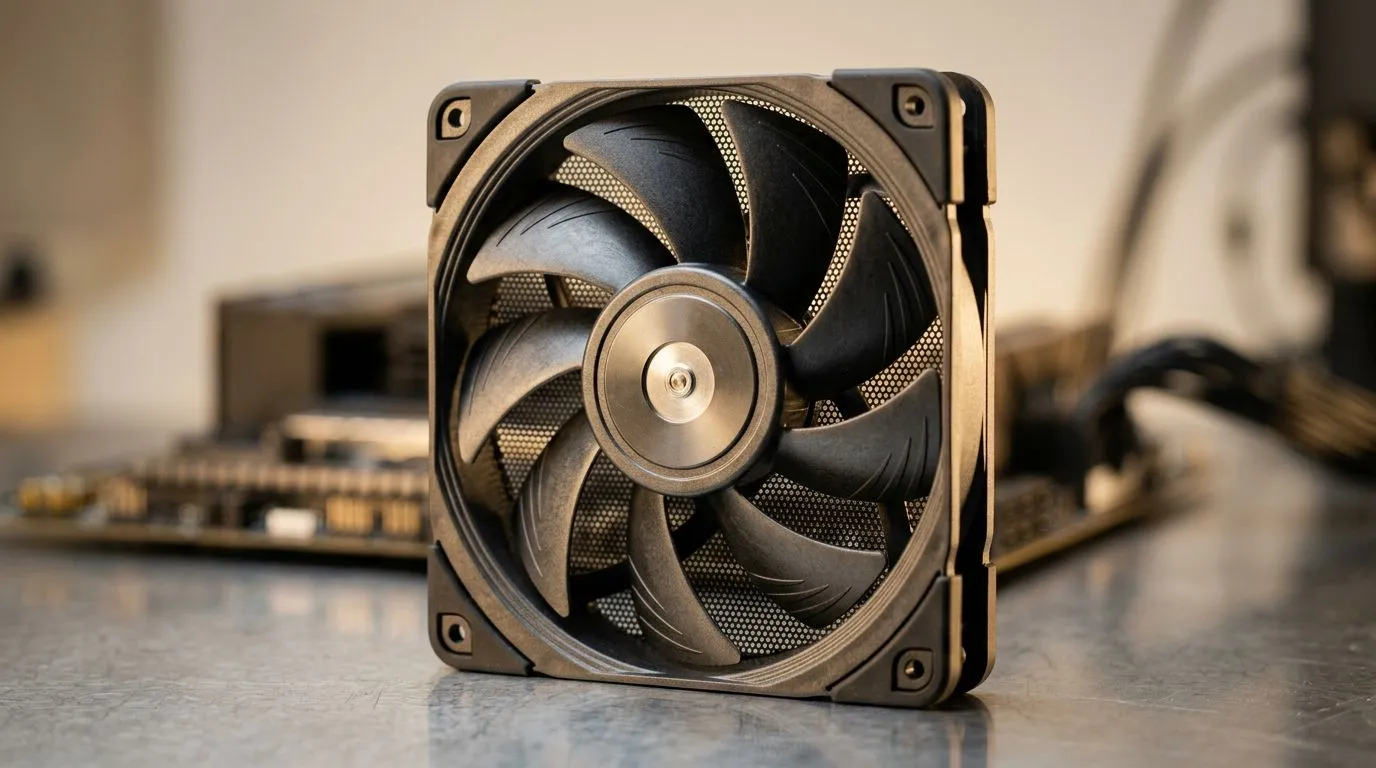
How Much to Spend on Case Fans in South Africa for Cooling (and Why It Matters) 🎮
If your PC sounds like it’s “gaming” even when you aren’t, your case fans might be underpowered… or just plain wrong for your build. In South Africa, the temptation is to spend the least possible on cooling and then wonder why CPU temps creep up during ranked sessions. The good news? You don’t need a server-rack budget. You do need the right fan setup, at the right price, for your airflow plan. 🔧
Cooling Basics: What Case Fans Actually Do 🔁
Case fans move air through your case, typically to:
- Pull cool air in from the front/bottom (intake)
- Push warm air out from the rear/top (exhaust)
This matters because most gaming performance throttles due to temperature, not “lack of FPS magic”. When airflow is poor, hot air lingers around the CPU and GPU. A better fan balance can reduce heat soak, improve stability, and help components run closer to their intended boost behaviour.
Evetech stocks a range of case fans (including popular sizes and brands) you can compare directly here:
Budget Guide: How Much to Spend on Case Fans in South Africa for Cooling 💸
A realistic way to budget depends on two things: how many fans you need and whether you want RGB.
A practical spending range (SA pricing logic)
Rather than guessing exact ZAR pricing on specific SKUs (it varies by brand and promo), use this structure when you’re shopping on Evetech:
- Starter builds (basic cooling): Spend on enough fans to establish a clear intake/exhaust path. Even “standard” fans are about airflow, not fireworks.
- Mid-range performance (comfort + sustained boost): Add more fans or choose higher-RPM models for better pressure (especially if your case has restrictive mesh filters).
- Enthusiast rigs (silence + aesthetic): You’ll pay more for better bearings, control options, and RGB ecosystems if you want lighting.
If you’re shopping by brand, Evetech makes it easy to filter, for example:
- https://www.evetech.co.za/PC-Components/case-fans-97.aspx?brands=CORSAIR
- https://www.evetech.co.za/PC-Components/case-fans-97.aspx?brands=Deepcool
And if RGB is your thing (or you’re trying to avoid it), filter the selection:
- https://www.evetech.co.za/PC-Components/case-fans-97.aspx?attributes-lightingeffects=RGB
- https://www.evetech.co.za/PC-Components/case-fans-97.aspx?attributes-lightingeffects=None
Choose the right size first (120mm vs 140mm) ✨
Most cases support either 120mm or 140mm fans. In general, 140mm fans can move air effectively with lower noise because they spread airflow over a larger surface area. But your case mounting points decide everything.
Check Evetech’s size filters when planning your fan count:
- https://www.evetech.co.za/PC-Components/case-fans-97.aspx?attributes-size=120mm
- https://www.evetech.co.za/PC-Components/case-fans-97.aspx?attributes-size=140mm
What “enough fans” looks like in a gaming tower
For typical gaming setups, a common baseline is:
- 2 to 3 intake fans
- 1 to 2 exhaust fans
If you add fans, don’t just increase speed everywhere. Aim for balanced airflow so warm air is actually leaving the case.
Productivity Pro Tip 🔧
install day, start your fan tests with a simple method: run a short gaming workload, then open your case and feel airflow at the front and rear. If the exhaust feels weak compared to intake, you likely need better fan placement or a fan curve tweak in your BIOS or motherboard software.
Expert Checklist Before You Buy Fans (No Regrets) ✅
Before you click “add to cart”, confirm:
- Your case supports the fan size (120mm or 140mm).
- Your motherboard has enough fan headers, or you’ll need a hub.
- Your fan strategy fits your hardware: hotter GPUs (and CPUs with power limits) benefit from more consistent exhaust.
- Noise expectations: budget fans are fine, but persistent high RPM without control can get annoying.
If you want to upgrade smart, spend where it counts. A well-planned fan setup often beats overspending on premium parts with mediocre airflow.
Ready to Upgrade? Start With the Fans That Fit Your Build 🚀
Use Evetech’s filters to match your size, your lighting preference, and your preferred brands, then build a cooling plan that makes sense for your case.
Ready to Find Your Perfect Match? The Mac vs Windows debate is complex, but for maximum power, choice, and value in South Africa, Windows is hard to beat. Explore our massive range of laptop specials and find the perfect machine to conquer your world.











