

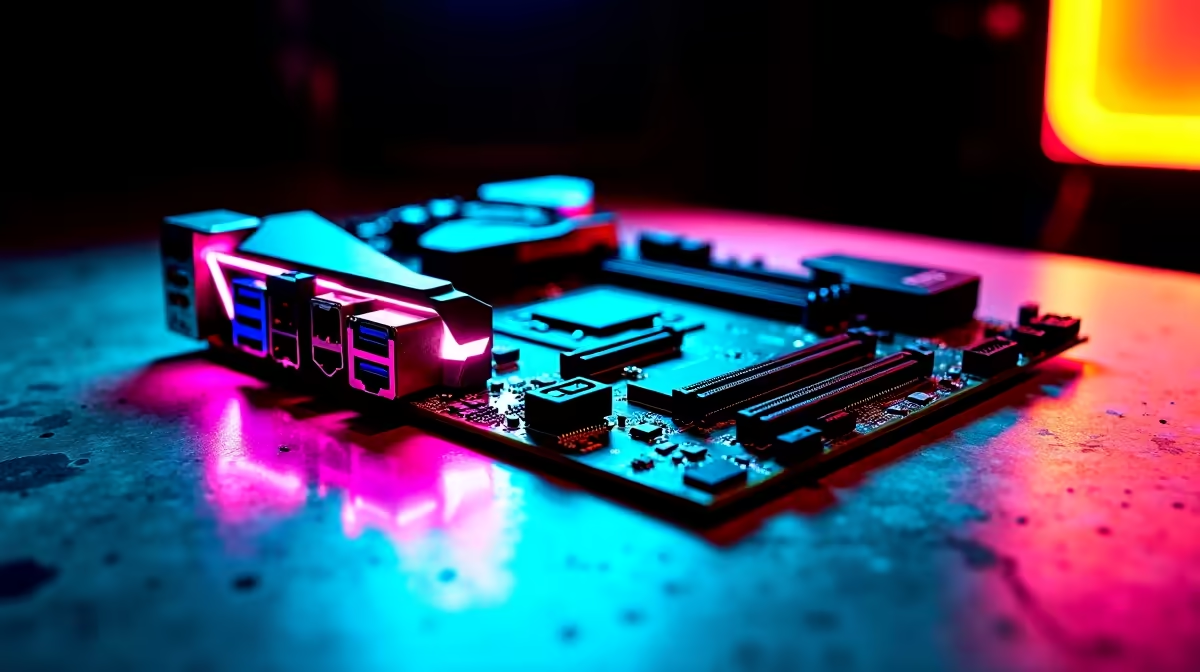
Let's face it... cable management is the bane of every PC builder's existence in South Africa. You spend hours picking top-tier components, only for a spaghetti mess of wires to ruin the aesthetic. But what if you could hide them all? Learning how to build a clean BTF gaming PC with a hidden-connector ATX motherboard is your ticket to a flawless, wire-free showcase rig. Say goodbye to cable ties and hello to pure hardware beauty.
What is a BTF Hidden-Connector ATX Motherboard? 🔧
BTF stands for Back to the Future. It is a brilliant design shift. All power, SATA, and fan headers are moved to the rear of the board. This completely removes cable clutter from the front of your chassis. Your graphics card and processor take centre stage.
If you want to buy motherboards that offer this sleek layout, you need a compatible case. The case must feature precise cutouts in the motherboard tray. This innovation is taking the South African PC market by storm... It gives enthusiasts a way to show off their components without visual distractions.
Choosing the Right Components for Your Build
To build a clean BTF gaming PC, you must pair your board with the right hardware ecosystem. ASUS is currently leading this charge with their Advanced BTF design. Team Blue fans can explore the latest ASUS Intel motherboards designed specifically for this hidden-cable standard. These boards often feature high-end power delivery for top-tier processors.
If you prefer Ryzen power for your gaming sessions, grab one of the hidden-connector ASUS AMD motherboards instead. Remember that you will also need a BTF-compatible graphics card to eliminate the GPU power cable entirely. These special GPUs draw power directly from a high-power slot on the motherboard itself.
Builder's Pro Tip ⚡
Always double-check your chassis compatibility before buying a hidden-connector ATX motherboard. Standard PC cases will block the rear headers, making installation impossible. Look for cases explicitly marked as BTF or Project Zero compatible to ensure your ZAR is well spent.
Assemble Your Clean BTF Gaming PC
Once you have your core components, it is time to start the assembly process. Begin by installing your CPU and high-speed memory kits outside the case. Take your time seating the RAM modules. The satisfying click means you are ready for the next step.
Because all the headers are located on the back, you will drop the board into the chassis first. Securing the motherboard is just as easy as a traditional build. The real magic happens when you flip the case around to connect your power supply. Then, route your bulky 24-pin and 8-pin EPS power cables directly behind the tray.
The result is absolutely stunning. You get maximum airflow and an unobstructed view of your vibrant RGB lighting. Without thick cables blocking the front intake fans, your system temperatures might even drop a few degrees. It is a win for both aesthetics and thermal performance.
Skip the Hassle and Buy Pre-Built 🚀
Not everyone wants to spend their precious weekend routing cables... Even if a hidden-connector ATX motherboard makes it much easier, sometimes you just want to plug in and play. If you want that ultra-clean aesthetic without the DIY stress, we have you covered.
You can browse our best gaming PC deals to find premium pre-built rigs. They look incredible right out of the box. Let our expert technicians handle the tricky assembly while you focus on dominating your next match.
Ready for a Flawless Setup? ✨ Building a clean BTF gaming PC with a hidden-connector ATX motherboard is the ultimate flex for any enthusiast. Whether you are upgrading your current rig or building from scratch, explore our massive range of PC components and find the perfect hardware to conquer your world.











