

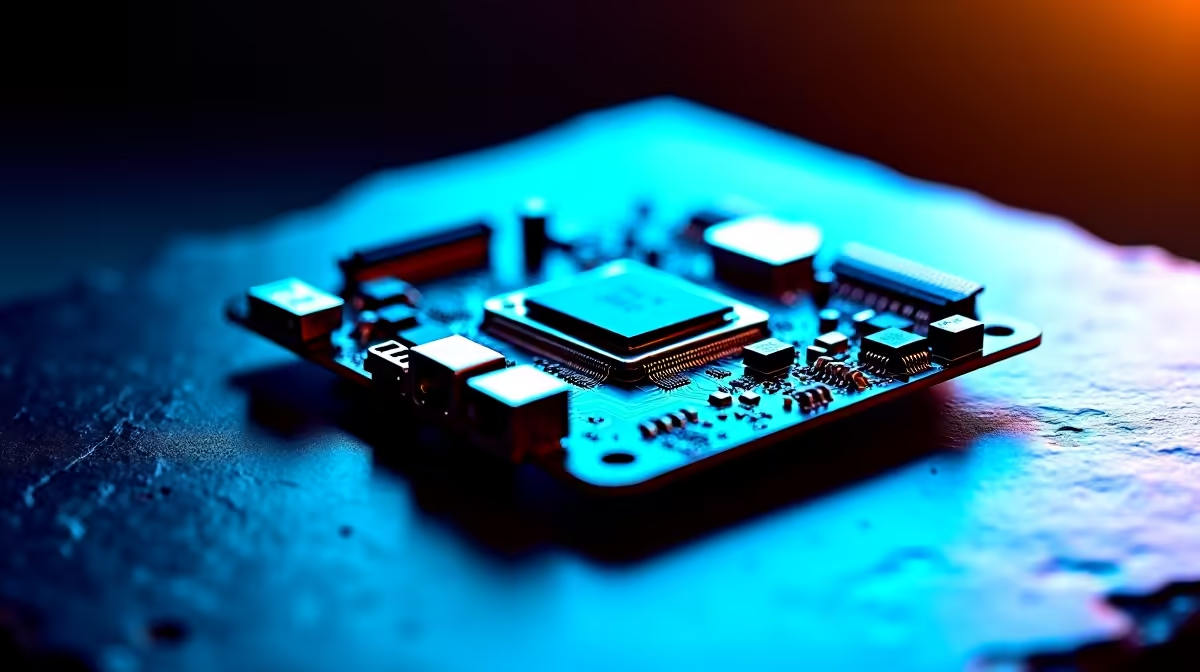
Space on your desk is prime real estate in South Africa. Whether you are dodging loadshedding in a cramped flat or just prefer a minimalist setup, massive desktop towers are fading out. If you want next-gen performance without the bulk, learning how to build a compact Intel LGA 1851 PC with a Micro-ATX DDR5 motherboard is your smartest move. Let us dive into crafting a tiny powerhouse... 🚀
The Magic of Micro-ATX and Next-Gen Memory
Building a smaller PC used to mean sacrificing raw power or thermal efficiency. Not anymore. The brand-new Intel LGA 1851 socket brings incredible processing capabilities and AI-driven enhancements directly to smaller boards. To extract every ounce of performance from these new chips, you need serious speed. That is exactly where DDR5 steps up.
When you browse our massive range of motherboards, you will quickly notice that Micro-ATX options dominate the sweet spot between your ZAR budget and premium features. You get multiple M.2 slots and beefy heatsinks without paying the infamous mini-ITX tax.
Pairing your board with the right RAM is crucial for a modern rig. DDR5 offers massive bandwidth upgrades over older DDR4 generations. To feed that hungry LGA 1851 processor, you will want to grab high-speed DDR5 memory kits. Aim for at least 6000MHz to ensure your frame rates stay buttery smooth during intense competitive matches. ⚡
Choosing Your Foundation Carefully
Your motherboard dictates your entire build experience. For compact setups, you need strong power delivery and excellent VRM cooling to handle high turbo clocks. If you want unmatched reliability, looking at ASUS Intel motherboards is a fantastic starting point. They pack robust Wi-Fi 7 connectivity and reinforced PCIe slots into that smaller footprint... making them perfect for heavy modern graphics cards.
We know that brand loyalty runs deep in the gaming community. If you suddenly decide to pivot your compact build strategy away from Intel, you can always explore ASUS AMD motherboards for incredible Ryzen-based alternatives. However, for this specific guide, we are focusing purely on Intel's latest architectural marvels.
Cooling, Assembly, and Airflow
Cramming high-performance LGA 1851 components into a smaller case means heat builds up fast. You must plan your airflow meticulously. Always opt for a chassis featuring a full mesh front panel. A reliable 240mm AIO liquid cooler is usually the perfect fit for a Micro-ATX roof mount... keeping your CPU chilly during those sweltering South African summer afternoons.
Cable Management Pro Tip 🔧
When building a compact PC, connect your 8-pin CPU power cables to the motherboard before screwing it into the case. Those top corners get incredibly tight once the board is mounted, saving you from scraped knuckles and hours of endless frustration.
If sourcing individual parts and building from scratch feels a bit too daunting, you do not have to miss out on top-tier performance. You can effortlessly browse our best gaming PC deals for pre-built compact monsters that are fully tested and ready to dominate right out of the box. ✨
Ready to Build Your Compact Powerhouse? Crafting the ultimate small form factor PC requires the right parts at the right price. Explore our massive range of PC components and find everything you need to bring your dream Intel LGA 1851 build to life today.











