

Quick Answer
To build a content creation PC in South Africa for 2026, target a Ryzen 9 7900X or Core Ultra 7 265K, 64GB DDR5, an RTX 4070 Super, and a 2TB Gen 4 NVMe primary drive. Total spend lands between R38,000 and R52,000 depending on chassis and monitor choices, with full local warranty support across the build.
Choosing the Right CPU for Your Workflow
Content creation in 2026 still rewards core counts, but single-thread responsiveness matters more than ever for Adobe and Resolve users. The Ryzen 9 7900X with 12 cores and 24 threads sits around R10,500 and excels at Premiere Pro renders, DaVinci colour grades, and Blender Cycles. Core Ultra 7 265K is the smarter pick if you lean on Quick Sync hardware encoding for streaming or YouTube uploads, since Intel's media engine cuts H.265 export times noticeably.
For SA creators editing wedding video packages or short-form Instagram content on a deadline, the Ryzen 7 9700X is a budget-conscious step down at around R7,800 that still handles 4K timelines without frustration. If you're rendering long-form documentary work, jump to the Ryzen 9 9950X for 16 cores and Threadripper-adjacent multi-thread output.
Creators who run Twitch or YouTube Live alongside editing should consider the Ryzen 9 7950X3D. Its 3D V-Cache helps when you're juggling OBS, the game, and Discord on a single machine, with fewer dropped frames during live broadcast windows.
GPU and Memory: Where Creators Save and Spend
The RTX 4070 Super with 12GB VRAM is the sweet spot in 2026 for most creators. CUDA acceleration in Resolve, Premiere, and Blender delivers tangible time savings, and 12GB is enough for 4K timelines with multiple effects layers. Step up to the RTX 4080 Super 16GB if you work in 8K, do heavy 3D, or run local Stable Diffusion XL pipelines for thumbnails and concepts.
Memory is where many SA builders skimp and regret it. 32GB DDR5-6000 is the floor; go straight to 64GB if you have any After Effects, Cinema 4D, or large Photoshop document work in your stack. Two 32GB sticks at 6000 MT/s with EXPO enabled cost roughly R3,200 and prevent the painful proxy workflow swaps that 32GB owners hit on chunky projects.
For podcast editors and music producers, the same RTX 4070 Super doubles as a great DaVinci and Logic alternative accelerator on Windows. Image creators using ComfyUI workflows will appreciate the 12GB VRAM ceiling for higher-resolution batch generations.
Storage, Cooling, and Power for the Highveld
A 2TB Samsung 990 Pro or WD Black SN850X as your OS plus active project drive keeps Resolve and Premiere caches snappy. Pair it with a 4TB SATA SSD or 8TB HDD for archive and backup. NAS users connected over 2.5GbE will appreciate the throughput when grabbing footage off central storage during a deadline crunch.
Loadshedding is a creator's enemy. Pair the build with at least an 850VA line-interactive UPS so you can save and shut down cleanly during stage 4 cuts. A 750W 80+ Gold PSU like the Corsair RM750x leaves headroom for GPU upgrades, and a 240mm AIO keeps the Ryzen 9 thermally happy in 30C+ Joburg summers. Evetech bundles tower builds with same-day Joburg delivery and 2-year local warranty, which beats grey imports when a render station goes down mid-project.
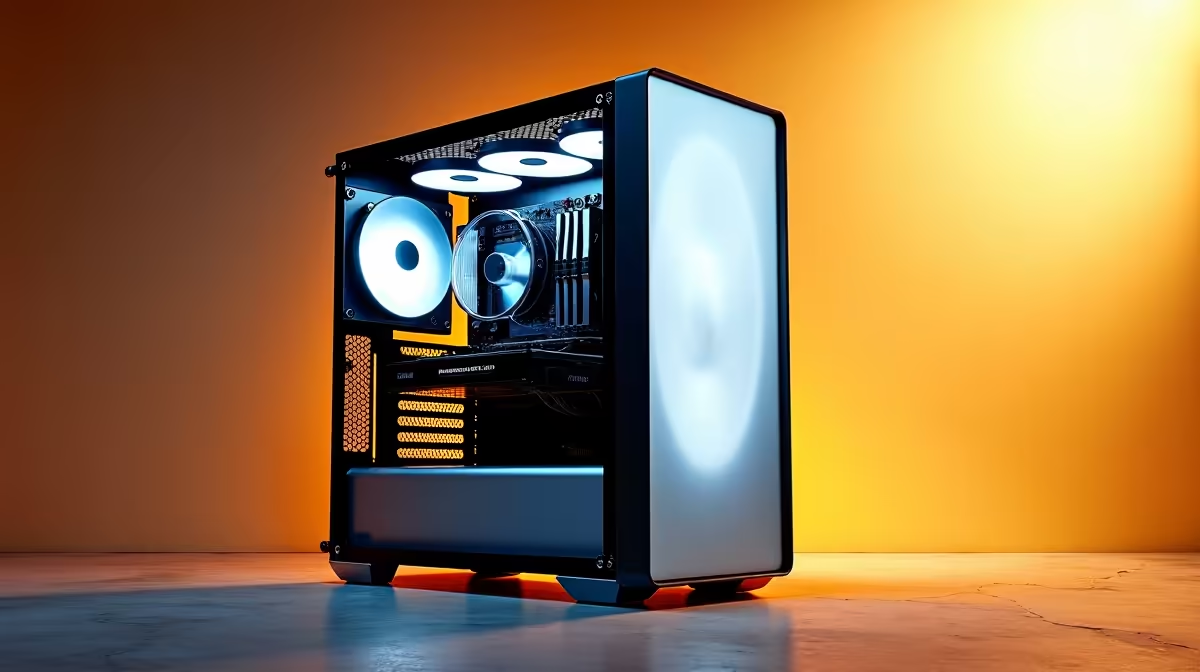
Case choice matters more than people admit. A mesh-front Corsair 4000D Airflow at R1,400 keeps GPU and CPU temps lower than premium 'silent' cases, which translates directly to longer boost clocks during hour-long renders.
Frequently Asked Questions
Should I prioritise CPU or GPU for video editing?
For 1080p and 4K H.264/H.265 work, GPU and Quick Sync are dominant. Once you move into Cinema 4D, Blender, or 8K RAW timelines, CPU cores reclaim the spotlight. The Ryzen 9 7900X with RTX 4070 Super hits both targets.
Is a workstation GPU like an RTX A4000 worth it for SA creators?
Usually not. Consumer RTX cards offer better Resolve and Premiere performance per rand than Quadro/RTX Ada workstation cards. Workstation GPUs only pay off in CAD, GIS, or certified Solidworks workflows where ISV driver certification is contractually required.
Can I start with 32GB RAM and upgrade later?
Yes, but buy a 2x16GB kit at 6000 MT/s and leave the other two slots empty. Mixing kits later often forces lower memory speeds, which hurts performance on Ryzen platforms especially.
Ready to Find Your Perfect Match? Skip the parts hunt and order a content creation PC built for SA conditions. Browse PC deals











