

Quick Answer
Building a work from home PC in South Africa in 2026 does not require a massive budget, but the right component choices matter for stability, longevity, and local availability. A capable WFH build starts around R8,000 and scales up to R15,000 depending on your workload, monitor needs, and whether you factor in UPS backup for loadshedding resilience.
Defining Your WFH Workload Before You Build
Work from home requirements vary widely. A writer or admin professional running Google Workspace, Microsoft 365, and video calls needs a very different build to a video editor, software developer, or graphic designer. Before picking parts, identify your heaviest workload:
- Light office use (Tier 1): Word processing, spreadsheets, video calls, web browsing. A Ryzen 5 7600, 16GB DDR5, and integrated graphics handles this comfortably.
- Mid-range creative (Tier 2): Lightroom, light video editing, coding, multiple browser tabs. A Ryzen 5 7600 or Core i5-14600K with 32GB RAM and a mid-range GPU like the RX 7600 is the right bracket.
- Heavy creative or developer (Tier 3): 4K video editing, 3D rendering, running local dev servers with multiple containers. Ryzen 9 7900X or Core i7-14700K territory with 64GB RAM.
Most WFH professionals in SA fall into Tier 1 or Tier 2.
Recommended Component Choices for a 2026 SA WFH Build
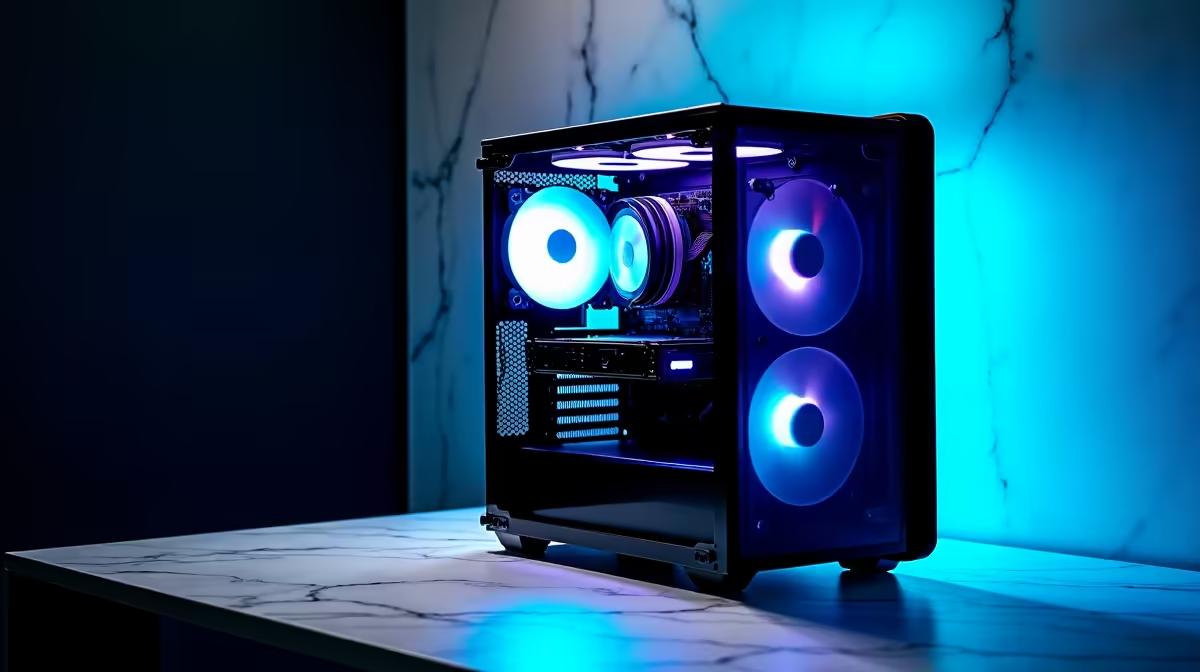
CPU: Ryzen 5 7600 (AM5, great value) or Core i5-14400F for a budget-focused Intel build. Motherboard: B650 for AMD or B760 for Intel. Mid-range boards offer all the connectivity most WFH users need. RAM: 16GB DDR5 minimum for Tier 1, 32GB for Tier 2. Dual-channel configuration is essential. Storage: A 1TB Gen 4 NVMe as your primary drive. Add a secondary SATA SSD or HDD for backups and archive storage. GPU: Integrated graphics via a Ryzen 7000 APU or a discrete entry-level card like the RX 6600 covers most WFH needs. Only go higher if your workload demands it. PSU: A quality 550W to 650W 80+ Bronze or better unit. Do not cheap out here. A failing PSU can damage everything else. Case: Mid-tower ATX with good airflow. Brands like Cooler Master, Fractal, and DeepCool offer reliable options around the R800 to R1,500 mark locally.
Loadshedding and UPS Planning
For South African WFH setups, an uninterruptible power supply is not optional if you are on video calls, working with unsaved documents, or running a NAS or server alongside your PC. A quality UPS unit protects your components from power surges and gives you 15 to 30 minutes of runtime during loadshedding to save your work and shut down cleanly.
Budget around R1,500 to R3,000 for a quality 1000VA to 1500VA unit. This is a genuine WFH cost in SA that international build guides do not account for.
Frequently Asked Questions
Do I need a dedicated GPU for a WFH PC build in South Africa?
For most office tasks, video calls, and light creative work, the integrated graphics in a Ryzen 7000 APU or Intel Core 13th/14th gen with integrated graphics is sufficient. A dedicated GPU becomes worthwhile once you are running GPU-accelerated creative software, multiple 4K monitors, or any 3D workload.
What is a realistic WFH PC budget in SA for 2026?
A solid Tier 1 WFH build (CPU, motherboard, 16GB RAM, 512GB SSD, basic case and PSU) runs between R7,000 and R10,000 depending on component selection and whether you use integrated graphics. Adding a monitor, keyboard, and mouse will push the total to R10,000 to R14,000 for a complete desk setup.
Should I buy a pre-built or build my own WFH PC?
Pre-built desktops save time and come with warranties on the full system, which is convenient. Custom builds let you choose every component, avoid bundled parts you do not need, and often offer better value per rand. For SA buyers, pre-built systems from local retailers include local warranty support and faster returns if something goes wrong.
Ready to Find Your Perfect Match? Find a pre-built desktop or browse individual components to start your WFH build today. Shop Desktop PCs at Evetech











