


Quick Answer
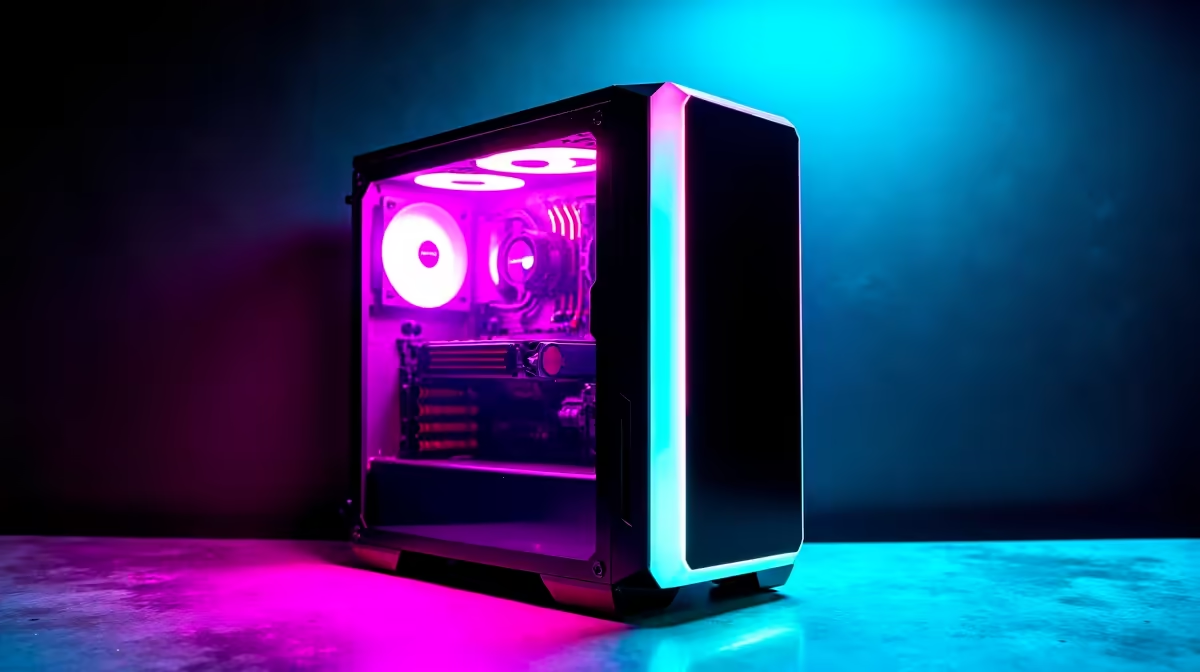
Building a gaming PC for dorm room use in South Africa requires balancing tight budgets, small spaces, loadshedding concerns, and campus-specific constraints like shared power outlets and noise limits. A compact mid-tower or small form factor build around R10,000 to R15,000 gives you a capable gaming rig that fits dorm life without sacrificing too much performance.
Planning Your Dorm Room Gaming Build
Dorm rooms at South African universities, whether in res at UCT, UP, Wits, or UKZN, or in private digs nearby, share some common constraints. Space is limited, noise travels through thin walls, and shared power circuits mean you cannot run a 500-watt system at full load for twelve hours without drawing attention. Your build strategy should account for all of this from the start. A compact mid-tower case in the ATX or mATX form factor keeps your footprint manageable. Prioritise a CPU and GPU combination with reasonable TDP rather than maximum raw power: a Ryzen 5 7600 paired with an RX 7600 XT or RTX 4060 delivers excellent 1080p gaming at acceptable noise and power draw. These combinations typically pull under 250 watts under full gaming load, which is manageable on a standard dorm circuit.
Loadshedding-Proofing Your Setup
Loadshedding remains a real concern at South African universities and surrounding accommodation areas. Stage 2 through Stage 4 schedules can cut power for two to four hours at a time, often during evening gaming sessions. A UPS, a compact unit rated for 600VA to 800VA, keeps a mid-range gaming PC running for fifteen to twenty minutes during an outage, long enough to save your game and shut down cleanly. Some students use a large capacity power bank paired with a monitor that accepts USB-C power delivery as an alternative for lighter builds. Budget for loadshedding protection as a non-negotiable line item: losing progress in an unsaved game due to a sudden outage is preventable and deeply frustrating. Surge protection is equally important since power restoration spikes can damage unprotected components.
Noise Management in Shared Spaces
Thin dorm walls mean your build's fan noise is your flatmate's problem too. Choose a case with good noise-dampening foam or at least a solid panel design rather than a mesh-front case that broadcasts every fan spin to the room. Noctua or BeQuiet fan replacements are worth considering for CPU cooling. The GPU is typically the loudest component under load: models with semi-passive fans that stay off at idle and low load help significantly during lighter gaming or browsing. Set a fan curve through software rather than relying on default auto-fan profiles which often ramp aggressively. A liquid cooler on the CPU is quieter under sustained load than a mid-tier air cooler pushed hard, though it adds cost and complexity for a first build.
Connecting and Networking in Res
University campus networks vary widely. Some residences offer wired Ethernet drops in each room, which is always preferable for online gaming: lower latency, more stable, and not dependent on crowded campus Wi-Fi. If your res only has Wi-Fi, a Wi-Fi 6 adapter in your desktop is a worthwhile upgrade over older Wi-Fi 5 cards. Campus networks often apply bandwidth throttling during peak hours, which affects download speeds for game updates more than it affects in-game latency. Schedule large game downloads overnight when the network is quieter. If you game with friends in the same res or nearby digs, local network gaming within campus infrastructure is often very low latency regardless of external internet speeds.
Frequently Asked Questions
What budget do I need for a dorm gaming PC in South Africa? A capable 1080p gaming PC starts around R10,000 to R12,000 for a new build covering CPU, GPU, RAM, storage, a case, and power supply. A monitor adds another R2,500 to R5,000 depending on size and refresh rate. Shopping during sale events reduces these figures meaningfully.
Can I use my NSFAS allowance to buy a gaming PC? NSFAS provides a R5,200 laptop allowance but this is specifically for laptop purchases, not desktop components. A desktop gaming build would need to come from personal or family funds rather than the NSFAS laptop allocation.
Is a small form factor PC better for a dorm room? Small form factor builds take up less desk space and can sit tucked away under a monitor stand, which is helpful in a small room. The trade-off is that they are harder to build, run warmer due to tighter airflow, and can be louder as smaller fans spin faster. A compact mid-tower is often the better balance for a first build.
How do I protect my PC from loadshedding damage? A UPS provides battery backup and surge protection in one unit. At minimum, a surge-protected power strip protects your components from the voltage spikes that happen when power is restored after a loadshedding outage. Never plug a gaming PC directly into an unprotected wall outlet in South Africa.
Ready to Find Your Perfect Match? Build your dorm room gaming PC with components from Evetech









