

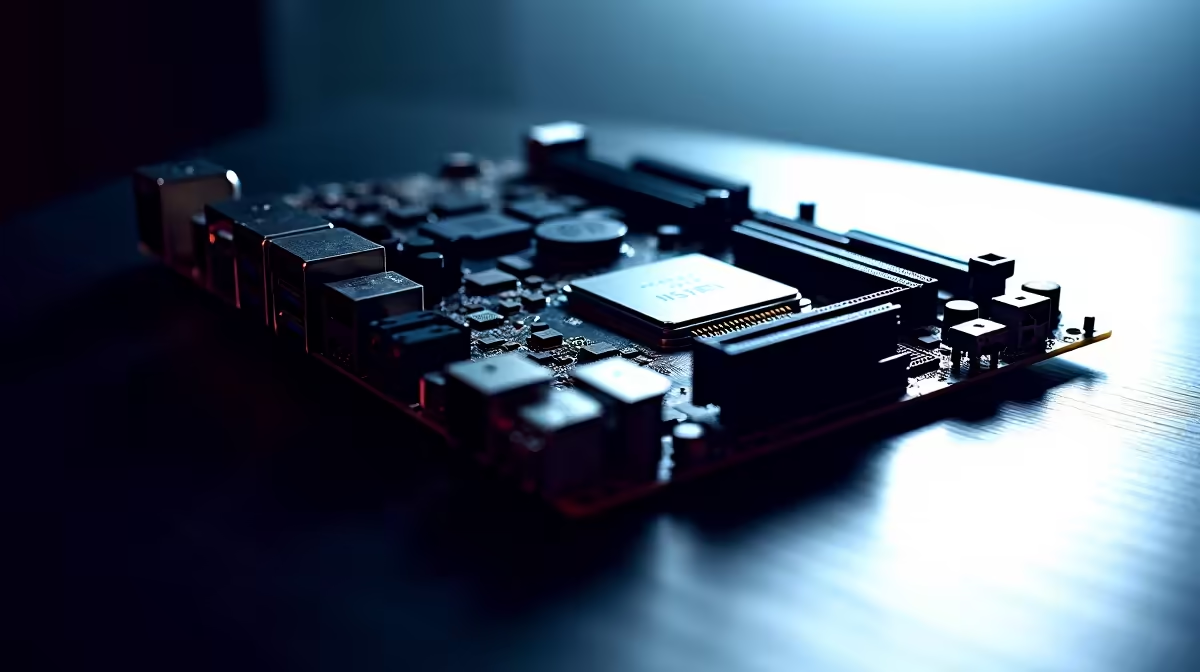
Building a rig that handles 4K rendering while keeping your favourite games running at max frames is the ultimate dream. If you are eyeing Intel's latest processors, you need a rock-solid foundation. Knowing how to choose a Z890 motherboard for DDR5 overclocking and heavy multitasking is essential. It unlocks raw performance without wasting your hard-earned Rands. Let us explore exactly what makes these new boards tick.
The Z890 Foundation for Heavy Multitasking
When you are running multiple virtual machines, streaming, or crushing heavy video edits, your system needs massive bandwidth. The Z890 chipset delivers exactly that. However... not all boards are created equal. You need robust VRMs (Voltage Regulator Modules) to keep power delivery stable.
When you browse the latest premium motherboards, look for power phases of 16+1+1 or higher. This ensures your CPU gets clean power during intense multitasking sessions. Remember that South African summers can push ambient temperatures up... so robust VRM heatsinks are non-negotiable to prevent thermal throttling.
Pushing the Limits with DDR5 Overclocking 🚀
DDR5 memory has matured beautifully since its launch. To get the most out of your Z890 motherboard for DDR5 overclocking, you need a board with excellent memory topology. Typically, boards with an 8-layer PCB or higher offer much better signal integrity.
High-end options often feature advanced BIOS tweaks that make hitting 7200MT/s or even 8000MT/s a breeze. Pairing your board with top-tier high-speed memory kits ensures you do not bottleneck your system. Look for motherboards that officially support XMP 3.0 profiles for simple one-click overclocks.
Memory Sweet Spot ⚡
When pushing DDR5 on a Z890 platform, aim for a 6400MT s or 7200MT s kit with low latency (CL32 or CL34). Going beyond 8000MT s often requires a premium two-slot motherboard and serious manual tuning... which is fun but not always practical for daily multitasking.
Finding the Right Z890 Brand for Your Build ✨
Brand choice often comes down to BIOS layout and specific features. If you prefer intuitive overclocking interfaces, ASUS Intel motherboards are incredibly popular among South African builders. They offer robust AI overclocking features that take the guesswork out of tuning your system for heavy multitasking. You can easily squeeze out an extra 10% performance without spending thousands of extra ZAR on a higher-tier CPU.
Of course... if you decide to pivot your build strategy to Team Red instead, you will find equally impressive multitasking performance in the latest ASUS AMD motherboards. The choice ultimately depends on your preferred processor architecture.
Connectivity for Power Users 🔧
Heavy multitasking requires exceptionally fast storage. The best Z890 boards offer PCIe 5.0 M.2 slots... allowing you to load massive asset libraries in seconds. Make sure your chosen board has enough M.2 slots, Thunderbolt 4 support, and high-speed USB ports to handle all your peripherals.
If building from scratch and routing cables sounds like too much admin, you can always skip the hassle. Grab one of our best gaming PC deals that already features a high-end motherboard and DDR5 memory perfectly tuned for maximum performance straight out of the box.
Ready to Build Your Ultimate Workstation? Choosing the right Z890 motherboard sets the stage for incredible DDR5 speeds and flawless multitasking. Explore our massive range of PC components and find the perfect hardware to dominate your workflow and gaming sessions today.











