

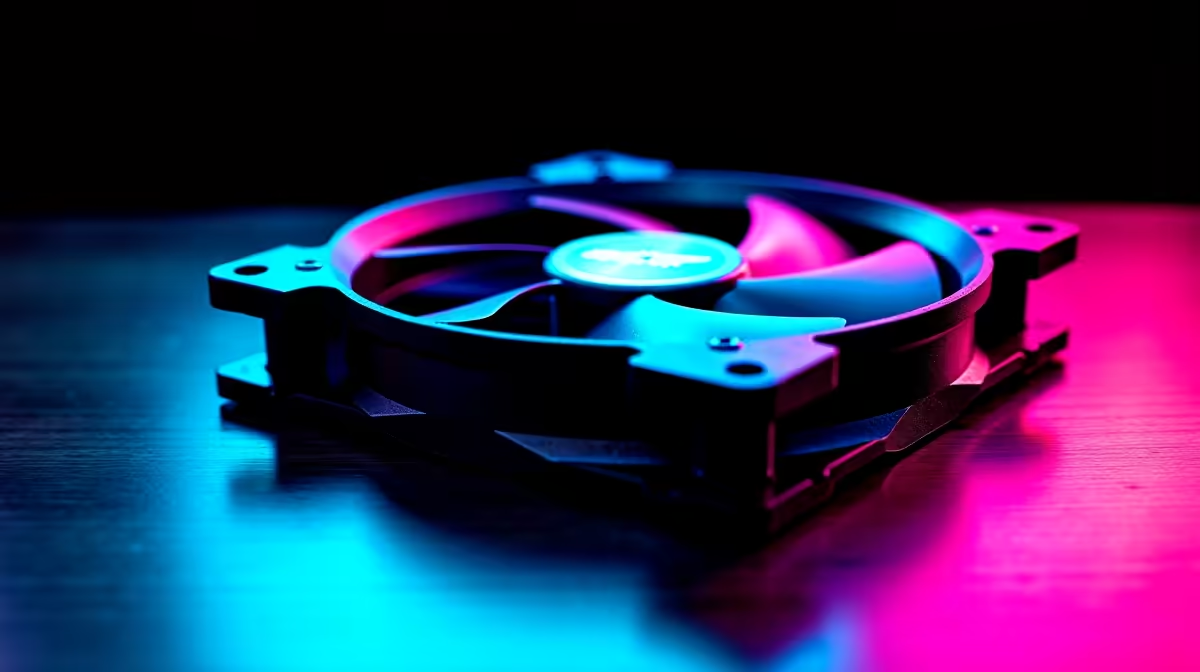
Why Picking the Best 120mm Case Fan for Bottom Intake Mounting Matters
South African gamers know every bit of airflow counts when building a killer rig. A well-chosen 120mm case fan for bottom intake mounting can turbocharge your PC’s cooling performance. It brings fresh, cool air right where it’s needed—usually the GPU and lower motherboard area—helping your parts breathe and play cooler under pressure 🔧. But how do you pick the best one without drowning in specs? Let’s break it down.
Key Features of the Best 120mm Case Fan for Bottom Intake Mounting
Airflow and Static Pressure
Your bottom intake fan should maintain strong airflow, measured in cubic feet per minute (CFM). Look for fans offering at least 50 CFM at 120mm size to push ample fresh air upwards. Static pressure also matters when airflow needs to go through filters or tight spaces. Fans with moderate static pressure can keep your bottom intake effective without noise overload.
Noise Level and Bearing Type
A quiet case fan keeps your gaming focus sharp. Sleeve bearings tend to wear out faster and get noisy, while hydraulic or fluid dynamic bearings last longer and run quieter. Most quality 120mm fans for intake use these advanced bearings for a balance of silence and longevity ⚡.
RGB and Aesthetic Choices
Let’s be honest — every SA gamer loves sick-looking rigs. RGB fans synced with your motherboard lighting can add custom style. Check out options compatible with your motherboard’s RGB headers. If stealth is your vibe, no RGB fans are widely available too.
Visit Evetech’s PC cases collection to find cases with optimal bottom fan mounts. Perfect chassis design complements a good intake setup.
Expert Tips to Maximise Bottom Intake Fan Efficiency
Positioning and Dust Management
Place the fan so it intakes cold air from under your desk or PC stand—cooler than room air, often. Also, use dust filters designed for bottom fan mounts to keep airflow clean. South African homes with open windows can get dusty fast—this helps keep your components pristine.
Fan Speed Control
Pair your bottom intake fan with a fan controller or motherboard support for PWM control. Managing speed based on temps optimises cooling and noise. Explore the range of CPU coolers compatible with PWM sensors to coordinate your fan speeds smartly.
Pro Tip for Bottom Intake Fans
Match your fan’s airflow with case exhaust fans to create a balanced airflow path… this reduces internal heat buildup and dust accumulation.
Compatibility and Final Build Considerations
Checking your motherboard’s headers can save you a headache during installation. Many modern motherboards include multiple fan headers, some specifically supporting PWM for precise fan speed tuning. Browse Evetech’s motherboards selection to find the ideal fit for your build.
Also, consider how your bottom intake fan fits with other PC components. Fans placed too close to a power supply or storage drives can disrupt airflow or cause noise. Planning your build on Evetech’s PC components hub means you get matched parts that work seamlessly together.
Wrapping Up Your Intake Fan Choice
Choosing the best 120mm case fan for bottom intake mounting is about pairing specs with your gaming habits and PC setup. Find fans that combine solid airflow, quiet operation, and durability. Factor in your build’s layout and keep dust in check. Optimised airflow means better sustained performance, longevity, and that cool satisfaction when your PC keeps its cool during marathon gaming sessions.
Upgrade Your Cooling Setup Today Don’t let heat throttle your rig’s potential — Shop now at Evetech for top-quality 120mm case fans and components that keep your build running smooth.











