

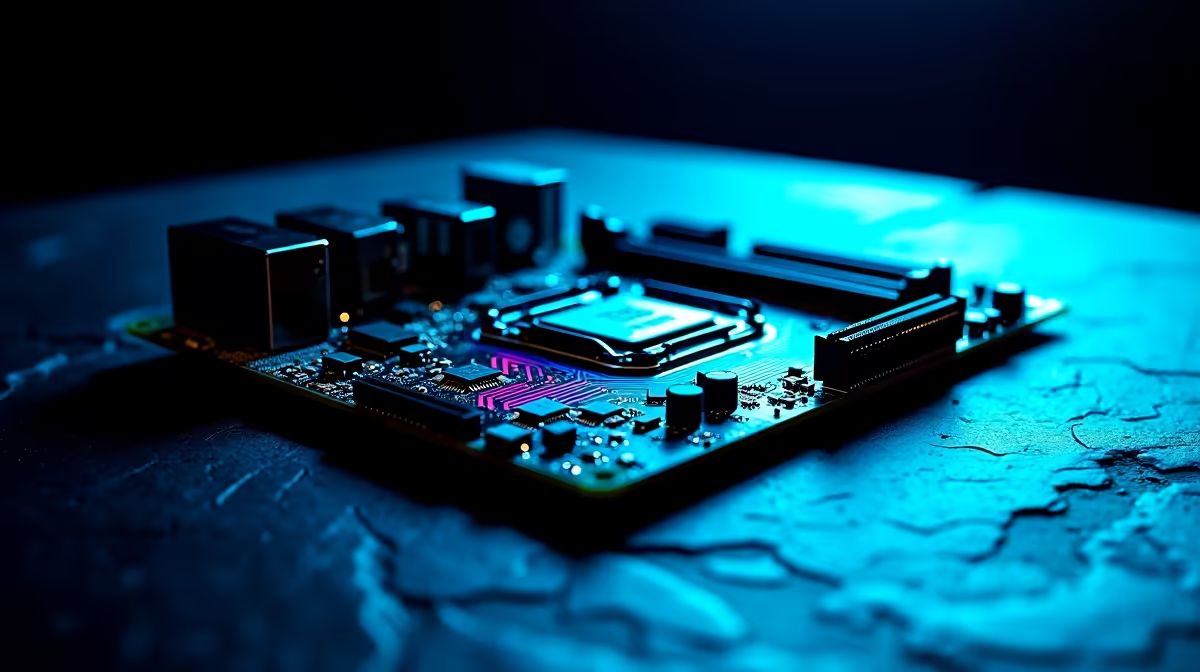
Building a rig in South Africa means making every Rand count. Whether you are pushing high frame rates in competitive shooters or rendering 4K video... your foundation matters. To ensure your system will not bottleneck next-gen graphics cards or storage drives, you need a reliable PCIe 5.0 ready motherboard. Let us break down exactly what to look for before you upgrade.
Understanding the PCIe 5.0 Advantage 🚀
PCIe 5.0 literally doubles the bandwidth of its predecessor. This means blazing-fast data transfer rates for your GPU and NVMe SSDs. For local content creators, this translates to zero lag when scrubbing through massive video timelines. Moving heavy project files takes seconds instead of minutes.
For gamers and streamers, it means faster load times and smoother gameplay. Your capture card and graphics card can communicate flawlessly. When you browse through the latest motherboards on the market, look out for the PCIe 5.0 label. It is your best insurance policy against future hardware bottlenecks as newer, faster components release.
Picking Your Platform... Intel or AMD?
Your choice of processor dictates your board. If you are leaning towards Team Blue for their incredible single-core performance, you will want to explore high-quality ASUS Intel motherboards featuring the Z790 chipset. These boards offer the robust power delivery needed for heavy streaming sessions and intense multitasking. This ensures your stream never drops frames during intense gameplay.
On the flip side, Team Red offers the brilliant AM5 socket. AMD guarantees support for the AM5 socket for years to come. If you want a platform with a long promised lifespan, checking out the latest ASUS AMD motherboards is a smart move. The X670E and B650E chipsets provide full PCIe 5.0 support for both your graphics card and your primary M.2 storage drive. This is vital for future-proofing your investment against the weakening ZAR.
Builder's Pro Tip 🔧
When selecting your PCIe 5.0 ready motherboard, double-check the VRM layout. A board with a robust 16+1 power stage design keeps your CPU temperatures stable during marathon gaming or rendering sessions... saving you from dreaded thermal throttling!
Do Not Forget Memory and Connectivity ✨
A next-gen board needs next-gen memory. PCIe 5.0 platforms work hand-in-hand with DDR5 RAM. To get the absolute best out of your new setup, you must pair it with high-speed DDR5 memory kits. Look for speeds of 6000MHz or higher with low latency. This ensures your CPU is fed data as quickly as possible.
You also need to consider your rear I/O panel. Streamers require multiple high-speed USB ports for webcams, microphones, and stream decks. Ensure your chosen board has enough connectivity to support your entire creative arsenal. Content creators should also keep an eye out for Thunderbolt 4 support. This allows for lightning-fast external storage transfers when backing up your YouTube videos or Twitch VODs.
Building from scratch can sometimes feel daunting. If you prefer a plug-and-play solution that already includes a PCIe 5.0 ready motherboard, you can always grab one of the best gaming PC deals available right now. This takes the guesswork out of component compatibility. You still get top-tier performance for your streaming and creation needs... just without the stress of assembly.
Ready to Build Your Dream Rig? Finding the perfect foundation for your next-gen build does not have to break the bank. For maximum power, choice, and value in South Africa, Evetech is hard to beat. Explore our massive range of PC components and find the perfect hardware to conquer your world.











