

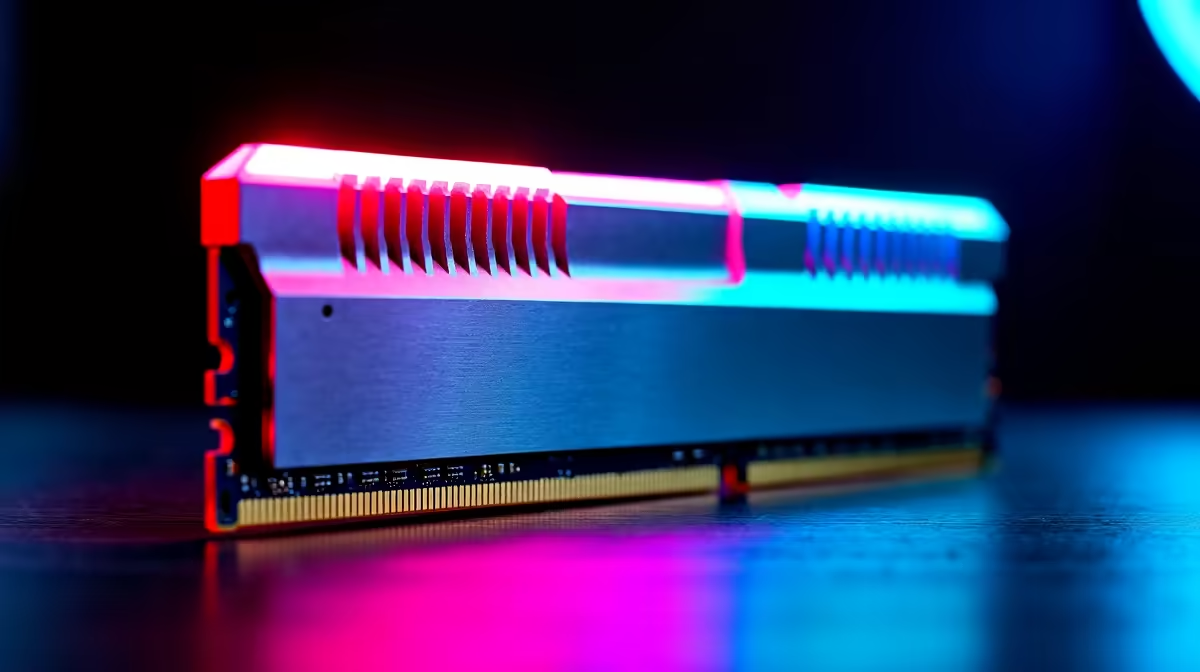
Why Picking the Right RAM for Your PC Build Matters ⚡
Building a PC in South Africa? RAM shapes your rig’s speed and multitasking power. Too little RAM and games stutter; too much wastes budget. Whether you're diving into AAA titles or streaming your highlights, knowing how to choose the right RAM for your PC build puts you in control. Let’s break down the key factors, so your next build runs smooth and stays future-ready.
Understanding RAM Capacity and Speed for Your Needs
Desktop RAM comes mainly in speeds like 2666MHz, 3200MHz, or even 3600MHz and beyond. Higher speed improves data flow between CPU and memory, but balance this with capacity.
For gaming, 16GB is the sweet spot, handling most titles and background apps. Streamers or creators might want 32GB+ to avoid slowdowns. You can browse great options in Evetech’s extensive memory range starting from budget-friendly to high-performance kits.
Remember, faster RAM clocks noticeably improve FPS in titles relying heavily on CPU speed. But don’t overlook compatibility — match RAM with your motherboard’s specifications to avoid bottlenecks.
Dual Channel vs Single Channel: Why It Counts 🚀
Installing RAM sticks in dual channel gives a measurable speed boost compared to single channel. For example, two 8GB sticks running in dual channel outperform a single 16GB stick at the same frequency. This effect improves game loading times and responsiveness.
Before buying, check your motherboard’s slots and preferred configurations. Evetech offers a handy guide to the best gaming PC deals so you can pair your RAM seamlessly with CPUs and GPUs.
Pro tip for smooth builds
Choose matching RAM sticks for dual channel setups to unlock max performance and stability. Avoid mixing speeds—even slight differences can cause crashes or slowdowns.
Latency and Timings: The Quiet Speed Boost 🔧
RAM timings tell how quickly the memory responds to commands; lower numbers mean faster reactions. CAS latency (CL) is the primary figure used — CL16 at 3200MHz is common for gaming rigs. While latency matters, don’t sacrifice capacity or speed just to shave a few nanoseconds here. Prioritise balanced specs aligned with your budget.
You can compare various kits and check detailed specs on Evetech’s pre-built PC deals. This can help visualise how RAM fits into the overall system performance.
Budgeting RAM for Desktop or Laptop Builds in South Africa
Laptops have different RAM standards and often come soldered. If upgrading, aim for the max supported capacity for future-proofing. South African gamers also benefit from Evetech’s notebook range that balances cost, speed, and portability.
For desktops, don’t overspend on RAM that won’t benefit your setup. Allocate funds smartly — a bit less on RAM but more to a better CPU or SSD often yields a faster experience.
Explore Evetech specials regularly for deals on RAM and components to stretch your ZAR further without compromise.
Build with Confidence Your perfect RAM upgrade awaits — Shop now at Evetech for memory that powers your PC to peak potential.











