

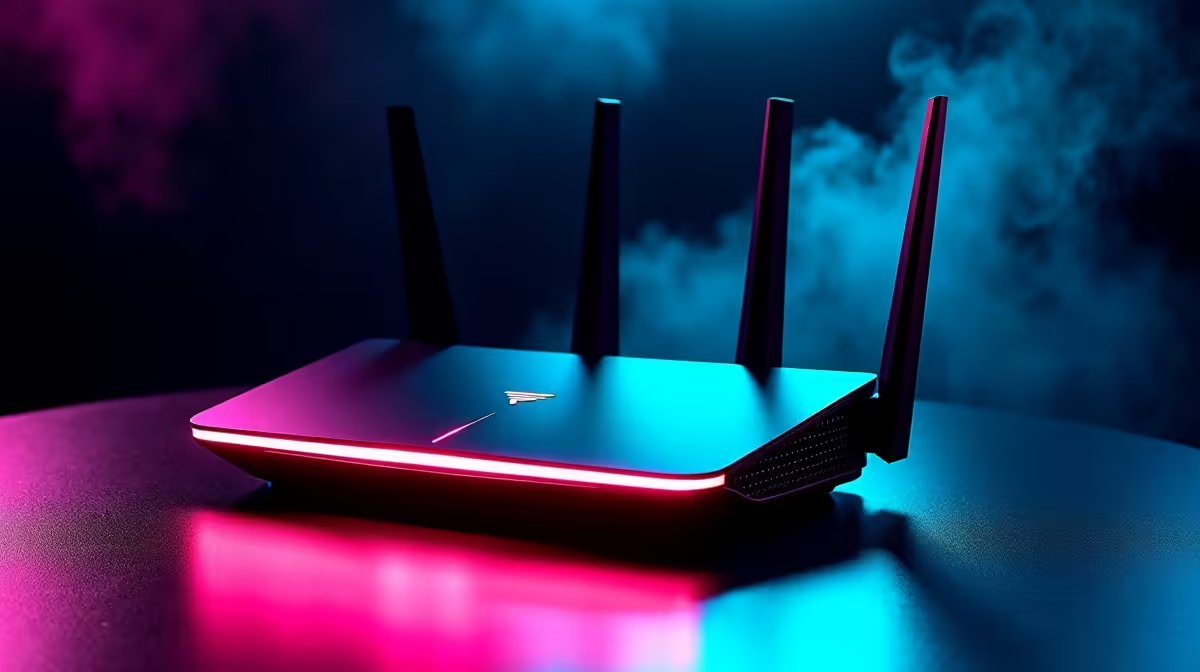
Tired of your ping spiking just as you clutch a 1v4 in Counter-Strike? South African gamers know the pain of unstable connections. Even with gigabit fibre, a weak home network will throttle your performance. To dominate online, learn how to configure WiFi 7 and AI networking for low-latency gaming and streaming. Let us dive into optimising your setup for zero lag. 🚀
Understanding WiFi 7 and Smart Routing
The newest wireless standard is incredibly fast... but speed is only half the story. WiFi 7 introduces Multi-Link Operation (MLO). This allows your devices to send and receive data across multiple bands simultaneously. Your gaming PC no longer waits in traffic behind your family streaming Netflix.
AI networking takes this raw power and makes it brilliant. Modern routers use machine learning to analyse your local network traffic in real time. They automatically identify gaming packets and push them to the front of the queue. This means your latency remains perfectly flat... even during heavy home network usage.
How to Configure Your Router for Zero Lag
To get the lowest possible ping, you need capable hardware. If your current ISP-provided box is dropping packets, it is time for a change. You can browse our dedicated router selection to find a unit built specifically for heavy traffic.
Once you have your new device, proper configuration is key. First, log into your admin dashboard using a web browser. Ensure your firmware is updated to unlock the latest AI features. Enable the 320MHz channel width on your 6GHz band. This massive pipeline prevents wireless congestion.
Next, locate the Quality of Service (QoS) menu. Turn on the AI-optimised gaming mode. This ensures your gaming rig always gets maximum priority over background downloads.
Seamless Streaming Without Dropped Frames
When you broadcast to Twitch or YouTube, upload stability is absolutely vital. AI networking shines here by balancing your game data and your OBS upload stream perfectly. Older routers struggle to juggle these two heavy tasks. They often drop frames or cause your in-game character to rubber-band.
WiFi 7 eliminates this bottleneck completely. ✨ The massive bandwidth capacity ensures your viewers see crisp footage. At the same time, your game connection remains flawless. It is the perfect solution for local content creators.
Network Placement Tip 🔧
Never hide your router behind your TV or inside a wooden cabinet. Keep it elevated and in an open space. Physical barriers like thick South African brick walls are the biggest enemies of a stable 6GHz wireless connection.
Finding the Right Hardware in South Africa
Upgrading your home network does not have to drain your wallet. You can find brilliant performance across various price points in ZAR. We suggest exploring the latest WiFi routers to compare AI features from top brands. Look for premium models that feature dedicated wired gaming ports.
If you want to save some cash, timing is everything. You can often grab high-end networking equipment for a fraction of the price. Just keep a close watch on our weekly upgrade specials for massive discounts. Building a smart network is an investment in your gaming sanity. You will never have to blame lag for a missed headshot again. ⚡
Ready to Eliminate Lag Forever? Upgrading your home network is the fastest way to improve your gaming experience. For maximum speed, stability, and value in South Africa, Evetech has you covered. Explore our massive range of networking gear and find the perfect router to conquer your lobbies.











