


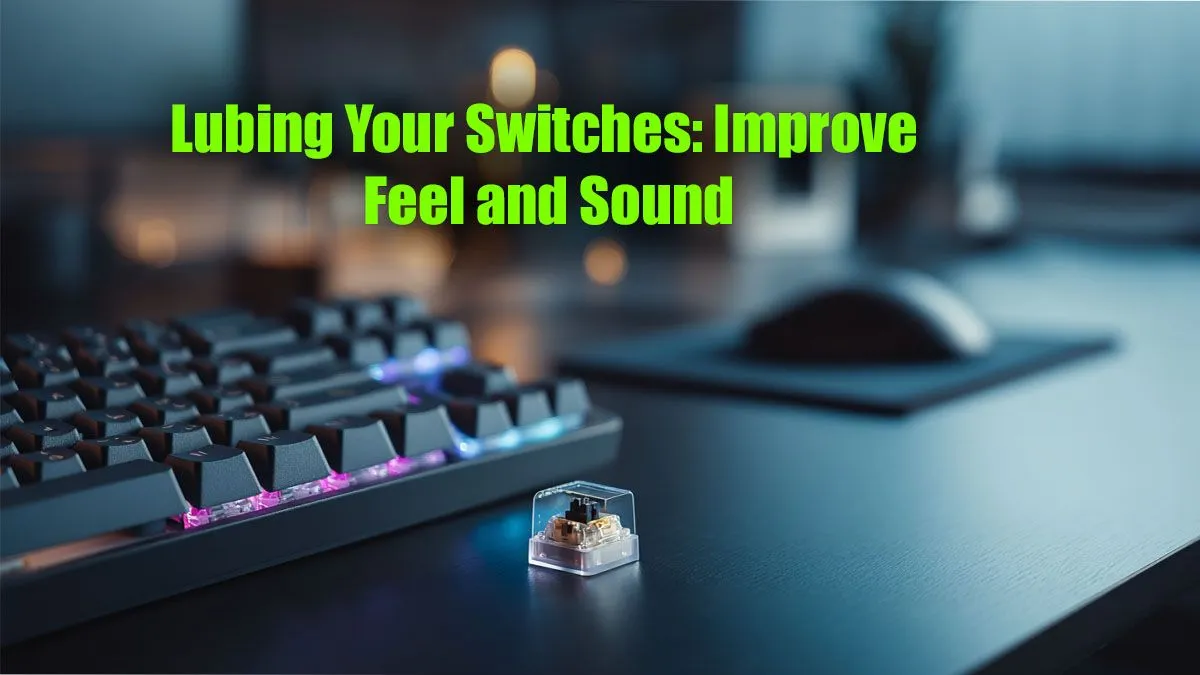
That scratchy, springy noise from your mechanical keyboard? That slight friction you feel with every press? It’s the sound of potential. For many South African gamers and typists, that stock-standard feel is just the beginning. Learning how to lube keyboard switches is your ticket to a typing experience so smooth and quiet, it feels like a premium upgrade… because it is. This simple DIY project can transform your daily driver into something truly special. 🔧
Why Lube Your Keyboard Switches Anyway?
Before you start taking things apart, let's talk about the "why." Keyboard switch lubrication isn't just for hardcore enthusiasts. It’s about refining your primary tool for work and play.
The main benefits are:
- Smoother Keystrokes: Lubricant reduces the friction between the switch stem and its housing. The result is a buttery-smooth, consistent press from top to bottom, eliminating any scratchiness.
- Improved Acoustics: Lubing dampens unwanted sounds. It gets rid of spring ping (that high-pitched metallic echo) and reduces the plastic-on-plastic clatter, leaving you with a deeper, more satisfying "thock" or "clack."
- Increased Longevity: By reducing friction, you’re also reducing wear and tear on the switch components, potentially extending the life of your keyboard. It's a small investment to protect the gear you rely on, and it makes even a mid-range board feel like it's from our best gaming keyboard deals.
The Essential Toolkit for Switch Lubrication
Getting the right gear makes the process a whole lot easier. You don't need a massive workshop, just a few specific tools. Think of it as your loadout for a keyboard customisation mission.
Your Checklist:
- Lubricant: The most common choices are Krytox 205g0 for linear switches or TriboSys 3203/3204 for tactile switches. Avoid anything thick or greasy.
- Fine Brush: A size 0 or 00 paintbrush is perfect for precise application.
- Switch Opener: This small tool is essential for safely opening switch housings without damaging them.
- Keycap Puller: To remove your keycaps without scratching them.
- Stem Holder or Tweezers: For holding the tiny switch stems while you apply lube.
- A Clean Workspace: A desk mat and small containers to hold springs and stems are a good idea.
If you find your current switches aren't up to scratch, you can always explore a variety of keyboard switches to find the perfect feel before you even start. ✨
Pro Tip: Less is More! ⚡
When lubing, the golden rule is to apply a very thin, even layer. Over-lubing will make your switches feel sluggish and mushy, which is the opposite of what you want. You should see a slight sheen, not a white glob. If you make a mistake, you can wipe it off and start again before reassembly.
How to Lube Your Switches: A Step-by-Step Guide
Ready to get your hands dirty? Set aside a few hours, put on some music, and follow these steps for perfectly smooth keystrokes.
Step 1: Disassemble Your Keyboard
First, unplug your keyboard. Use your keycap puller to gently remove all the keycaps. It's a good idea to take a photo of your keyboard layout beforehand if you don't have it memorised! Next, if you have a hot-swappable board, you can pull the switches out directly. If your switches are soldered, you'll need desoldering tools… a much more advanced task.
Step 2: Open Each Switch
Take your switch opener and pop open each switch one by one. You'll have four parts: the top housing, the bottom housing, the stem, and the spring. Keep them organised in separate containers to avoid chaos.
Step 3: Apply the Lube
Here's the main event. Using your stem holder, pick up a stem. With your brush, apply a tiny amount of lube to the sides of the stem that make contact with the housing. You can also lightly lube the spring bottoms to reduce ping.
Step 4: Reassemble and Test
Carefully put each switch back together. You should hear a satisfying click as the housing locks. Place the switches back into your keyboard, and before putting all the caps on, pop on a few key ones like WASD and the spacebar. Test them. Do they feel amazing? If so, you're ready to put on a new set of keycaps and enjoy your newly upgraded board. While you're at it, adding a comfortable wrist rest can complete the ergonomic transformation. 🚀
Is This DIY Project Worth Your Time?
Lubing switches is a labour of love. It takes patience and a few hours, but the payoff is immense for anyone who values the feel and sound of their keyboard. The difference between a stock and a lubed switch is night and day.
However, if spending an afternoon tinkering isn't your vibe, that's perfectly fine! There are many fantastic pre-built options available. For those who want great performance without the hassle, exploring some of the excellent budget-friendly gaming keyboards or grabbing one of our all-in-one keyboard and mouse combos can get you straight into the game with zero downtime.
Ultimately, whether you build, modify, or buy, the goal is to have a setup that feels right for you.
Ready to Elevate Your Typing Experience? Whether you're customising your current board or looking for a fresh start, the perfect feel is everything. Explore our massive range of gaming keyboards and find the perfect foundation for your ultimate setup.









