


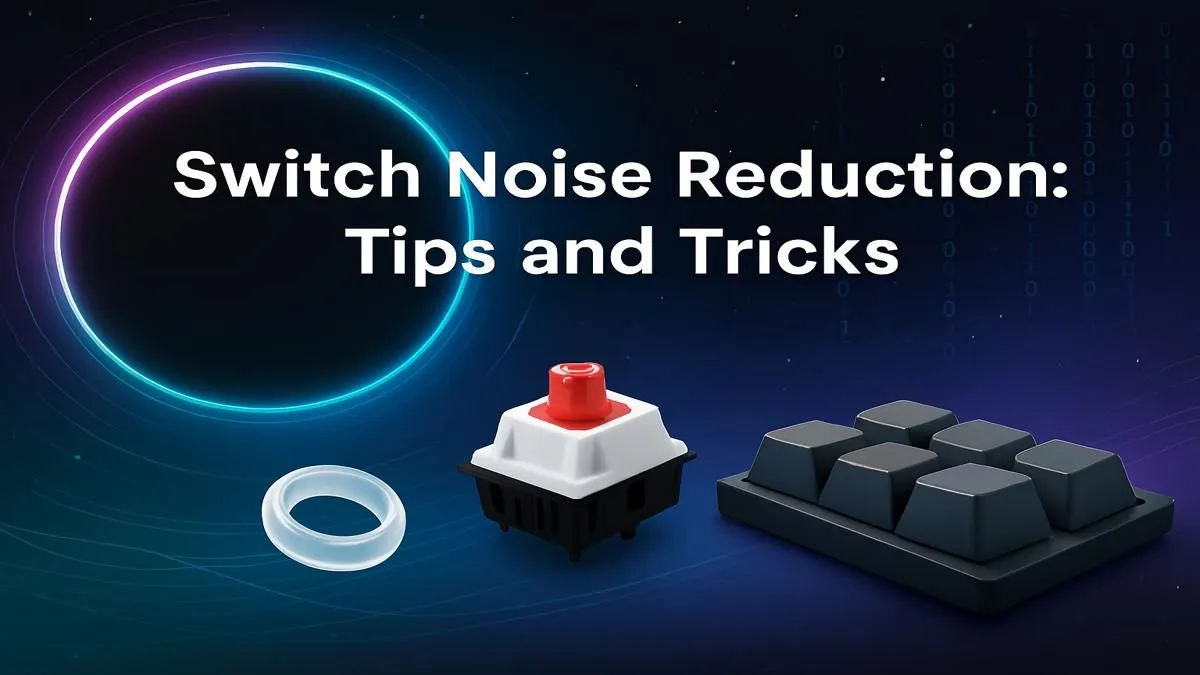
It’s 2 AM. You’re locked in, clutching a 1v3 in Valorant. The only sounds are your heartbeat and the clack-clack-CLACK of your mechanical keyboard echoing through the house. Sound familiar? That satisfying tactile feedback you love can be a nightmare for everyone else trying to sleep. But don't worry, you don't have to sacrifice performance for peace. This guide will show you exactly how to make your keyboard switches quieter for stealthy gaming sessions.
Why Quieten Your Keyboard in the First Place?
Before we dive into the mods, let's consider why you'd want to reduce keyboard noise. For streamers and content creators, a loud keyboard can ruin audio quality. In a shared office or home space, it’s about simple courtesy. But for many gamers, a quieter keyboard just means deeper focus… letting you hear those crucial in-game audio cues without the distraction of your own keystrokes. It's about optimising your entire setup for peak performance. ✨
Easy Fixes to Make Your Keyboard Quieter
You can significantly dampen sound without ever opening your keyboard. These simple, effective methods are the perfect starting point.
Master Your Desk Setup
The surface your keyboard sits on acts like an amplifier. A large desk mat or pad is one of the easiest ways to absorb vibrations and deaden sound. It’s a cheap and cheerful upgrade that also improves mouse tracking. A proper setup can also improve your typing posture, which might naturally lead to a lighter touch. Pairing your setup with an ergonomic wrist rest can further enhance comfort and control.
O-Rings: The Classic Silencing Mod
O-rings are tiny rubber rings that sit on the stem of your keycaps. They prevent the keycap from "bottoming out"—hitting the switch's top housing with a loud clack. They are incredibly easy to install (you just need a keycap puller) and make an immediate difference, especially for heavy-handed typists. If all this sounds like too much work, you could always consider an out-of-the-box quiet keyboard and mouse combo designed for silence from the start.
The Modder's Toolkit: Deeper Ways to Silence Your Switches 🔧
Ready to get your hands dirty? These mods require a bit more effort but deliver incredible results, transforming your keyboard's sound profile from clacky to a satisfying thock.
Lubricating Your Switches and Stabilisers
This is the single most effective mod for improving both the sound and feel of your keyboard. Applying a thin layer of specialised lubricant (like Krytox 205g0) to the internal components of a switch reduces friction, eliminates scratchiness, and deepens the sound. Lubing your stabilisers (the parts under your spacebar, enter, and shift keys) is also crucial for eliminating rattle.
Lube Application Pro Tip ⚡
When lubing switches, less is always more. Over-lubing can make your switches feel sluggish and unresponsive. Aim for a very thin, consistent layer on the switch stem rails and the inside of the bottom housing. A small paintbrush and a patient hand are your best tools for the job!
Foam and Tape Mods
Many keyboards have a hollow case, which creates an echo chamber for sound. You can easily fix this by adding a layer of dampening material inside the case. Specialised keyboard foam is available, but many people get great results with simple packing foam or even EVA foam from a craft store. Another popular trick is the "tempest tape mod," which involves applying a few layers of masking tape to the back of the PCB to mute higher frequencies.
Advanced Solutions for the Ultimate Quiet Keyboard
If the mods above still aren't enough, it might be time to change the core components or consider a new board altogether.
Swap to Quieter Keyboard Switches
The type of switch is the biggest factor in your keyboard's noise level. If you're using loud "clicky" switches (like Cherry MX Blues), no amount of modding will truly silence them. The ultimate solution is to swap to silent switches. These are specifically designed with internal rubber dampeners to soften the bottom-out and return stroke. Look for Silent Reds (linear) or Boba U4s (tactile) for a truly stealthy experience. You can browse our selection of keyboard switches to find the perfect fit for your board.
The Impact of Keycaps
Believe it or not, your keycaps also affect the sound. Thicker keycaps made from PBT plastic tend to produce a deeper, more muted sound than thinner ABS ones. Taller profiles can also create more resonance. Experimenting with different keycap profiles can be the final touch in perfecting your keyboard's quiet sound.
Is It Time for a New Keyboard?
Modding is a rewarding hobby, but it's not for everyone. If dismantling your keyboard sounds like a hassle, the good news is that the market for quiet mechanical keyboards has exploded. Many modern boards come pre-built with sound-dampening foam, pre-lubed switches, and other silencing features straight from the factory. If you're looking for an upgrade without the effort, be sure to check out the latest gaming keyboard deals. You can find some excellent, surprisingly quiet affordable gaming keyboard options that won't break the bank.
Ready for a Quieter Setup? Whether you're modding your current board or upgrading to a stealthy new one, silence is golden. Explore our massive range of gaming keyboards and find the perfect match for your late-night sessions and focused workdays.











