

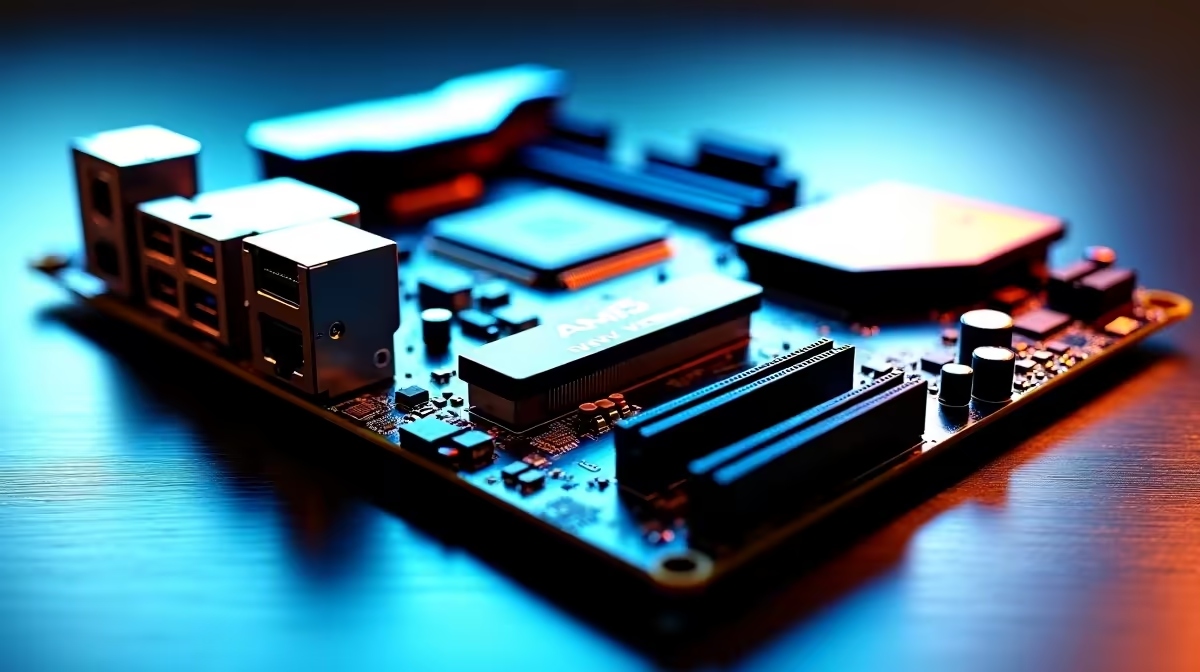
Upgrading your rig in South Africa just got exciting. For maximum frame rates on a ZAR budget... the B850 chipset is your best friend. Learning how to set up an AM5 B850 motherboard for DDR5, PCIe 5.0, and multi-SSD performance unlocks serious speed for any gamer. Let us walk you through the build process.
Preparing Your AM5 B850 Motherboard Setup 🔧
The foundation of any great PC is a solid board. The B850 chipset offers incredible value for AMD Ryzen builders. Ensure your workspace is anti-static to protect sensitive components. If you are still shopping around... explore our massive range of motherboards to find the right fit for your chassis. The AM5 socket uses a pin-less design. Drop the processor in gently. Rushing this step can bend delicate pins. Once secure... mount your cooling solution.
Maximising DDR5 Memory Speeds
Next up is your system memory. To set up an AM5 B850 motherboard for DDR5... install your sticks in the correct slots. Usually, this means slots A2 and B2 for optimal dual-channel performance. Pushing high frequencies requires quality modules. Browse our premium DDR5 memory kits to ensure you get the lowest latency possible. Always remember to enable AMD EXPO in your BIOS. This forces your RAM to run at advertised speeds.
BIOS Update Pro Tip ⚡
Always flash your B850 motherboard to the latest BIOS version before installing Windows. This ensures maximum stability for fast DDR5 EXPO profiles and optimal PCIe lane distribution for your graphics card.
Unleashing PCIe 5.0 and Multi-SSD Performance 🚀
Storage speed is crucial for modern gaming. The B850 platform shines when handling a multi-SSD setup. You get dedicated PCIe 5.0 lanes for lightning-fast NVMe drives. Install your primary OS drive in the top slot closest to the CPU. If you prefer specific brands... the latest ASUS AMD motherboards offer brilliant tool-less M.2 latches. This makes installing secondary drives effortless. Adding more storage later takes just seconds.
Balancing Your Build Options
Not everyone wants an AMD system... which is perfectly fine. If you are comparing platforms, you might also look at ASUS Intel motherboards for your next rig. However... for pure value and future upgrade paths, the AM5 B850 setup remains incredibly strong. It balances high-tier PCIe 5.0 support with affordable ZAR pricing.
Finalising Your Gaming Powerhouse ✨
With your RAM clicked in and storage secured... it is time to boot up. Cable management is your final hurdle. Routing your cables neatly behind the motherboard tray ensures that good airflow keeps your system temperatures low. If building from scratch feels daunting... skip the hassle entirely. Check out our best gaming PC deals for pre-built monsters that are ready to plug and play.
Ready to Build Your Dream AM5 Rig? Setting up the ultimate B850 system is an incredibly rewarding experience for any South African gamer. Explore our massive range of PC components and find the perfect hardware to conquer your gaming world today.











