

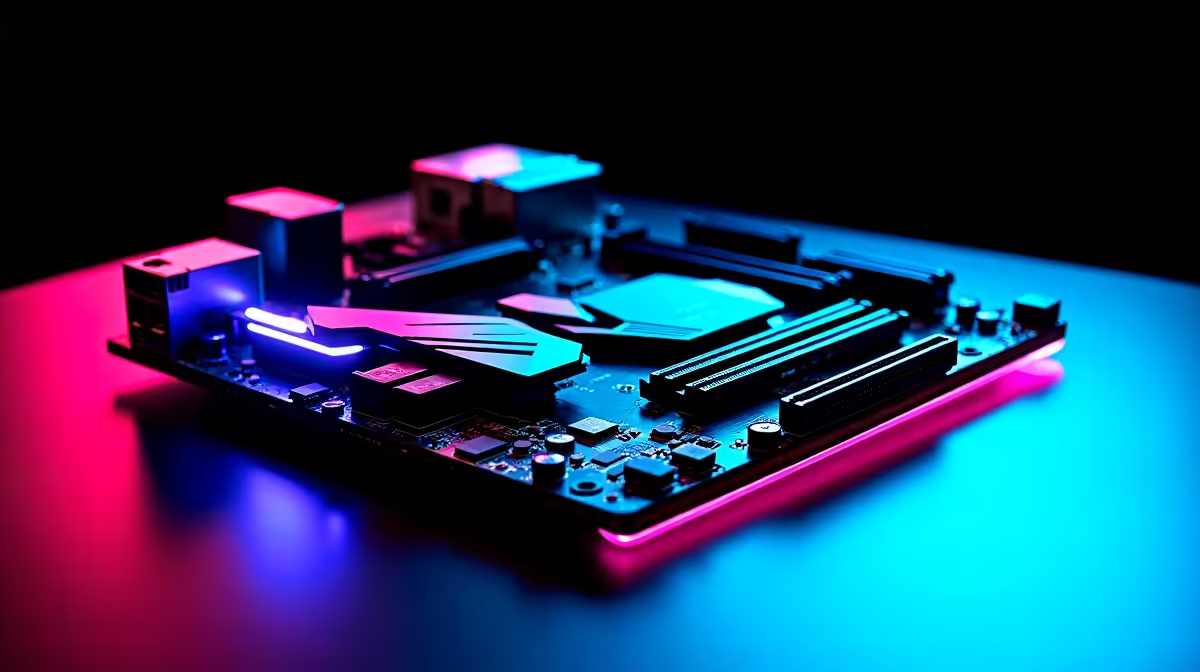
Building a rig in South Africa means future-proofing against loadshedding and lag. You want to dominate your lobbies. Learning how to set up an AM5 gaming motherboard for DDR5, PCIe 5.0 and WiFi 7 is essential. The AM5 platform delivers massive bandwidth. It is built for next-gen performance. Let us walk through the ultimate setup process to get your ZAR working harder for you. 🚀
Choosing the Right AM5 Foundation
Before dropping thousands of Rands, you need a solid base. The AM5 socket is AMD's latest powerhouse. It drops support for older DDR4 to focus entirely on speed. If you are browsing the latest gaming motherboards, look for X670E or B650E chipsets. These guarantee full PCIe 5.0 support for both your graphics card and storage. A robust VRM heatsink is also crucial. It keeps your system cool during those intense summer heatwaves in South Africa.
Installing Your CPU and Memory
Lifting the retention arm on an AM5 socket feels nerve-wracking. Just align the golden triangle on your Ryzen CPU with the socket marker. Drop it in gently... absolutely no force is required. Secure the latch and apply a pea-sized drop of thermal paste.
Next comes the RAM. To set up an AM5 gaming motherboard for DDR5 effectively, you must use slots A2 and B2. This enables dual-channel speeds for maximum frame rates. We highly recommend browsing high-speed memory kits rated for 6000MHz. AMD engineers confirm this is the sweet spot for AM5 processors.
BIOS Pro Tip ⚡
Always enable AMD EXPO in your BIOS after first boot. This ensures your DDR5 RAM runs at its advertised speeds rather than sluggish default settings.
Unlocking PCIe 5.0 and WiFi 7 Speeds
PCIe 5.0 doubles the bandwidth of the previous generation. When installing a Gen 5 NVMe SSD, use the top M.2 slot closest to the CPU. This connects directly to the processor for maximum speed. You will notice faster load times in heavy titles.
Then there is WiFi 7. South African fibre lines are getting faster every year. WiFi 7 handles multi-gigabit speeds effortlessly. Just screw the included Q-Antenna into the rear I/O panel. If you prefer Team Blue, you will find similar wireless tech on modern ASUS Intel motherboards. However, for Ryzen fans, ASUS AMD motherboards offer incredible WiFi 7 integration right out of the box. 🔧
Finalising Your Next-Gen Build
Cable management is your final hurdle. Ensure your 8-pin CPU power and 24-pin ATX cables are seated firmly. A loose cable can cause random reboots... a total nightmare during a competitive ranked match. Always double-check your front panel connectors too.
Building from scratch is highly rewarding. But if tweaking BIOS settings and seating CPUs sounds like too much work, you have excellent alternatives. You can easily find pre-built powerhouses by checking out our best gaming PC deals. They come fully optimised and ready to plug in. ✨
Ready to Build Your Dream AM5 Rig? The future of gaming requires serious hardware, and Evetech has everything you need to dominate in South Africa. Explore our massive range of AM5 motherboards and start building a PC that handles DDR5, PCIe 5.0, and WiFi 7 with absolute ease.











