

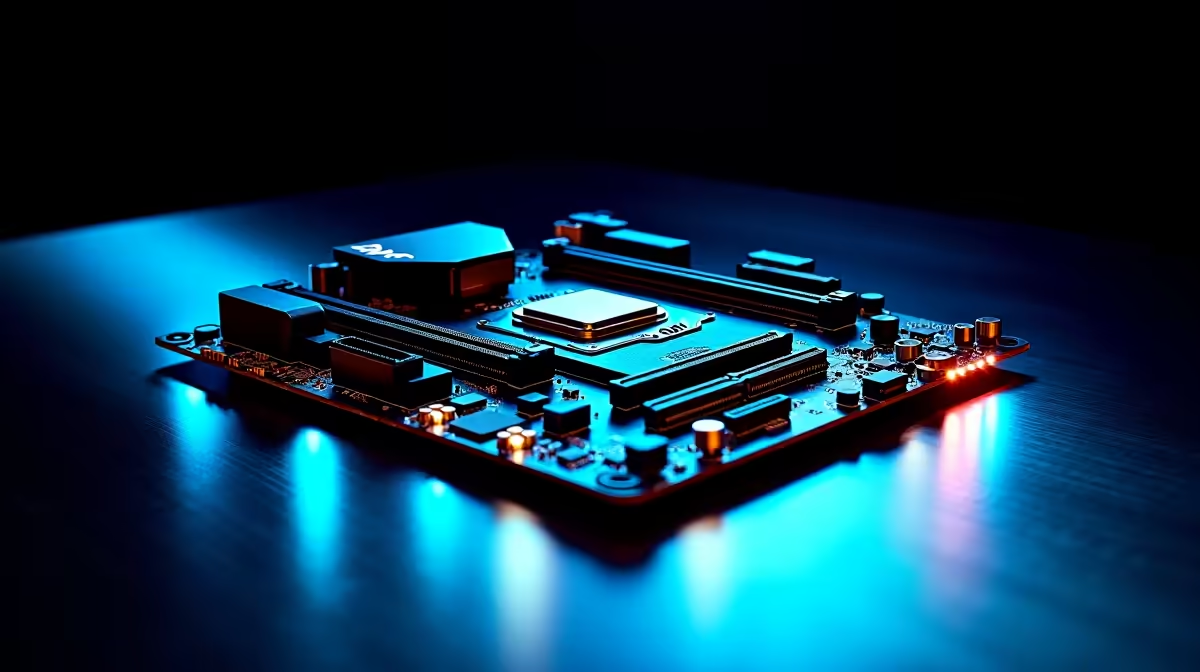
Building a top-tier rig in South Africa means making every ZAR count. If you are eyeing the latest AMD Ryzen processors, you need a solid foundation. Knowing how to set up an AM5 X870E motherboard for DDR5, PCIe 5.0 and USB4 performance ensures you squeeze out every drop of power. Whether you are rendering 4K video or chasing high frame rates... let us get your system dialled in. 🚀
Nailing Your DDR5 Memory Speeds
The X870E chipset thrives on incredibly fast memory. You cannot just plug in your RAM and expect maximum speeds. Out of the box, DDR5 runs at standard base frequencies. You need to enable AMD EXPO in your BIOS to unlock those advertised speeds.
Hitting the 6000MHz sweet spot provides the best balance of low latency and high bandwidth for Ryzen CPUs. Higher speeds might look great on paper... but they can introduce instability. If you are upgrading your setup, browsing high-speed memory kits is your first step to peak system stability. Always match your memory to your motherboard's Qualified Vendor List to avoid headaches.
Memory Optimisation Tip ⚡
Always install your two RAM sticks in slots A2 and B2. This configuration ensures proper dual-channel operation and helps you easily achieve those high EXPO overclocks without system crashes.
Unlocking PCIe 5.0 Bandwidth
Next up is your graphics card and storage. PCIe 5.0 offers double the bandwidth of the previous generation. This means lightning-fast load times for your massive game libraries and smooth texture streaming in modern titles.
When installing your M.2 NVMe SSD, make sure you use the top slot closest to the CPU. This specific slot wires directly to the processor for zero latency. You will often find a hefty heatsink covering it... keep that installed to prevent thermal throttling. Finding the right foundation is crucial. Explore the latest PC motherboards to ensure you have all the high-speed lanes you need.
Maximising USB4 Connectivity
Do you transfer massive video files or game backups? USB4 is a massive leap forward for external connectivity. It delivers up to 40Gbps transfer speeds. It also allows daisy-chaining multiple high-resolution displays or hubs.
To get this working flawlessly, ensure you install the latest chipset drivers directly from AMD after installing Windows. Many premium boards, like ASUS AMD motherboards, feature dual dedicated USB4 Type-C ports on the rear I/O panel. Plug your high-speed external NVMe enclosures directly into these specific ports for maximum throughput. 🔧
Keeping Your Options Open
We know that hardware brand loyalty runs deep in South Africa. Perhaps you are reading this but strongly prefer Team Blue processors. The fundamental setup principles for memory and storage remain very similar across all modern platforms. Do you want to optimise a high-end Intel build instead? Checking out ASUS Intel motherboards will point you in the right direction for your next upgrade.
Skipping the DIY Hassle
Building a custom PC from scratch is incredibly rewarding. However, it can also be stressful if you are short on time or nervous about bending CPU pins. Sometimes you just want to plug in your monitor and start gaming immediately.
If setting up BIOS profiles and routing cables sounds like too much work, we have you covered. You can simply grab one of our best gaming PC deals and let our technical experts handle all the heavy lifting for you. ✨
Ready to Build Your Dream AM5 Rig? The X870E platform offers incredible power, future-proofing, and value for South African gamers. Explore our massive range of PC components and find the perfect foundation to conquer your digital world today.











