

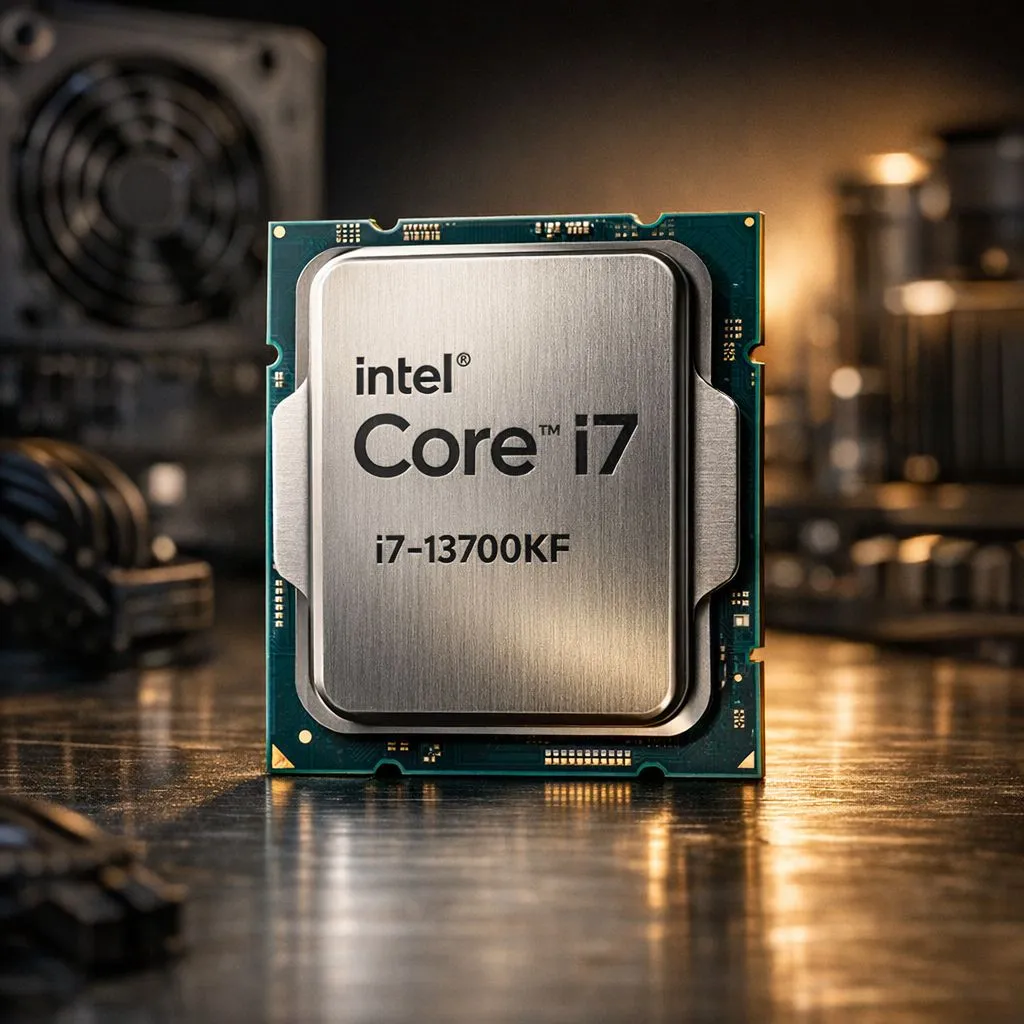
So, you’ve got your eye on the Intel Core i7-13700KF, a true beast for gaming and productivity. It's a fantastic choice, but there's one critical question every smart South African builder asks: how much power does this monster actually need? Getting this wrong can lead to system instability or, worse, a PSU that can’t keep up. Let’s dive into the i7 13700KF power consumption and ensure your rig is perfectly balanced. 🚀
Understanding the i7 13700KF's Power Draw
First things first, let's clear up the numbers. Intel lists the 13700KF with a Processor Base Power (PBP) of 125W. That sounds manageable, right? But that's not the whole story. The real figure to watch is the Maximum Turbo Power (MTP), which for this CPU is a whopping 253W.
This MTP is the peak power the CPU can draw for short bursts to deliver that incredible performance you're paying for. When you're rendering a 4K video or pushing for max frames in Apex Legends, the i7 13700KF power consumption will spike towards this 253W limit. It’s this headroom that allows it to compete with the very best CPUs on the market, making it a popular choice among the broader Intel CPU lineup.
Your motherboard and cooling solution play a huge role here. A good Z790 motherboard with robust VRMs (Voltage Regulator Modules) will handle these spikes gracefully, while a powerful cooler will keep temperatures in check, allowing the CPU to sustain higher clocks for longer.
Choosing the Right PSU for Your i7 13700KF Build
Okay, so the CPU can pull over 250W. But you don't build a PC with just a CPU. The biggest power hog in any gaming rig is almost always the graphics card. An NVIDIA GeForce RTX 4070 Ti can draw over 285W, and an RTX 4090 can easily exceed 450W.
So, what's the magic number for your Power Supply Unit (PSU)?
Our PSU Recommendation
For a typical gaming build featuring an i7-13700KF and a mid-to-high-end graphics card (like an RTX 4070 or RX 7800 XT), we recommend a high-quality 850W Gold-rated PSU.
Why 850W?
- Headroom: It comfortably covers the peak draw of your CPU (~253W) and a powerful GPU (~300W), plus all your other components (RAM, SSDs, fans), leaving plenty of room to spare.
- Efficiency: PSUs run most efficiently at 50-60% of their maximum load. An 850W unit will operate right in that sweet spot during a typical gaming session, saving you a bit on your electricity bill.
- Future-Proofing: It gives you the flexibility to upgrade your GPU later without needing a new power supply.
If you're pairing it with a top-tier card like an RTX 4090 or planning heavy overclocking, stepping up to a 1000W PSU is a wise investment. While competitors like certain AMD Ryzen 7 CPUs are known for their efficiency, the raw performance of the 13700KF often requires a bit more juice.
PSU Pro Tip ⚡
Always choose a PSU from a reputable brand with at least an 80 Plus Gold rating. It's the heart of your PC. A cheap, low-quality PSU can be inefficient, noisy, and even risk damaging your expensive components. Spending an extra R500 here can save you thousands in the long run.
Practical Tips to Optimise 13700KF Power Consumption
Worried about Eskom or just want a cooler, quieter rig? You can tame the i7 13700KF power consumption without sacrificing much performance. It's all about smart optimisation. ✨
1. Set Power Limits in BIOS/UEFI
Most modern motherboards allow you to manually set the PL1 (long duration) and PL2 (short duration) power limits. By slightly lowering the PL2 limit from 253W to something like 200W or 220W, you can significantly reduce peak power draw and heat output with only a minimal drop in all-core performance.
2. Consider Undervolting
Undervolting is the process of reducing the voltage supplied to the CPU. Less voltage means less power consumption and less heat. It requires some trial and error to find a stable setting, but it's a fantastic way to improve efficiency. Look for "CPU Core Voltage Offset" in your BIOS.
3. Use the Windows Balanced Power Plan
For everyday use, you don't need your CPU running at full tilt. The "Balanced" power plan in Windows is excellent at letting the CPU idle down when you're just browsing the web, which helps manage the processor's overall power profile.
Ultimately, the i7-13700KF is a performance-first chip. While its power draw is high, it's a manageable part of building a top-tier PC. If the 16-core 13700KF's power needs seem a bit much for your specific build, options like Intel's excellent 14-core processors offer a fantastic balance of performance and efficiency. It's also worth looking at what the competition offers, as the entire AMD CPU range presents compelling alternatives depending on your priorities.
Ready to Build Your Powerhouse PC? Taming the i7-13700KF is all about pairing it with the right components. From high-efficiency PSUs to the latest CPUs and GPUs, we've got everything you need to build a rig that performs without compromise. Explore our massive range of PC components and start planning your ultimate build today.











