

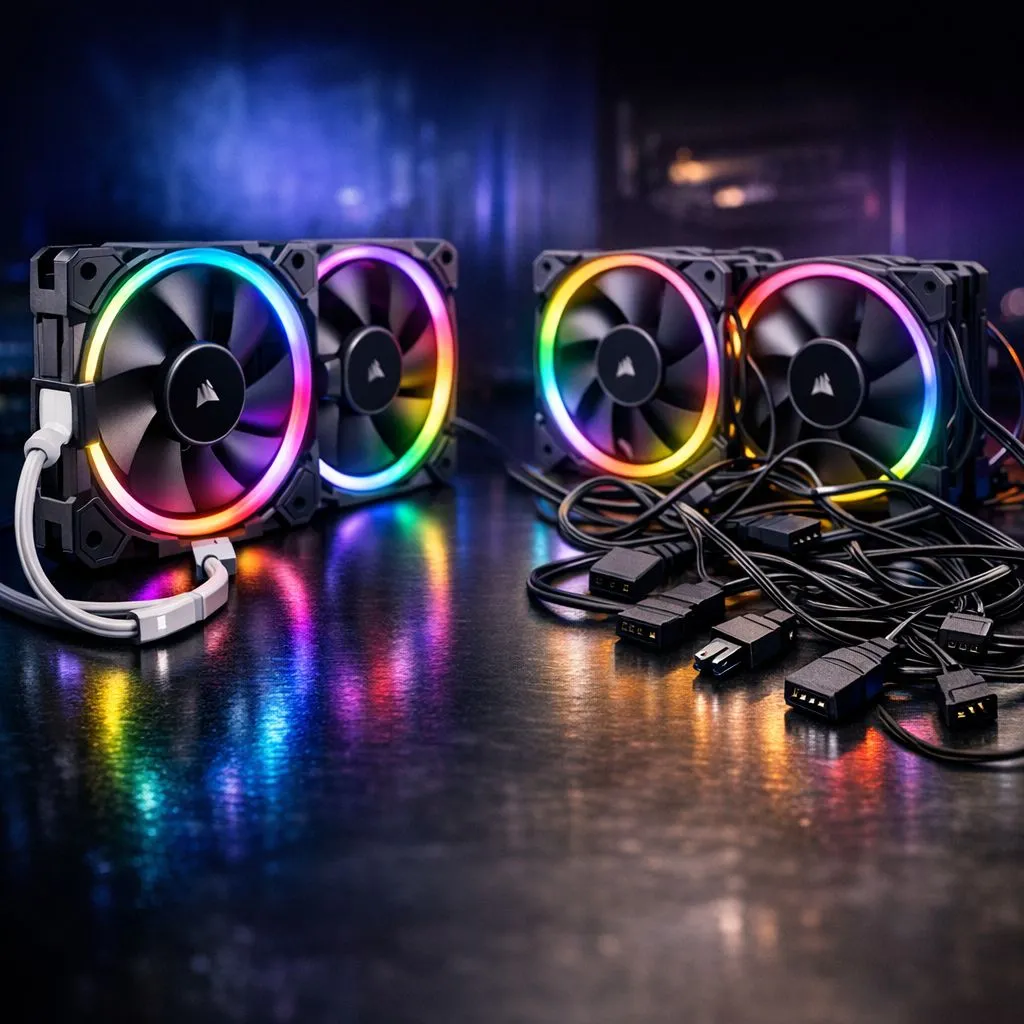
The Great Cable Struggle: iCUE Link vs RGB Fan Wiring
Building a PC in South Africa should be a joy, not a battle against a "spaghetti monster" of cables. When comparing iCUE Link vs RGB Fan Wiring, the real decision is how much you value your free time. Whether you are building a budget rig or a high-end beast, the way you manage your cooling can make or break your building experience... and your patience. 🔧
The Traditional RGB Fan Wiring Reality
Standard RGB fans have been the go-to for years. They offer incredible aesthetics and performance for those on a budget. However, each fan typically requires two separate cables. One cable handles the power (PWM), while the other manages the light show (ARGB).
If you are installing six fans, you are looking at twelve individual cables. This often requires complex splitters or bulky hubs tucked behind the motherboard tray. Brands like Deepcool offer fantastic performance-to-price ratios, but the manual labour involved in routing those wires remains high. You might spend an hour just on zip ties alone to ensure your side panel actually closes.
How iCUE Link Changes the Build Lab
Corsair decided to simplify the process. When browsing CORSAIR components, you will notice the iCUE Link ecosystem. This system uses a smart component architecture where fans connect directly to one another.
In the debate of iCUE Link vs RGB Fan Wiring, the time savings are immediate. Instead of routing two cables per fan back to a hub, you daisy-chain the fans together. A single cable then connects the entire chain to the System Hub. This hub is tiny... roughly the size of a matchbox... making it easy to hide in any chassis. ⚡
Cable Management Pro Tip ⚡
When routing traditional cables, always group your PWM and ARGB wires separately before zip-tying them to the chassis. This makes troubleshooting much easier if a single fan stops spinning or loses its colour sync later on.
Performance and Sizing Options
The wiring method does not limit your cooling potential. You can still choose the exact size that fits your case. Most South African gamers opt for 120mm fans because they fit almost every mounting point. They are perfect for high-airflow setups that need to combat our summer heat.
If you have a larger chassis, 140mm fans are often the better choice. They move more air at lower speeds, which keeps your room quieter during intense gaming sessions. Whether you choose the iCUE Link ecosystem or traditional wiring, the physical installation remains similar... it is the back-end cable management where the time difference lies.
Choosing What Fits Your Budget
Not every build needs a light show. Some of the cleanest setups in South Africa use fans with no lighting at all. These are often easier to wire simply because there are fewer cables to worry about.
However, if you want the full RGB experience, you have to weigh the cost. The iCUE Link system carries a premium price in ZAR, but it saves hours of frustration. If you are a professional builder or someone who swaps parts often, that time is money. For the casual builder, standard case fans provide the same cooling for less cash, provided you don't mind the extra cable management. 🚀
Ready to Simplify Your Build? Whether you want the cutting-edge simplicity of iCUE Link or the classic value of traditional RGB, we have the stock to get you cooling. Explore our massive range of case fans and find the perfect match to keep your PC running icy cold.











