

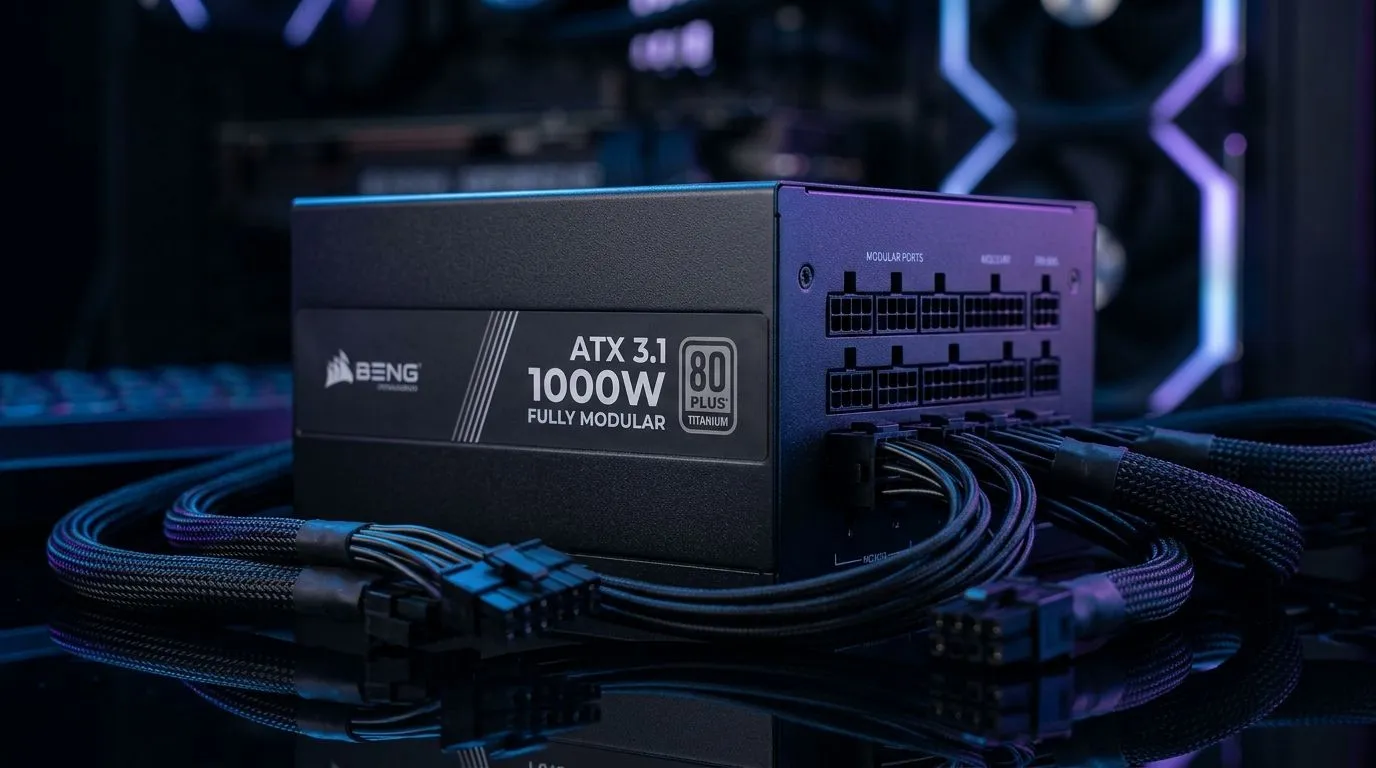
Preparing Your Rig for the Next Generation
Upgrading your PC's heart is a rite of passage for every South African gamer. If you have finally decided to swap out that ageing unit for a modern, efficient system, you are in the right place. Learning how to install a fully modular ATX 3.1 power supply is the ultimate way to clean up your cable management while ensuring your GPU gets the stable, clean power it craves for those high-frame-rate sessions. ⚡
Why Choose ATX 3.1 for Your Build?
Modern graphics cards are demanding. The ATX 3.1 standard isn't just a marketing buzzword; it is an evolution in power delivery designed to handle transient power spikes with ease. When you shop for a reliable Corsair power supply, you are investing in longevity for your expensive components. Unlike older units, these supplies provide native 12V-2x6 connectors, eliminating the need for messy, unreliable adapters that clutter your chassis.
Pro Installation Tip 🔧
Before you screw the PSU into the chassis, plug all the necessary cables into the modular ports first. It is significantly easier to route your 24-pin and PCIe cables while you have full access to the unit than it is to reach into a cramped case later.
Step-by-Step: The Installation Process
Start by turning off your PC and unplugging the mains cable. Open your side panel and disconnect the old cables from your motherboard, GPU, and storage drives. Once the old unit is removed, slide your new Gamdias power supply into the PSU shroud. Ensure the fan is facing the intake vent—usually pointing downwards—to keep the unit cool during intense gaming sessions.
Once the unit is secured with the four rear screws, route your cables behind the motherboard tray. Connect the 24-pin ATX cable to your motherboard, followed by the EPS cable for the CPU. If you are running a high-end setup, look for 80 PLUS certified units to ensure maximum energy efficiency and lower electricity bills during those long load-shedding-free evenings. 🚀
Final Checks Before Powering On
Double-check every connection. A loose cable is the most common cause of a "no-post" scenario. Ensure the PCIe cable is fully seated in your graphics card; you should feel a distinct click. Once everything is tight, flip the switch on the back of the PSU to the 'I' position and press your case power button. If your fans spin up and your RGB lights flicker to life, you have successfully upgraded your rig. ✨
Ready to Find Your Perfect Match? The power supply debate is complex, but for maximum stability, choice, and value in South Africa, a modular ATX 3.1 unit is hard to beat. Explore our massive range of power supply specials and find the perfect heart for your machine to conquer your world.











