

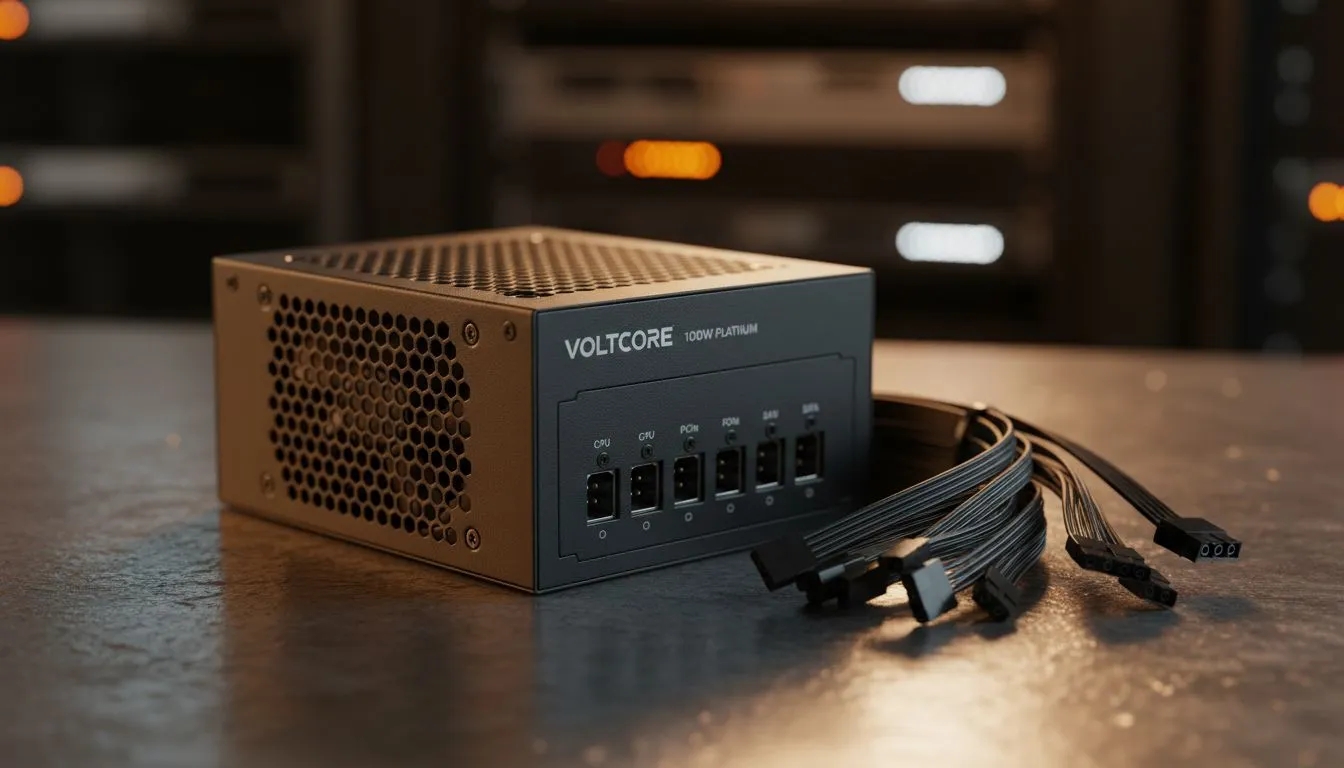
Master Your Build: Install Fully Modular Power Supply Guide
Tired of cable spaghetti ruining your PC's aesthetic? Learning how to install a fully modular power supply is the best way to clean up your rig. In South Africa, where heat and dust are constant battles, good airflow is essential. A modular unit lets you plug in only what you need. Let us get your build looking sleek and running cool. 🔧
Select the Right Efficiency for Your Build
Before you start the installation, ensure your unit matches your power needs. Efficiency matters for your monthly electricity bill in ZAR. You should look for 80 PLUS certified options to ensure stable delivery. These units waste less energy as heat. This is vital during long gaming sessions or intense rendering tasks. ⚡
Cable Routing Pro Tip ⚡
Before mounting the PSU into your case, plug in the essential cables like the 24-pin motherboard and 8-pin CPU connectors first. It is much easier to attach these to the power supply unit while it is outside the cramped confines of the chassis. This simple step prevents hand cramps and saves time during the final assembly.
Step-by-Step Installation Process
Start by sliding the power supply into the mounting bay at the back of your case. Ensure the fan is facing the ventilation cutouts. If you want a reliable and flexible start, GAMDIAS power supplies offer excellent modular configurations for modern builds.
Once the unit is screwed in, identify the cables you need. You will always need the large motherboard cable and the CPU power lead. Only add PCIe cables if you have a dedicated graphics card. This minimalist approach keeps the interior tidy and improves air circulation.
Final Cable Management and Testing
Route your selected cables through the cutouts in the motherboard tray. This hides the bulk of the wires behind the back panel. Browse our full range of power supply units to find the perfect wattage for your specific hardware.
Double-check every connection before flipping the power switch. Ensure the clips on the connectors have clicked into place. Use Velcro ties to secure the loose ends at the back. A clean build is a happy build. 🚀
Ready to Upgrade Your Power? A clean, modular build starts with the right hardware. For the best selection of high-performance components and expert advice in South Africa, we have you covered. Explore our massive range of power supplies and find the perfect unit to power your dream PC.











