

Understanding the LGA 1851 Transition
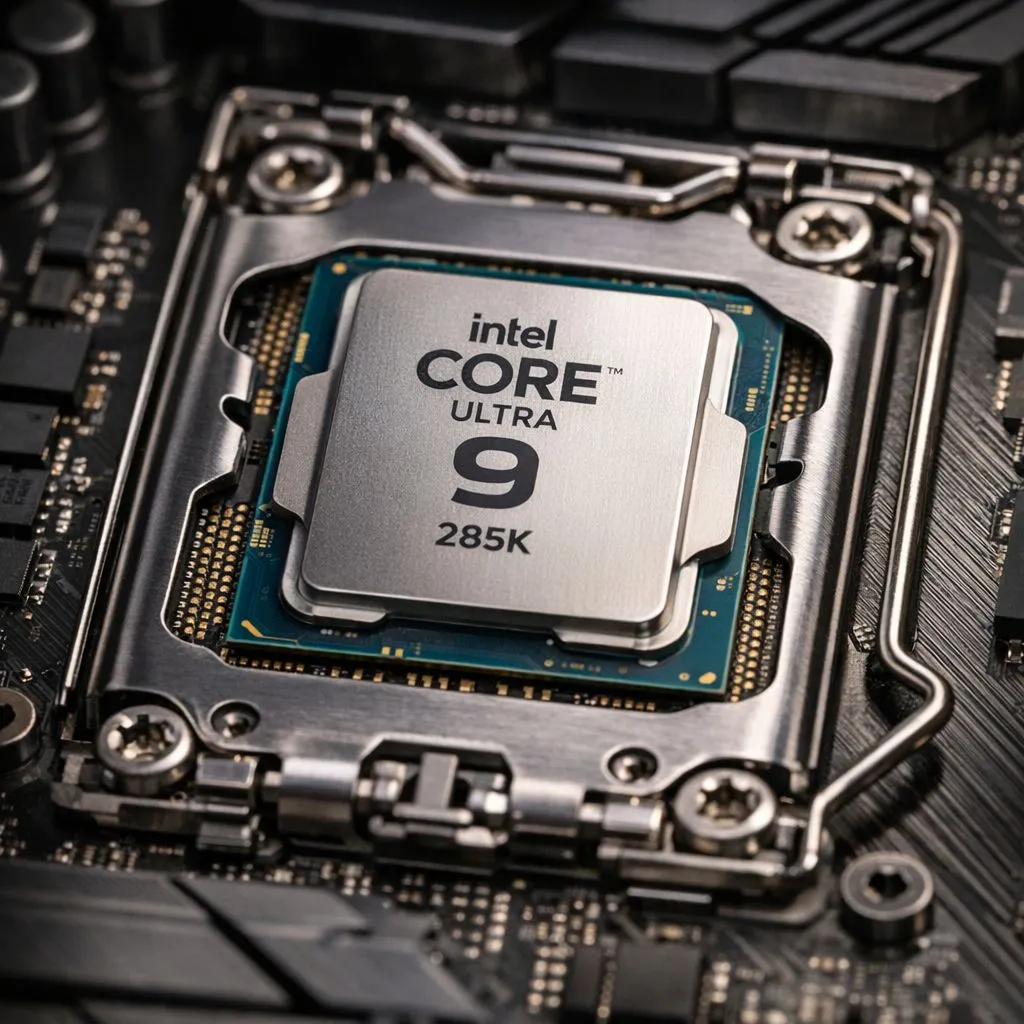
The arrival of the Arrow Lake architecture marks a significant shift for PC enthusiasts across South Africa. If you have decided to install Intel Core Ultra 9 285K on LGA 1851 motherboards, you are stepping into a world of incredible efficiency and multi-threaded power. However, unlike the previous three generations, this isn't a simple drop-in upgrade. Before you start, ensure you have decided to buy Intel CPU stock that specifically matches this new socket requirement, as your older Z790 boards won't make the cut. ✨
Preparation Before You Build
The LGA 1851 socket features more pins than the outgoing LGA 1700, yet the physical dimensions remain remarkably similar. This means some of your older cooling brackets might still fit, but you must verify pressure distribution. While the Ultra 9 is the flagship, many builders looking for a balance of power and value often explore 14-core Intel options to suit their specific workflow needs. 🔧
Before handling the hardware, ensure you are grounded to avoid static discharge. In our dry South African winters, a simple anti-static wrist strap can save you from a very expensive mistake involving your new R10,000+ processor.
Step-by-Step: How to Install Intel Core Ultra 9 285K on LGA 1851 Motherboards
When you are ready to install Intel Core Ultra 9 285K on LGA 1851 motherboards, the process requires a delicate touch. First, release the load lever on the motherboard socket. Carefully align the two notches on the CPU with the tabs on the socket... there is only one way it fits, so never force it. Once seated, lower the lever. You might hear a slight creak, which is normal for high-pressure sockets, but if there is significant resistance, stop and re-align.
Thermal Paste Placement ⚡
Arrow Lake CPUs like the 285K have a slightly shifted thermal hotspot compared to previous generations. Instead of a single central blob, try a thin 'X' pattern to ensure the heat spreader makes perfect contact with your cooler's baseplate for the best temperatures in the South African heat.
Thermal Management and Final Checks
The Ultra 9 285K is efficient, but it still requires robust cooling to maintain its boost clocks during heavy gaming sessions. If you find the move to a new platform and DDR5 memory too steep, you might alternatively choose to buy AMD CPU hardware instead. For instance, the AMD Ryzen 7 range remains a formidable competitor in the local market for those prioritising gaming performance over raw core counts. 🚀
Once the cooler is mounted, boot into the BIOS to ensure your RAM is running at its rated XMP speeds and that your temperatures are idling within a healthy range.
Ready to Find Your Perfect Match? The move to LGA 1851 is a big step, but for maximum power, choice, and value in South Africa, the Ultra 9 285K is a beast. Explore our massive range of Intel CPUs and motherboards and find the perfect machine to conquer your world.











