

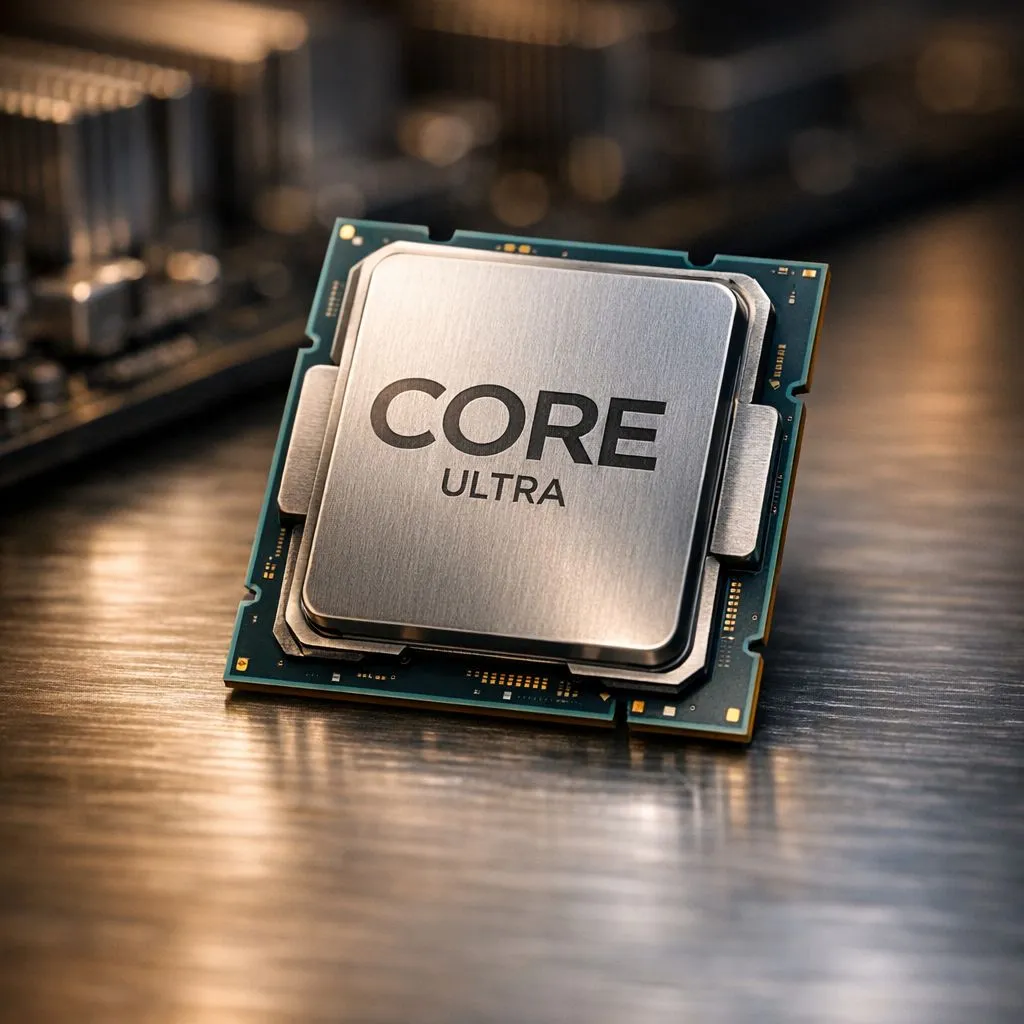
Building a new rig in South Africa is a serious investment. You have finally unboxed that shiny new processor and seated it into the socket. But before you dive into a marathon session of Call of Duty or Cyberpunk 2077, you need to talk to your motherboard. Getting your Intel Core Ultra BIOS settings right is the difference between a stuttery mess and a frame-rate monster. Let's ensure your build is primed. 🔧
Optimising your Intel Core Ultra BIOS settings for stability
The first thing you should do after hitting that power button is head straight into the BIOS. For the new Arrow Lake architecture, stability is the name of the game. When you buy Intel CPU hardware from the latest generation, the default "Auto" settings might push more voltage than necessary. This leads to higher temperatures... something we definitely want to avoid during a hot South African summer.
Ensure your "Intel Default Profile" is selected rather than the motherboard vendor's "Unlimited" profile. This keeps your power limits (PL1 and PL2) within the official specifications. It prevents the chip from drawing excessive power and keeps your cooling solution from sounding like a jet engine.
Fine-tuning memory and power limits
Memory speed is the next hurdle. Intel Core Ultra chips love fast DDR5 RAM, but you must enable XMP (Extreme Memory Profile) to get what you paid for. If you are rocking one of the high-end 14-Cores models, ensuring your memory controller is stable is vital for productivity tasks. ⚡
While some gamers prefer to buy AMD CPU options for their efficiency, Intel's new Ultra series closes that gap significantly... provided you toggle the right switches. Look for "C-States" and "SpeedShift" settings in the CPU configuration menu. These allow the processor to downclock effectively when you are just browsing the web, saving you a few Cents on your monthly Eskom bill.
BIOS Update Pro Tip ⚡
Always update your BIOS to the latest version before tweaking settings. Manufacturers frequently release microcode updates that improve stability and memory compatibility for the Intel Core Ultra platform. A five-minute flash can prevent hours of troubleshooting later.
Why BIOS updates matter for Arrow Lake architecture
The launch of a new socket often comes with a few growing pains. Even if you are comparing this build to a rival system featuring an AMD Ryzen 7 processor, the software side is where the magic happens. Intel Application Optimization (APO) is a key feature for the Ultra series. You must ensure "Dynamic Tuning Technology" is enabled in your BIOS for this to work correctly in Windows. 🚀
APO can significantly boost frame rates in supported titles by scheduling threads more intelligently. It is a free performance uplift that many users forget to activate. Check your "Advanced" or "CPU Configuration" tab to find these toggles. Getting these small details right ensures your ZAR investment delivers every bit of performance promised on the box. ✨
Ready to Build Your Ultimate Rig? Mastering your BIOS is the final step to peak performance, but it all starts with the right hardware. Whether you are team blue or team red, we have the latest tech ready for your next upgrade. Explore our massive range of CPU specials and find the perfect heart for your new gaming beast.











