


Best RTX 5070 Under R25,000 in South Africa 2026
Top RTX 5070 Under R25,000 picks evaluated on performance, value & SA availability with current Rand pricing from Evetech.
Read more- Explain tape mod basics - Demonstrate switch lubing - Recommend tools and lube - Troubleshoot common issues Keyboard modding guide: Learn tape mod and switch lubing to improve sound and feel fast. Step-by-step for beginners. 🛠️🎧
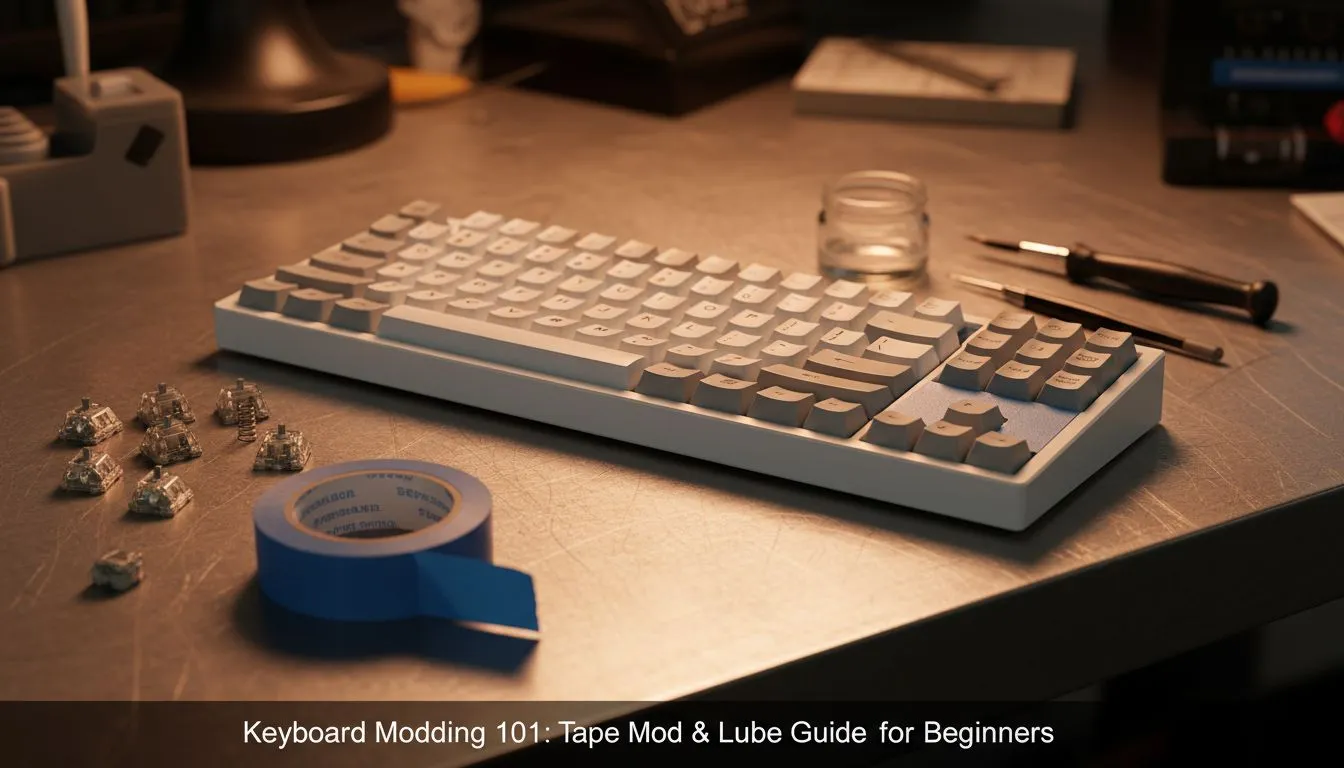
There is nothing quite like the deep, satisfying "thock" of a well-tuned mechanical keyboard. But here is the secret most manufacturers won't tell you: you don't need to spend R5,000 on a custom chassis to get premium sound. With a roll of masking tape, a small brush, and some patience, you can transform a hollow-sounding plastic board into an acoustic masterpiece. Let's dive into the build lab. 🔧
If you are new to keyboard modding, the "Tape Mod" (or Tempest Mod) is the absolute best place to start. It involves applying layers of masking tape to the back of your keyboard's PCB (Printed Circuit Board). This alters the acoustic profile by filtering out high-pitched frequencies, leaving you with a deeper, creamier sound signature.
Whether you are rocking a high-end chassis or have just picked up the cheapest gaming keyboard in South Africa to start your journey, this mod is universally effective.
The result feels tighter and sounds significantly better. It brings a level of satisfaction similar to upgrading from a standard office mouse to a precision gaming mouse; suddenly, every input feels intentional.
Always use non-conductive tape like painter's tape or masking tape. Never use conductive tape (like aluminium foil tape) on the PCB, as this will short-circuit your board and ruin your hardware. If your keyboard has a battery, be extremely careful not to puncture it during disassembly.
While the tape mod handles the overall acoustics, lubing addresses the feel and the "rattle." Unlubed switches can feel scratchy, and stabilisers (the metal wires under your Spacebar and Enter keys) often tick or rattle.
Properly lubricating your switches eliminates friction. However, it is a time-consuming process. If you are recording content or chatting on Discord, this is vital. High-quality microphones will pick up that scratchy spring noise, which can annoy your teammates or viewers.
For linear switches, Krytox 205g0 is the gold standard. You only need a tiny amount... less is more.
Once you have silenced the rattle, your production value skyrockets. If you are gathering streaming essentials, a silent, thocky keyboard is just as important as your ring light or camera.
Modding your keyboard is often the catalyst for optimising your entire setup. Once you have that premium typing feel, you start noticing other areas that need an upgrade.
You might want to test your new sound profile by isolating the audio with high-quality headphone headsets, ensuring you catch every subtle acoustic change. Visually, a custom keyboard sits perfectly in front of crisp, high-refresh PC monitors, tying the aesthetics of your desk together.
Of course, not every game is best played on a keyboard. For racing or sports titles, you might want to swap inputs and grab gaming controllers for analog precision. And remember, a fast keyboard means nothing if your system is bottlenecked by slow loading times, so ensure your solid state drives are up to spec to match your reaction times. 🚀
Ready to Build Your Dream Setup? Modding is just the beginning. Whether you need a hot-swappable mechanical keyboard to start your journey or the components to power your rig, we have you covered. Shop our latest gaming peripherals and components and elevate your game today.
A tape mod adds thin adhesive layers to the board to reduce case resonance and refine sound. It's a common keyboard tape mod for beginners.
Clean the case, cut thin strips, and place tape between PCB and plate to dampen vibrations. For more, see how to tape mod a keyboard guides.
Popular options: Krytox GPL 205g0 for tactile/smooth switches and Tribosys 3204 for a faster feel. Choose per switch type: best lube for switches varies.
Open switches, apply a thin coat to the stem and spring, reassemble and test. Follow a switch lubing guide for tools and technique.
Yes. Tape mod benefits mechanical keyboard by reducing hollowness and tightening the sound, creating a deeper, more muted tone.
Yes. Many tape mods attach to the case or between plate and PCB without desoldering, making tape mod for beginners accessible.
Re-lube every 1–3 years depending on use. Heavy gamers may re-lube sooner; consult a switch lubing guide for signs of wear.
Top RTX 5070 Under R25,000 picks evaluated on performance, value & SA availability with current Rand pricing from Evetech.
Read more
Core i5-14600K + B760 + RTX 5060 Build Under. Full parts list, Rand pricing & expected performance. Build confidently with SA-available components.
Read more
RX 7800 XT The Witcher 4 Low Settings at 1440p. Real-world benchmark data, FPS numbers & performance analysis. What SA gamers can actually expect.

RTX 5070 GTA 6 High Settings at 1440p: FPS Results. Real-world benchmark data, FPS numbers & performance analysis. What SA gamers can actually expect.

Does RTX 5070 Run Hot in South African Climate Detailed answer with SA data, expert analysis & practical recommendations for local buyers.

How Long Will the RX 7900 XTX Last for Gaming Detailed answer with SA data, expert analysis & practical recommendations for local buyers.

Every spec on PCIe 5.0 explained in plain English. What matters for gaming and creator work in 2026, what's marketing fluff, and how each number translates to real-world performance.

Every spec on bios explained in plain English. What matters for gaming and creator work in 2026, what's marketing fluff, and how each number translates to real-world performance.

Every spec on gaming setups explained in plain English. What matters for gaming and creator work in 2026, what's marketing fluff, and how each number translates to real-world performance.

Every spec on cooling systems explained in plain English. What matters for gaming and creator work in 2026, what's marketing fluff, and how each number translates to real-world performance.
Top RTX 5070 Under R25,000 picks evaluated on performance, value & SA availability with current Rand pricing from Evetech.
Core i5-14600K + B760 + RTX 5060 Build Under. Full parts list, Rand pricing & expected performance. Build confidently with SA-available components.

Top Monitor for RX 9070: Resolution & Refresh Rate picks evaluated on performance, value & SA availability with current Rand pricing from Evetech.

Valorant Settings on RX 9060 XT: Performance. Real-world benchmark data, FPS numbers & performance analysis. What SA gamers can actually expect.