

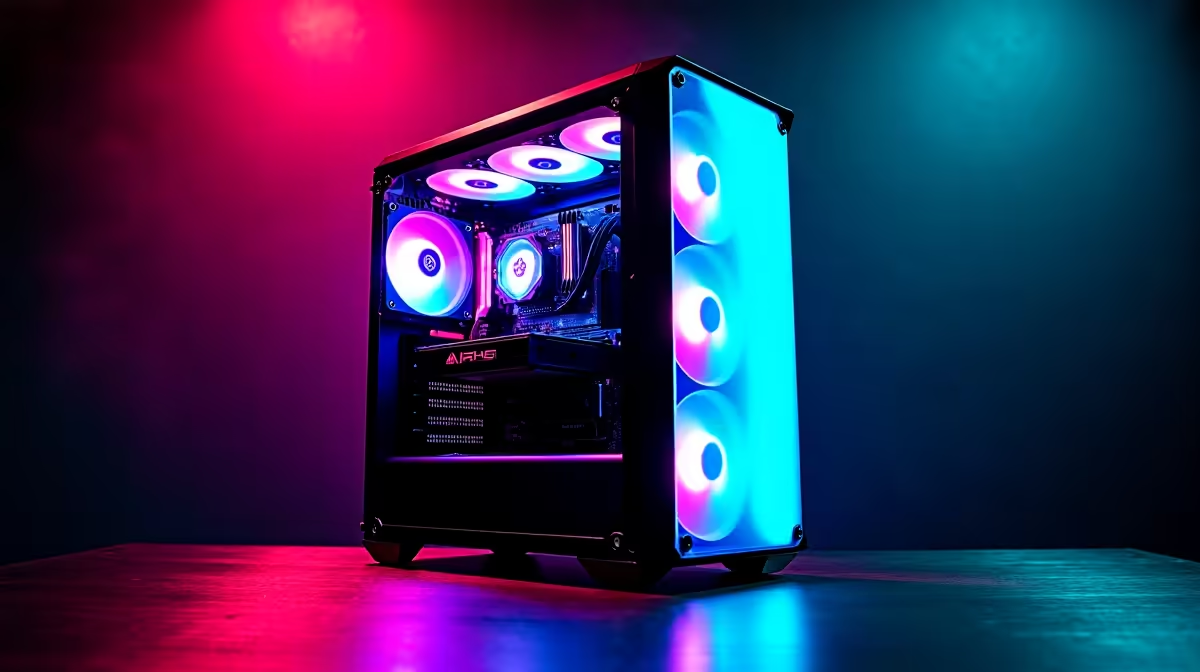
Load shedding is back... but your frame rates do not have to drop. If you have saved up R20,000, you are in the sweet spot for serious 1080p or entry-level 1440p gaming. Welcome to our learn PC building: intermediate guide R20000 in SA. We will show you how to stretch every Rand for maximum performance without cutting corners. Let us get building.
Allocating Your R20,000 Budget
When you learn PC building, the first lesson is balancing your budget. For an intermediate guide R20000 in SA, your GPU is the star of the show. You should allocate about forty percent of your budget here. If you prefer skipping the hassle of part hunting, you can always browse our best gaming PC deals for inspiration.
Choosing the Right Components 🔧
You need parts that offer raw value. A solid six-core processor paired with 32GB of RAM is perfect. Do not overspend on a flashy motherboard with features you will never use. Instead, put that extra cash towards better graphics cards. This ensures your rig handles modern titles with absolute ease.
Storage is another crucial factor. A fast 1TB NVMe SSD is mandatory for quick boot times and snappy game loads. If you are constantly on the move for work or weekend LANs, a bulky desktop might not fit your lifestyle. In that case, checking out powerful laptops and notebooks might be a smarter move. But for pure desktop performance, building it yourself teaches you incredibly valuable skills.
Airflow Pro Tip ⚡
Always ensure positive air pressure in your case. Have more intake fans than exhaust fans to keep dust out... a massive bonus for South African summers!
Assembly and Cable Management
Putting your R20,000 machine together requires patience. Take your time routing cables behind the motherboard tray. Good cable management improves airflow and makes your build look highly professional. If the thought of bending delicate CPU pins makes you sweat, there is no shame in exploring pre-built PC deals. They offer plug-and-play convenience with full warranties intact.
For those committed to the DIY route, always keep an eye on our daily specials. You can often grab a premium 750W power supply or a gorgeous high-airflow case for a fraction of the normal price. This leaves more room in your budget for aesthetic upgrades or extra cooling fans.
Final Testing and Optimisation 🚀
Once everything is plugged in... hit the power button. Install Windows, update your drivers, and enable XMP in your BIOS to get the full speed of your RAM. This intermediate guide R20000 in SA aims to give you a machine that dominates popular esports titles and handles demanding games beautifully.
Ready to Build Your Dream Rig? Whether you want to pick your own parts or grab a system that is ready to dominate, Evetech has you covered. Explore our massive range of PC components and start your R20,000 build journey today.











