

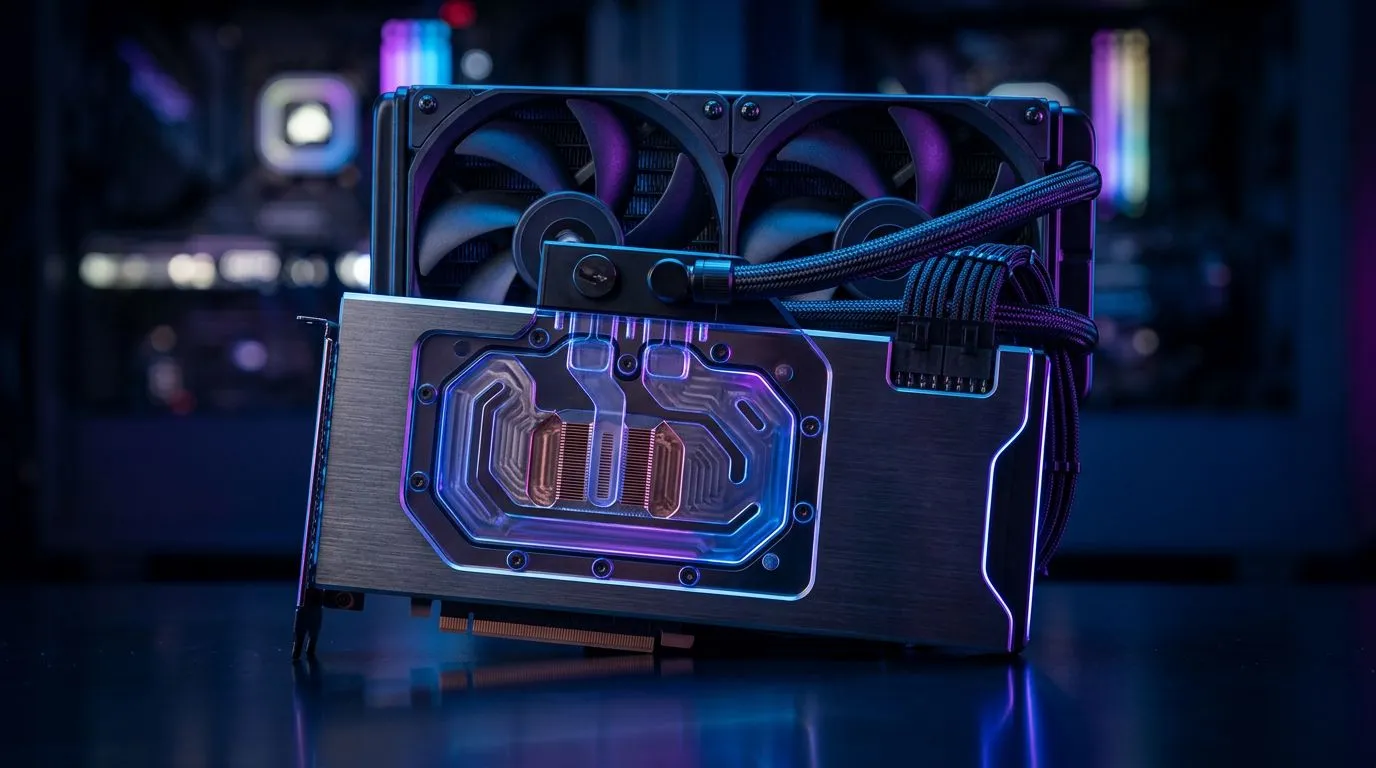
Understanding Liquid-Cooled GPU Clearance for Your PC Case 🔧
If you’re a South African gamer or tech enthusiast gearing up to upgrade your rig, liquid-cooled GPUs offer impressive cooling and quiet performance. But before you buy, ask yourself: will that beast actually fit inside your PC case? Liquid-cooled GPU clearance is a key factor, especially in South Africa where airflow optimisation can save your graphics card during warmer months. Let’s explore how to confirm your setup is ready for this upgrade.
Why Liquid-Cooled GPU Clearance Matters for Gamers
Liquid-cooled GPUs replace bulky air coolers with efficient radiator setups that free up internal airflow. However, the radiators and accompanying tubing need adequate clearance. If your PC case isn’t spacious enough or lacks mounting points for radiators, you risk installation headaches or poor cooling performance.
South African cases widely vary—compact Mini-ITX builds or mid towers might struggle to fit a 240mm or 360mm radiator. You’ll need to measure your case’s internal dimensions and check radiator compatibility.
For a variety of MSI liquid-cooled options in compact or full-size configurations, browse MSI graphics cards available at Evetech. MSI leads in effective heat dissipation and sleek designs suited for local PC cases.
How to Check Your PC Case’s Liquid-Cooled GPU Clearance
Measure Yourself Before You Buy
- Open your case and measure from the GPU slot to any obstructing components like drive cages or power supplies.
- Note the maximum radiator size your case supports, usually specified in the manual or manufacturer’s website.
- Check clearance for hoses—are there bends or tight spaces that might pinch tubing?
Remember also to consider your case’s airflow path. Radiators mounted in cramped spaces can cause heat to build up, defeating the liquid cooling advantage.
Don’t Overlook Radeon and GeForce Options
Both AMD and Nvidia GPUs now offer liquid-cooled variants. For Radeon enthusiasts, explore the Radeon graphics cards selection, which includes models ideal for immersive gaming with effective cooling. Nvidia fans will find a spectrum of liquid-cooled GeForce options here, providing plenty of size and performance choices.
Pro Tip for Radiator Placement
Compact cases often need rear or top mounts for radiators. Paired with exhaust fans, this setup channels hot air neatly out of your PC, maintaining optimal temperatures.
Benefits of Liquid-Cooled GPUs in South African Gaming Builds ⚡
The hotter climate in many parts of South Africa means thermal throttling can limit your FPS. Liquid-cooled GPUs can run 10 °C cooler than air-cooled counterparts. This lets you maintain higher clock speeds and smoother gameplay in titles like Call of Duty or Cyberpunk 2077. Also, quieter operation means your headset picks up enemy footsteps better.
For a broad view of available graphics cards—both air and liquid cooled—visit Evetech’s comprehensive graphics card listing. This helps you compare and decide what fits your case and gaming style without compromise.
Making Your Final Choice: Compatibility First
It’s tempting to pick the flashiest liquid-cooled GPU, but your PC case has the final say. Always confirm measurements, radiator support, and compatibility with your motherboard and power supply. If you’re uncertain, trusted retailers like Evetech provide detailed specs and advice.
Planning a build or upgrade around liquid-cooled GPUs? Use the links above to browse models tailored for South African gamers. This ensures you get a rig that looks sleek, runs cool, and fits perfectly.
Upgrade Your Cooling Setup Today Don’t let clearance issues hold you back—Shop now at Evetech for liquid-cooled GPUs and expert advice that will keep your system cool and performant.











