

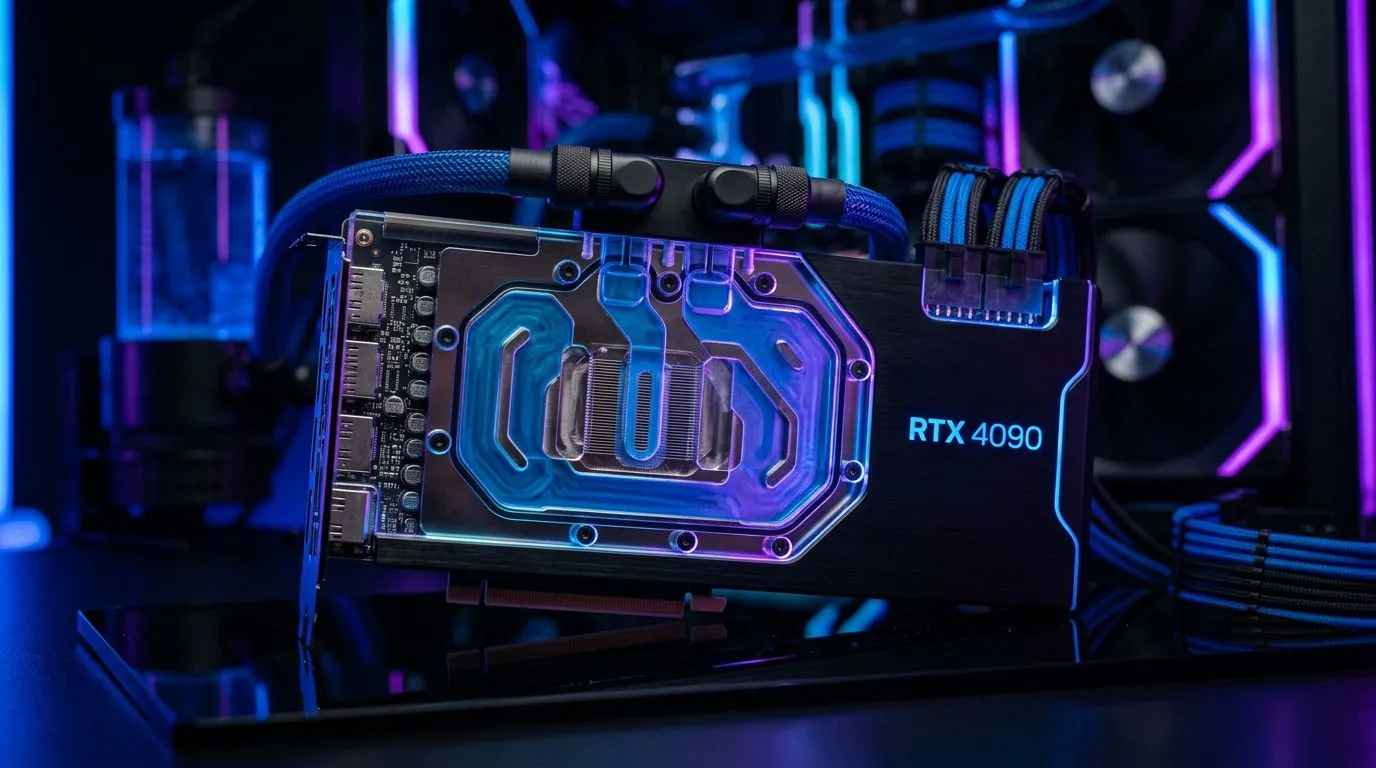
Liquid-Cooled GPU Performance in South Africa: Cooling Tips gamers can trust
South African heat is no joke… and neither is stutter when your GPU hits throttle temps. If you’ve ever opened your PC at night, felt that “warm” air, and wondered why your FPS drops after a match, this guide is for you. 🔧
Today we’ll focus on Liquid-Cooled GPU Performance in South Africa: Cooling Tips that actually help in real homes, with real dust, and real loadshedding-ready schedules. You’ll learn how to set cooling targets, spot early signs of trouble, and squeeze stability out of your setup.
Liquid-Cooled GPU Performance in South Africa: Cooling Tips start with the basics
Liquid cooling usually means a GPU that stays cooler, more consistent, and often quieter… but only if airflow and maintenance are correct. Think of your loop as a “temperature highway”. If the highway is blocked (dust, poor fan placement, hot exhaust), your performance suffers.
Get airflow right before you chase temps 🔥
A fast liquid loop can’t overcome a badly ventilated case. Aim for:
- Front/bottom intake for fresh cool air
- Rear/top exhaust to push hot air out
- Avoid fans fighting each other (same side intake vs exhaust)
If you’re building or upgrading, start with a GPU that fits your workflow and case space. Then match it with a sensible cooling layout.
Choose the right GPU cooling ecosystem (and check fitment) ✨
GPU models vary in cooler design, radiator compatibility (in AIO setups), and power limits. If you’re buying new hardware, it helps to narrow down the exact card family first, then refine around cooling.
Browse Evetech’s GPU options to match your build goals:
- MSI cards: MSI graphics cards
- Radeon options: Radeon Graphics Cards
- Full GeForce range: NVIDIA GeForce graphics cards
- All available options: graphics cards at Evetech
Liquid-Cooled GPU Performance in South Africa: Cooling Tips for safer temperatures
When you tune cooling, the goal is not “as cold as possible”. The goal is stable boost clocks and safe operating temperatures over long sessions.
Monitor the right metrics (not just one number) ⚡
Use monitoring software to check at least:
- GPU hotspot temperature (often the real limiter)
- GPU core temperature
- Fan or pump behaviour (fans ramping wildly can mean airflow imbalance)
- Clock stability during a consistent workload
If you only watch “GPU temp”, you can miss hotspot spikes that lead to sudden throttling.
Dust is the silent FPS killer in SA summers
Dust reduces radiator and heatsink heat transfer. South African homes can get dusty fast due to open windows and road dust.
Practical cadence:
- Light dust check every 4–6 weeks
- Deeper clean every 2–3 months (more often if you have pets or lots of indoor air movement)
When cleaning:
- Power down fully, unplug, and let the PC cool.
- Use compressed air gently. Don’t spin fans with high-pressure air.
Productivity Pro Tip ⚡
On Windows, open Resource Monitor and keep an eye on GPU usage during your gaming session. If temps spike while utilisation stays low, you might have a background process causing unnecessary load. Then fix the root issue instead of only chasing cooling numbers.
Liquid-Cooled GPU Performance in South Africa: Cooling Tips for real-world loads
Loadshedding changes how people use PCs. You might start a session with the room hot, fans dusty, and the system already warm from earlier tasks.
Pre-heat your room to avoid surprise throttling
It sounds odd, but here’s the idea: give the PC a minute to stabilise.
- Start your game after the system has been running for a short while
- If your room is hot, expect higher baseline temps
- Ensure your case fans reach normal speeds before heavy gameplay
Control fan curves gently, not aggressively
Over-aggressive fan curves can create loud oscillations and doesn’t always improve cooling.
Suggested approach:
- Keep fan curves “smooth”
- Raise ramp points gradually
- Prioritise stable behaviour over instant max fan spin
If you’re unsure what settings your card supports, stay within manufacturer guidance. Evetech’s product pages can help you confirm model-specific information before you change anything.
Liquid-Cooled GPU Performance in South Africa: Cooling Tips that protect your investment
Liquid cooling is an investment. You want reliability, not guesswork.
Check for early signs of trouble 🔧
Watch for:
- Higher temps than before at the same room temperature
- Pump/fan noise changes
- Performance drops after a short while (possible throttling)
- Inconsistent clocks during the same benchmark
If any of these show up, don’t immediately assume the worst. Start with airflow and dust. Then verify monitoring readings. After that, consider whether your thermal paste or loop health needs attention.
Liquid-Cooled GPU Performance in South Africa: Cooling Tips summary
If you want Liquid-Cooled GPU Performance in South Africa: Cooling Tips that deliver, remember:
- Fix airflow first (intake/exhaust balance matters)
- Monitor hotspot and core temps together
- Clean dust regularly, especially in summer conditions
- Tune fan behaviour smoothly, and stabilise usage patterns
- Buy the right card for your case and cooling style
Ready to game longer sessions without random temp throttles? Let’s get you the right GPU and cooling setup.
Ready to Find Your Perfect Match? The Mac vs Windows debate is complex, but for maximum power, choice, and value in South Africa, Windows is hard to beat. Explore our massive range of laptop specials and find the perfect machine to conquer your world.











